> ## Documentation Index
> Fetch the complete documentation index at: https://basedash.com/docs/llms.txt
> Use this file to discover all available pages before exploring further.
# Introduction
> The AI-native business intelligence platform
Basedash lets you create beautiful charts and dashboards using natural language. Just describe what you want to see and Basedash will generate the rest.
For a product overview outside the docs, see the Basedash [AI chat](https://www.basedash.com/features/ai-chat) and [dashboards](https://www.basedash.com/features/dashboards) pages.
## What makes Basedash different?
Unlike traditional BI tools, Basedash uses AI to do the heavy lifting. Instead of manually writing SQL queries or clicking through complex chart builders, you can simply:
* **Describe your [charts](/features/charts) in plain English** - "Show me monthly revenue growth" or "Compare sales by region"
* **[Chat with your data](/features/chat)** - Ask follow-up questions and drill deeper into your insights
* **Get instant visualizations** - AI automatically chooses the best [chart type](/features/chart-types/introduction) and formatting
* **Collaborate with your team** - Share [dashboards](/features/dashboards) and insights across your organization
If you're comparing Basedash with traditional BI platforms, start with the [BI tools comparison hub](https://www.basedash.com/vs).
## Signing up
Basedash is now available to everyone! You can [sign up here](https://charts.basedash.com/signup) to get started. The signup process is simple:
1. Create your account using your email
2. Verify your email
3. Start connecting your data sources and building [charts](/features/charts)
## Getting started
Once you have access to Basedash, you can connect your data and start creating [dashboards](/features/dashboards).
Connect your data sources to Basedash
Collaborate with your team in Basedash
### Watch our getting started guide
## Need help?
If you have any questions or need assistance:
* Check out our detailed guides in the documentation
* Join our [Slack community](https://join.slack.com/t/basedash-community/shared_invite/zt-2yp3j2f8n-0JAyR_wCH8fhY6r2AVqA_w)
* Email us at [support@basedash.com](mailto:support@basedash.com)
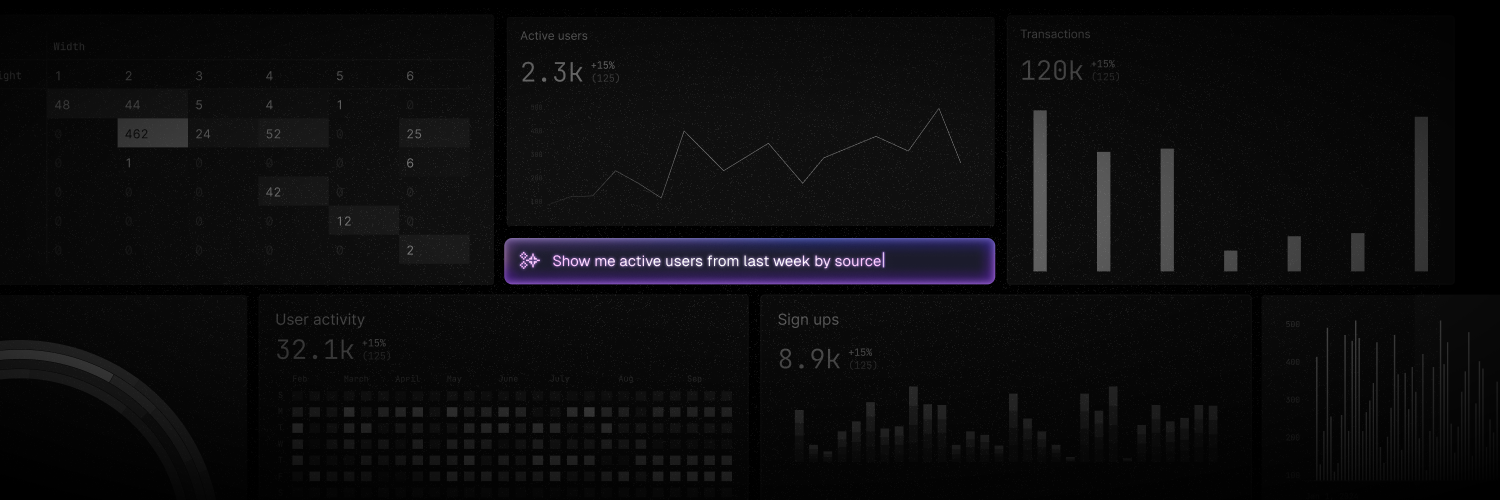 Basedash lets you create beautiful charts and dashboards using natural language. Just describe what you want to see and Basedash will generate the rest.
For a product overview outside the docs, see the Basedash [AI chat](https://www.basedash.com/features/ai-chat) and [dashboards](https://www.basedash.com/features/dashboards) pages.
## What makes Basedash different?
Unlike traditional BI tools, Basedash uses AI to do the heavy lifting. Instead of manually writing SQL queries or clicking through complex chart builders, you can simply:
* **Describe your [charts](/features/charts) in plain English** - "Show me monthly revenue growth" or "Compare sales by region"
* **[Chat with your data](/features/chat)** - Ask follow-up questions and drill deeper into your insights
* **Get instant visualizations** - AI automatically chooses the best [chart type](/features/chart-types/introduction) and formatting
* **Collaborate with your team** - Share [dashboards](/features/dashboards) and insights across your organization
If you're comparing Basedash with traditional BI platforms, start with the [BI tools comparison hub](https://www.basedash.com/vs).
## Signing up
Basedash is now available to everyone! You can [sign up here](https://charts.basedash.com/signup) to get started. The signup process is simple:
1. Create your account using your email
2. Verify your email
3. Start connecting your data sources and building [charts](/features/charts)
## Getting started
Once you have access to Basedash, you can connect your data and start creating [dashboards](/features/dashboards).
Basedash lets you create beautiful charts and dashboards using natural language. Just describe what you want to see and Basedash will generate the rest.
For a product overview outside the docs, see the Basedash [AI chat](https://www.basedash.com/features/ai-chat) and [dashboards](https://www.basedash.com/features/dashboards) pages.
## What makes Basedash different?
Unlike traditional BI tools, Basedash uses AI to do the heavy lifting. Instead of manually writing SQL queries or clicking through complex chart builders, you can simply:
* **Describe your [charts](/features/charts) in plain English** - "Show me monthly revenue growth" or "Compare sales by region"
* **[Chat with your data](/features/chat)** - Ask follow-up questions and drill deeper into your insights
* **Get instant visualizations** - AI automatically chooses the best [chart type](/features/chart-types/introduction) and formatting
* **Collaborate with your team** - Share [dashboards](/features/dashboards) and insights across your organization
If you're comparing Basedash with traditional BI platforms, start with the [BI tools comparison hub](https://www.basedash.com/vs).
## Signing up
Basedash is now available to everyone! You can [sign up here](https://charts.basedash.com/signup) to get started. The signup process is simple:
1. Create your account using your email
2. Verify your email
3. Start connecting your data sources and building [charts](/features/charts)
## Getting started
Once you have access to Basedash, you can connect your data and start creating [dashboards](/features/dashboards).