> ## Documentation Index
> Fetch the complete documentation index at: https://basedash.com/docs/llms.txt
> Use this file to discover all available pages before exploring further.
# Welcome to Basedash
> The AI-native business intelligence platform
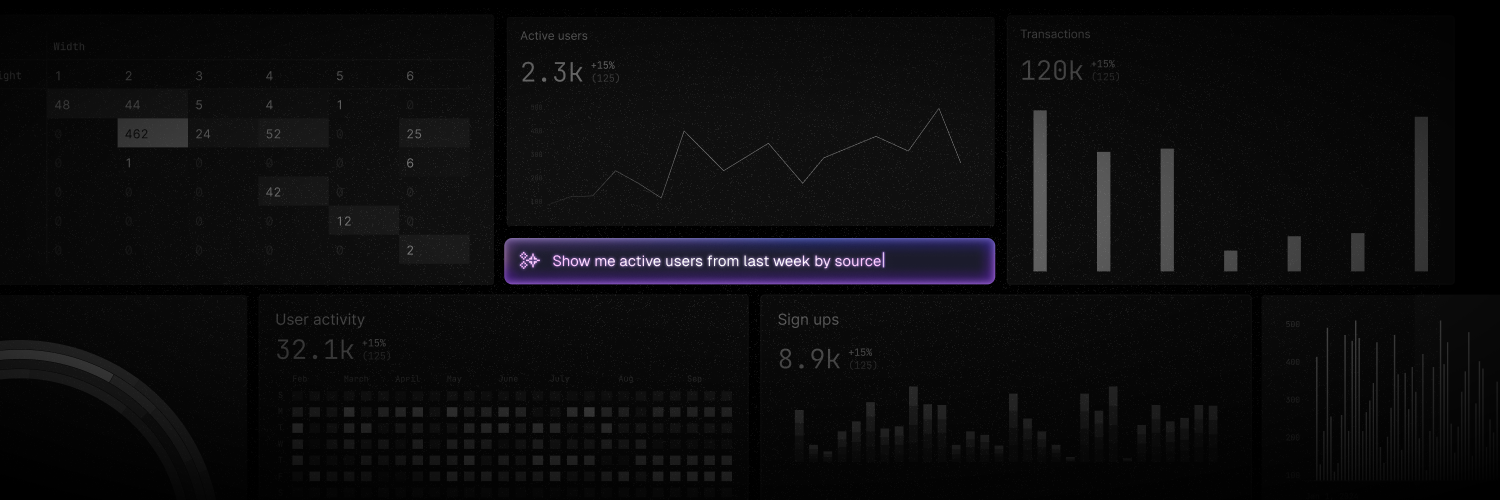
Basedash is an AI-native business intelligence platform. It turns natural-language questions into answers, charts, dashboards, and automations on top of your live company data. Connect your databases, warehouses, and SaaS tools, describe what you want to know, and Basedash writes the SQL, runs it, and shows you the result.
## Start here
Connect your data, ask a question, and share a dashboard
The building blocks of Basedash and how they fit together
Connect a database, a warehouse, or 750+ SaaS tools
## Explore the docs
Chat with your data in plain English and get answers with the SQL behind
them
Create dashboards and charts, add filters, and write SQL when you need to
Get insights and automations delivered to Slack and email
Define models and AI context so answers use your business definitions
Use Basedash from Slack and MCP clients, and connect MCP tools
Manage access, security, SSO, and your plan
Use the REST API and embed Basedash in your product
Run Basedash on your own infrastructure
## Popular pages
* [Chat](/docs/features/chat)
* [Dashboards](/docs/features/dashboards)
* [Automations](/docs/features/automations)
* [Models](/docs/features/models)
* [AI context](/docs/features/ai-context)
* [Slack](/docs/features/slack)
* [MCP server](/docs/features/mcp-server)
* [Invite your team](/docs/getting-started/invite-team)
* [Basedash everywhere](/docs/getting-started/basedash-everywhere)
## Watch the getting started guide
## Use these docs with AI
Every page is available as Markdown by adding `.md` to its URL, and the full index is at [`/docs/llms.txt`](https://www.basedash.com/docs/llms.txt). Point your AI assistant at either to give it current Basedash docs.
## Need help?
Check the [FAQ](/docs/help/faq), or email [support@basedash.com](mailto:support@basedash.com).
This documentation is built and hosted on [Mintlify](https://mintlify.com), a developer documentation platform.
 Basedash is an AI-native business intelligence platform. It turns natural-language questions into answers, charts, dashboards, and automations on top of your live company data. Connect your databases, warehouses, and SaaS tools, describe what you want to know, and Basedash writes the SQL, runs it, and shows you the result.
## Start here
Basedash is an AI-native business intelligence platform. It turns natural-language questions into answers, charts, dashboards, and automations on top of your live company data. Connect your databases, warehouses, and SaaS tools, describe what you want to know, and Basedash writes the SQL, runs it, and shows you the result.
## Start here