

Documentation Index
Fetch the complete documentation index at: https://basedash.com/docs/llms.txt
Use this file to discover all available pages before exploring further.
Chats are easier to share and collaborate on
Chats now use the same kind of grant-based sharing model as the rest of Basedash. That makes it much easier to control who can see or manage a chat, and it makes chat sharing feel more consistent with the way dashboards and other resources already work.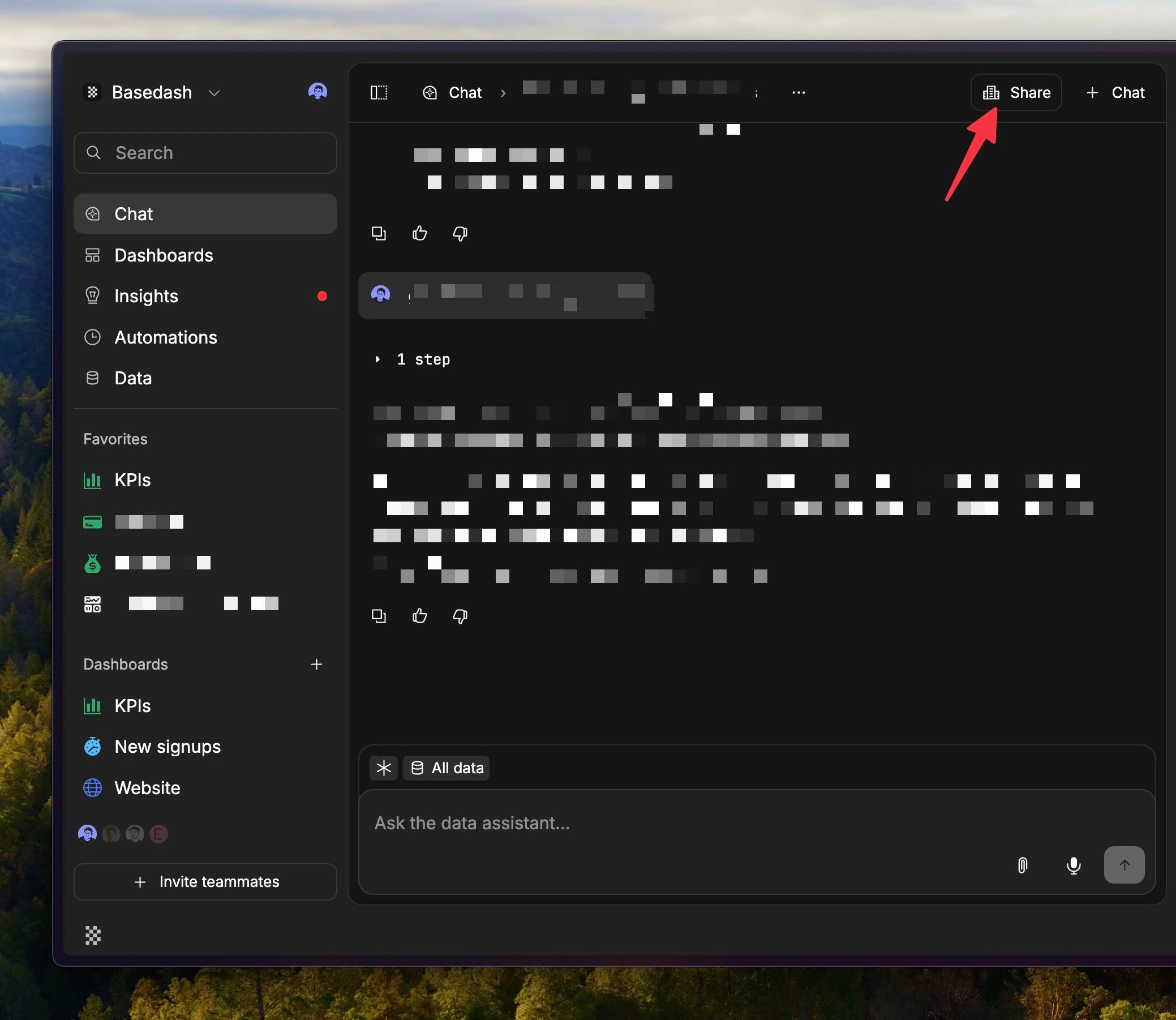
Insights are easier to generate on demand
You can now manually generate an insight from the Insights page whenever you want one, instead of waiting for the next scheduled run. That makes it easier to pull a fresh insight right after your data changes or when you want to actively explore a question. We also increased the reasoning effort behind Insights. In practice, that should make Insights feel more thoughtful on harder questions and more useful when you want something that goes beyond a quick summary.
Connector setup feels smoother end-to-end
The connector setup flow got a broad UX cleanup. Forms are easier to read, descriptions render more cleanly, keyboard submission feels better, and loading states feel more polished instead of looking like unfinished placeholder UI. We also fixed some rough edges after setup. New connectors now take you to the connector page directly, brand-new warehouses no longer look broken before their first sync, and SQL autocomplete handles names with special characters more cleanly.Fixes and improvements
- Improved dashboard auto-refresh so large dashboards do less unnecessary work and stay more stable under frequent refreshes.
- Fixed mobile dashboards so charts render reliably on smaller screens.
- Fixed the chat composer getting stuck in “Generating…” after an AI response had already finished.
- Preserved chart version history when reopening charts from dashboards and made reverted AI versions show up correctly in the timeline.
- Added character counters and sensible limits across AI context fields so it is easier to tune context without guessing.
- Improved MCP connector OAuth setup so supported servers request better scopes and launch authorization more reliably.
- Enabled automations in embedded sidebars, with an option to hide them when they do not belong in the embed.
- Improved number chart sizing so large metric cards render more consistently.
- Improved the billing AI usage breakdown so system-generated usage is visible alongside user-attributed usage.