Introducing the Basedash MCP server
Max Musing
 Max MusingFounder and CEO of Basedash
· May 7, 2026
Max MusingFounder and CEO of Basedash
· May 7, 2026
Max Musing
Max MusingFounder and CEO of Basedash
· May 7, 2026
Today we’re launching the Basedash MCP server, a single remote endpoint that turns Basedash into a tool any AI client can call.
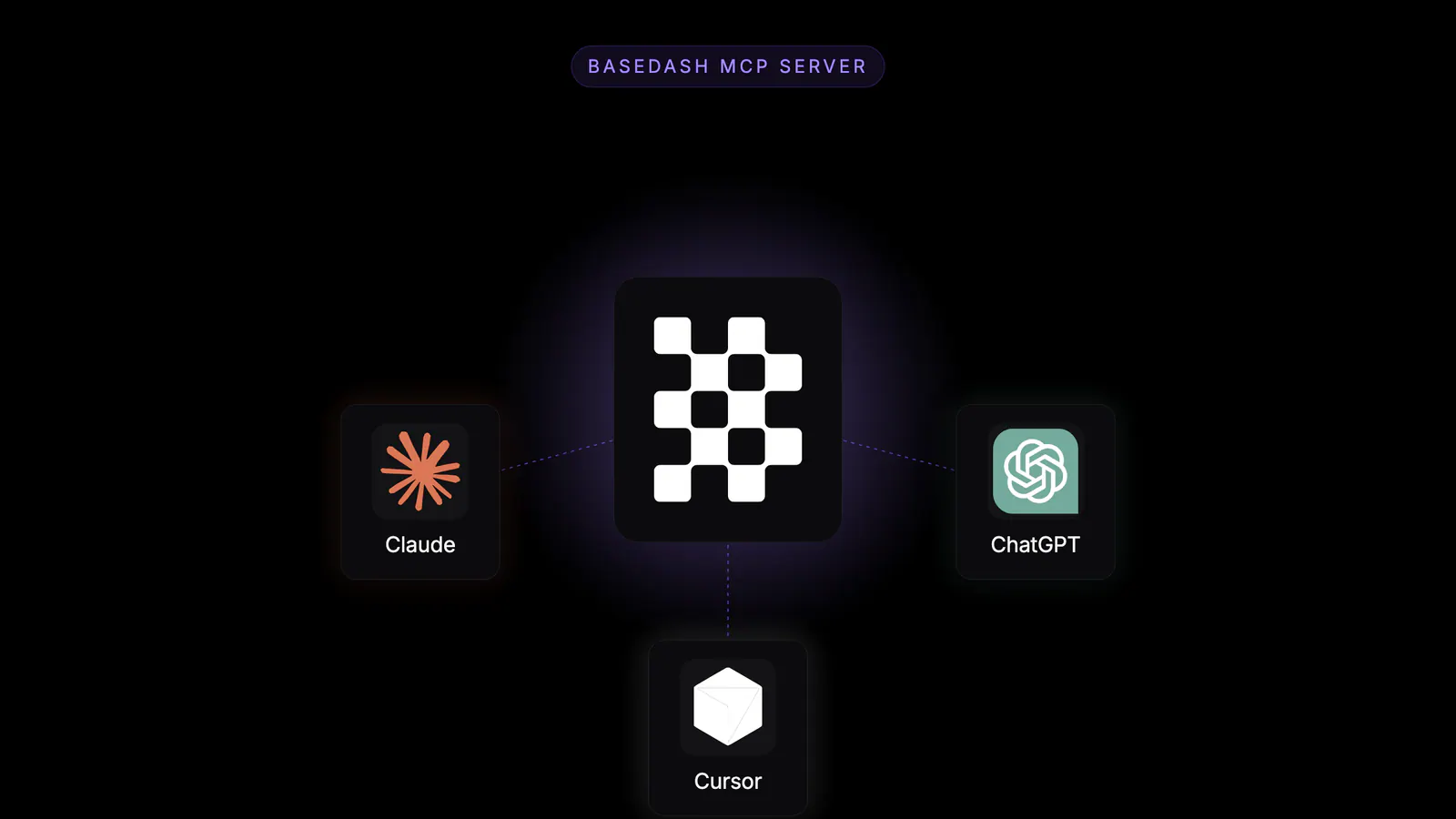
Connect Claude Code, Cursor, ChatGPT, Windsurf, or any other MCP-compatible client to one URL, run through an OAuth flow, and Basedash shows up as a tool the moment you’re done. Ask data questions in plain English and get answers with numbers, charts, and reasoning, without leaving the chat or editor you already work in.
How people use data has changed. A year ago the question was “how do I get to an answer faster inside my BI tool?” Today the question is “how do I get the answer inside the agent I’m already talking to?”
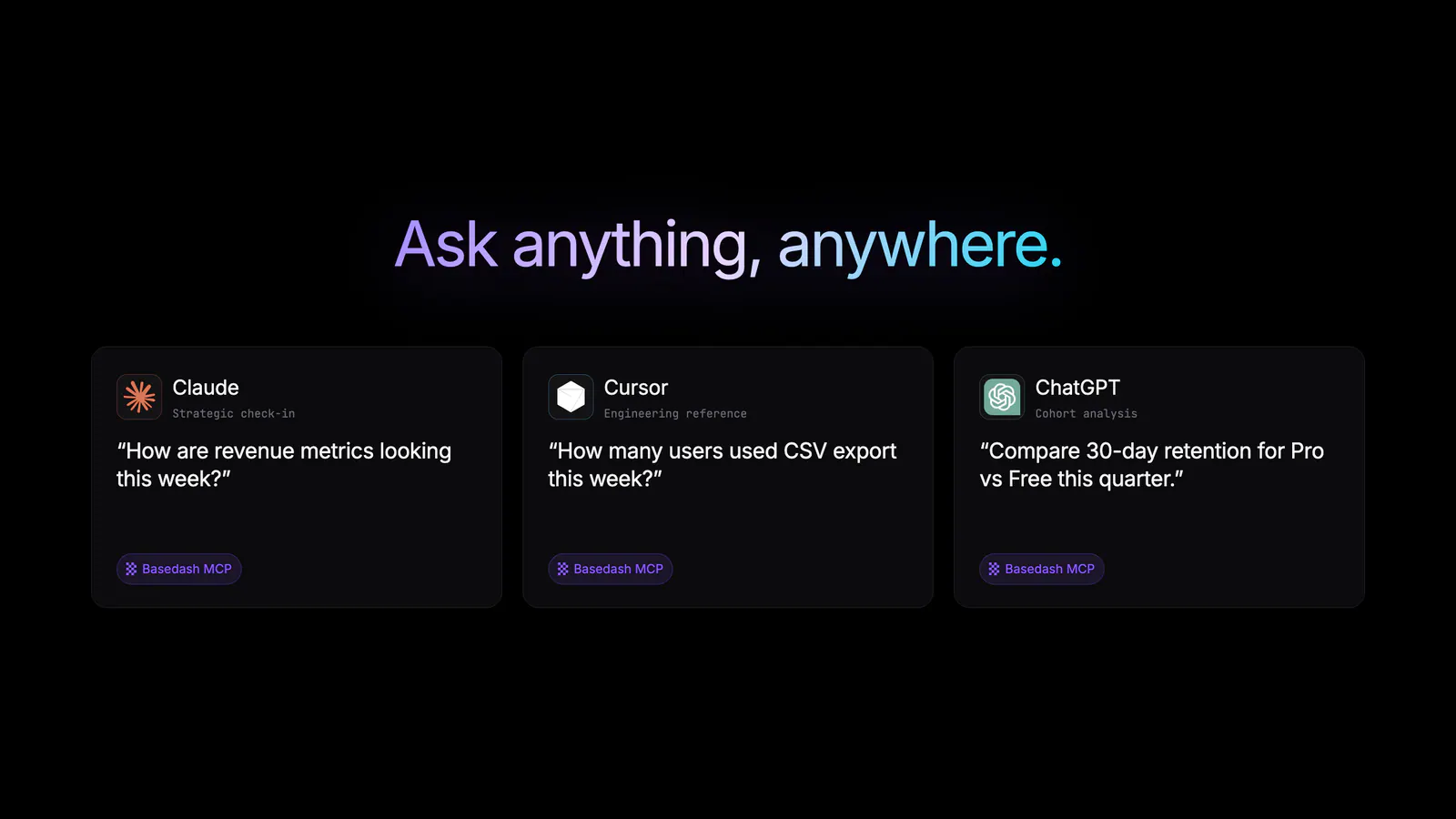
Engineers debugging in Cursor want feature-usage numbers without context-switching to a dashboard. Product managers in Claude want to compare cohort retention while drafting a spec. Operators in ChatGPT want last week’s revenue alongside the rest of their workflow. Each of those moments is an analytics question, and forcing a tab switch to answer it interrupts whatever they were doing.
The Basedash MCP server brings BI to where people already are instead of pulling them back into a BI app. The agent gets a data analyst on call, and the team doesn’t have to switch tools.
It takes one URL and one OAuth flow:
https://charts.basedash.com/api/public/mcp into your client as a remote streamable-HTTP MCP server.claude mcp add basedash --transport http https://charts.basedash.com/api/public/mcpYou don’t need API keys, pasted tokens, or a proxy.
We deliberately kept the surface small, with two tools that each cover a lot of ground.
ask_question is a back-and-forth with your data analyst. Pose a question in plain English (“trial-to-paid conversion by signup source, last 12 weeks, top 3 sources”) and get an answer. It handles quick lookups, deeper trends, comparisons, and strategic analysis with the same engine that runs Basedash chat. It generates and validates SQL behind the scenes, returns numbers, charts, and reasoning, and continues the same chat across follow-ups.
get_data_sources shows what’s available before you ask. It lists every connected database, warehouse, and SaaS source in your workspace so the client knows where to point a question: direct databases like Postgres and MySQL, warehouses like BigQuery and Snowflake, and 750+ SaaS apps via Fivetran or MCP connectors.
Our most important design decision was that MCP exposes whatever an account can see inside Basedash and nothing more.
That means you can roll MCP out to engineering, product, and ops without rebuilding governance from scratch. Agents inherit the same permission model your team already trusts in Basedash.
We’ve been running the MCP server internally and with a handful of customers for the last few weeks. A few patterns keep showing up:
In each case, analytics comes to whichever agent you’re already talking to.
The Basedash MCP server is available today for all Basedash workspaces.
https://charts.basedash.com/api/public/mcp as a remote MCP server in your client of choiceFor install steps specific to Claude Code, Cursor, ChatGPT, Windsurf, and other clients, see the MCP server feature page and the docs.
The MCP server is the second half of how we think about Basedash and the agent ecosystem. MCP connectors let external apps act through Basedash’s agent, and the MCP server lets external agents read through Basedash’s analyst. Together, they make your data and the actions around it reachable from whichever client your team prefers.
With AI chat inside Basedash, Insights for proactive findings, Automations for scheduled workflows, and the Dashboard Agent for end-to-end dashboard generation, Basedash is now a complete AI-native BI platform that works inside our app or inside any AI tool you bring.
Try the Basedash MCP server today in the AI client your team already uses.
Written by

Founder and CEO of Basedash
Max Musing is the founder and CEO of Basedash, an AI-native business intelligence platform designed to help teams explore analytics and build dashboards without writing SQL. His work focuses on applying large language models to structured data systems, improving query reliability, and building governed analytics workflows for production environments.
Basedash lets you build charts, dashboards, and reports in seconds using all your data.