Introducing Basedash Automations
Max Musing
 Max MusingFounder and CEO of Basedash
· April 22, 2026
Max MusingFounder and CEO of Basedash
· April 22, 2026
Max Musing
Max MusingFounder and CEO of Basedash
· April 22, 2026
Today we’re launching Automations, AI-powered workflows that run on your data 24/7.
Tell an automation what you want to know and pick when it should run: summarize the week every Friday at 10am, ping sales the moment a 100+ person company signs up, or page the on-call when error volume doubles. Each run produces a written analysis with charts and lands in Slack, email, or both.
You can spin up a whole team of AI analysts this way, each one configured to monitor what matters to your team.
Most of the work data teams do is the same handful of analyses, repeated over and over, such as the Friday roll-up, the morning ad-spend check, the quarterly board prep, and the alert that fires when something breaks.
Each one is straightforward by itself, but together they take up real time. And because a person has to sit down and run them, they only happen when someone remembers to look.
Automations turn those recurring analyses into background workflows. You set the question once, and from then on the AI pulls fresh data, runs the analysis, writes the summary, and delivers it where your team already works.
The next era of unicorn startups will be tiny teams that lean hard on agents to automate as much work as possible. Automations is our biggest step toward making that real for analytics.
Each automation has three pieces:
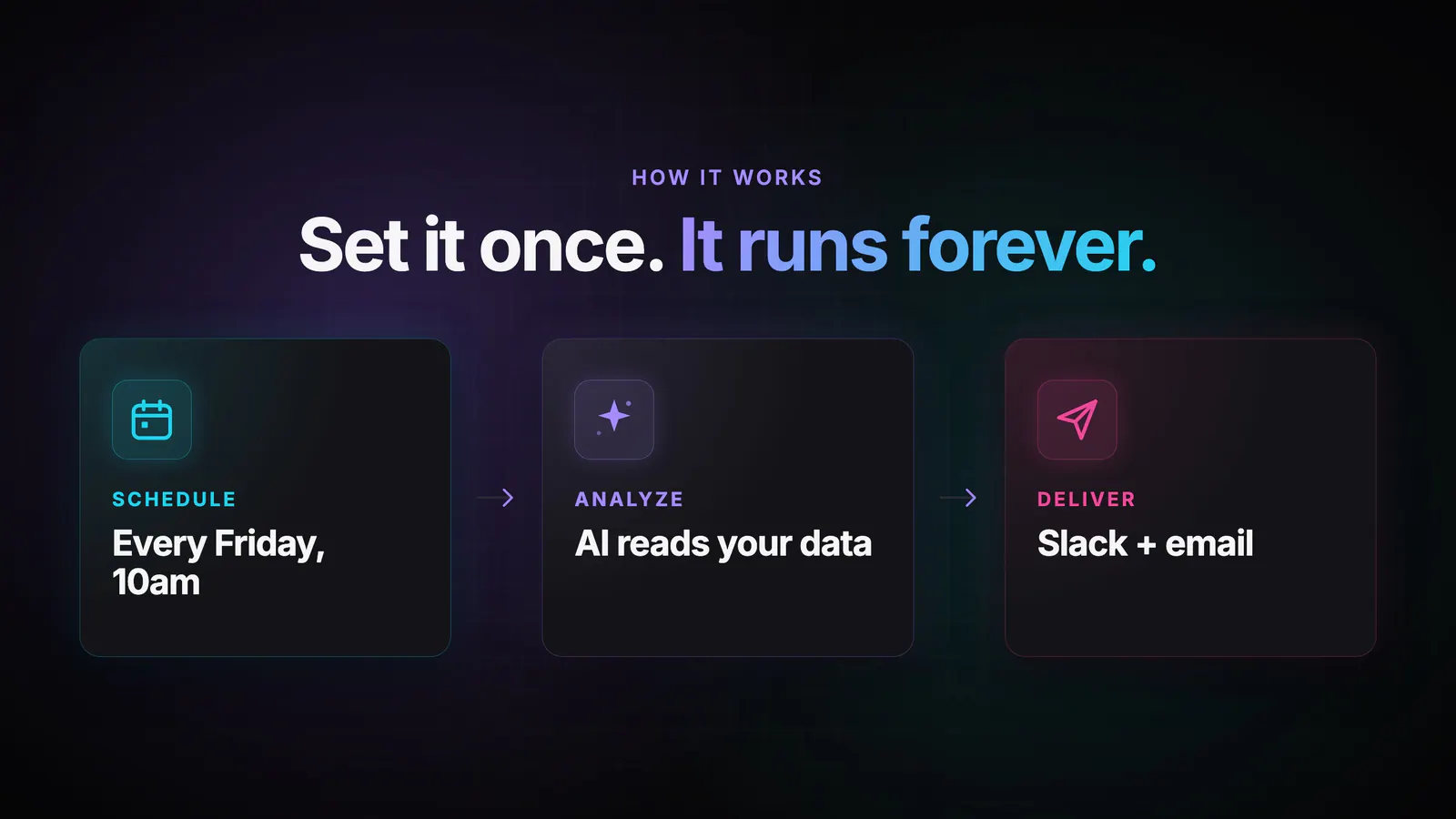
The AI joins data across every source you’ve connected (databases, warehouses, and 750+ SaaS tools via Fivetran) and produces a written briefing with the numbers, supporting charts, and the context that makes the result useful.
Every run is also saved as an in-app chat. You get a complete, searchable history of every analysis your team has ever run, and you can keep digging from any of them with follow-up questions.
Scheduled. Run on a fixed cadence: daily, weekdays, weekly, monthly, or quarterly. Best for recurring reports like a weekly company update or a daily error summary.
Data change. Fire when a SQL query returns new rows. Basedash checks your query every 15 minutes against a {{ last_run_at }} variable, and when something new comes in (a new signup, a new high-value order, a new support escalation), the AI analyzes it and sends results immediately.
Manual. Run on demand, whenever you need a fresh take.
You can switch between trigger types at any time, and the same instruction works across all three.
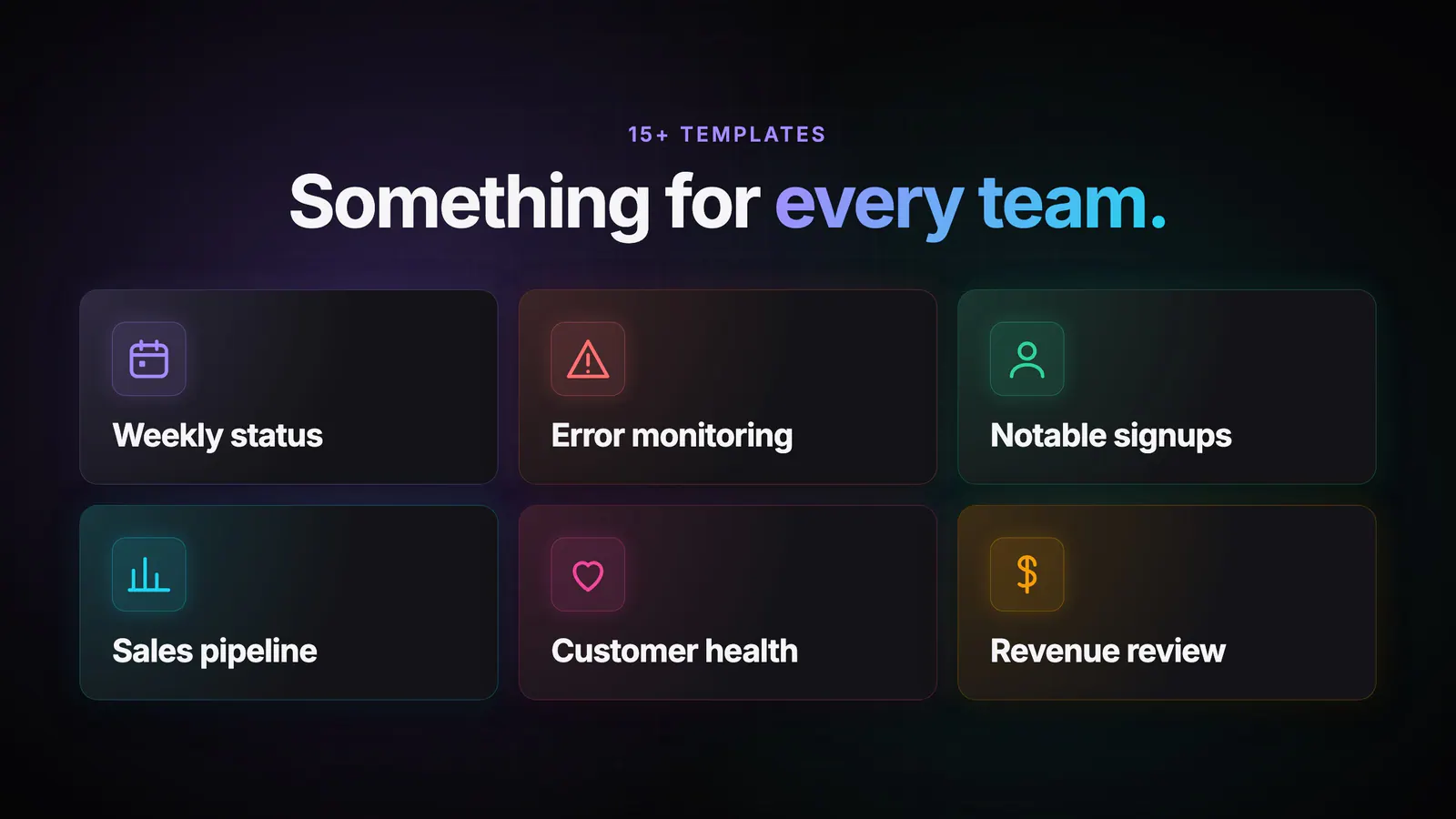
We’ve been dogfooding Automations internally for months, and a handful of customers have been running them in beta. The same few patterns come up again and again:
These used to be Monday-morning Slack threads, half-finished spreadsheets, or, most often, analyses that never got done. Now they show up on their own.
Automations are available today for all Basedash users.
For more details, check out the Automations feature page.
Automations is the third pillar of how we think analytics should work at Basedash, next to AI chat for ad-hoc questions and Insights for proactive findings the AI surfaces on its own. Automations covers the recurring workflows you want to set and forget, so every kind of analysis your team needs now has a home.
We’ll keep making automations smarter over time: richer triggers, more delivery channels, and tighter coordination with the rest of the platform so your AI analysts can build on each other’s work.
Try Automations today and hand off one of your recurring analyses.
Written by

Founder and CEO of Basedash
Max Musing is the founder and CEO of Basedash, an AI-native business intelligence platform designed to help teams explore analytics and build dashboards without writing SQL. His work focuses on applying large language models to structured data systems, improving query reliability, and building governed analytics workflows for production environments.
Basedash lets you build charts, dashboards, and reports in seconds using all your data.