Introducing Tasks: your operations, on autopilot
Max Musing
 Max MusingFounder and CEO of Basedash
· August 15, 2026
Max MusingFounder and CEO of Basedash
· August 15, 2026
Max Musing
Max MusingFounder and CEO of Basedash
· August 15, 2026
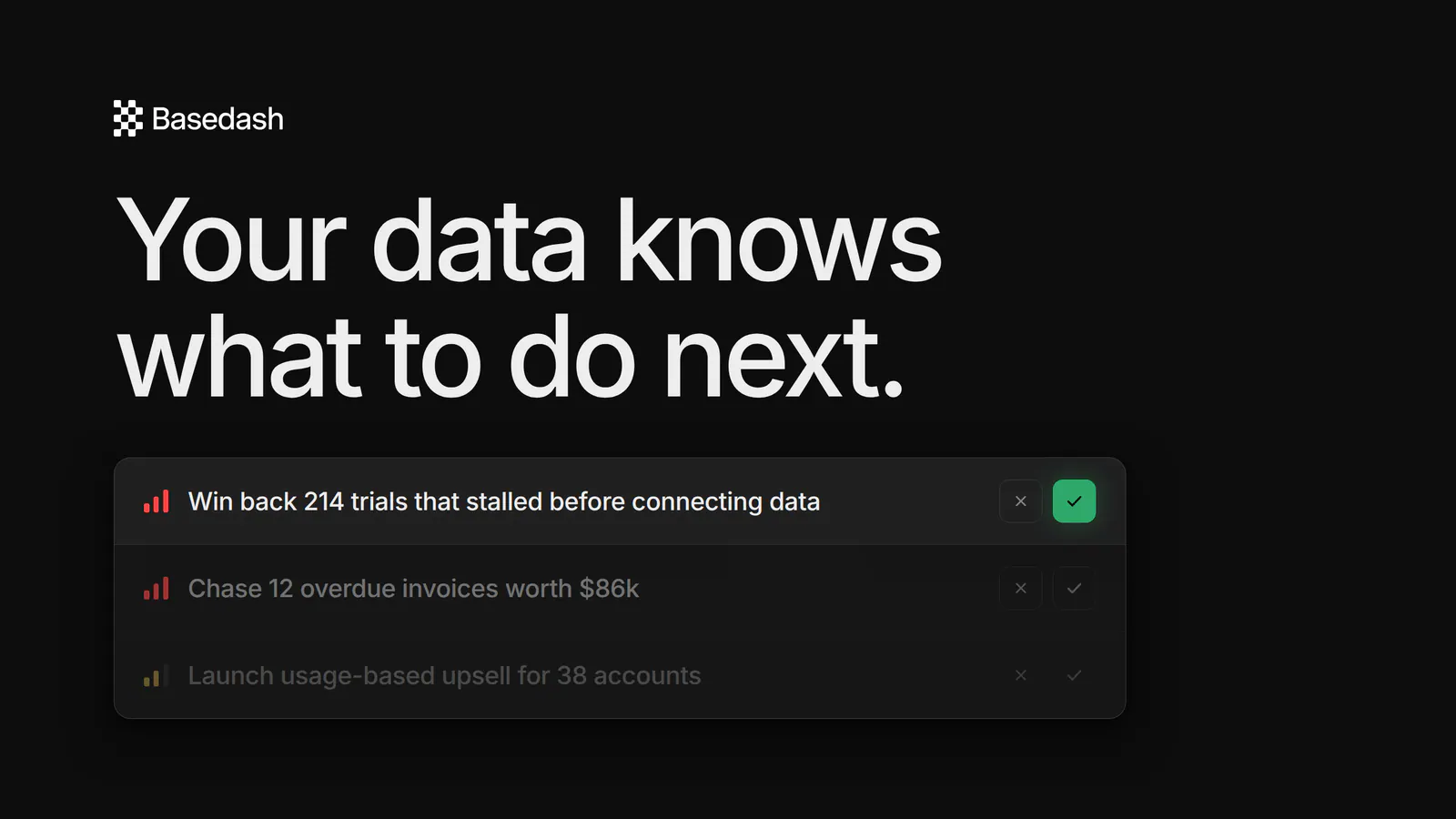
Today we’re launching Tasks in research preview. It’s AI that looks through your company’s data and figures out the specific, actionable things you should do to improve your business.
Dashboards are good at telling you what happened but bad at telling you what to do about it. Tasks reads your revenue, churn, activation, and pipeline, and hands you a prioritized backlog of concrete work. Each task includes the evidence for why it matters now, the outcome you should expect, and step-by-step instructions to get it done.
Many teams we talk to have the same setup: dashboards full of metrics, a weekly meeting where someone squints at them, and a backlog assembled from whoever spoke last. The data usually shows what’s wrong: 214 trials stalled before connecting a data source, 12 invoices worth $86k are overdue, onboarding is leaking at the invite step. But turning that into a plan is manual and slow, and it’s easy to skip.
Tasks does that step automatically. Click Generate tasks (or let Basedash keep your backlog topped up on its own) and the AI explores your connected data sources, looks at how you already measure the business through your dashboards, and writes a small batch of high-impact tasks, grouped by priority.
Each task comes with three things:
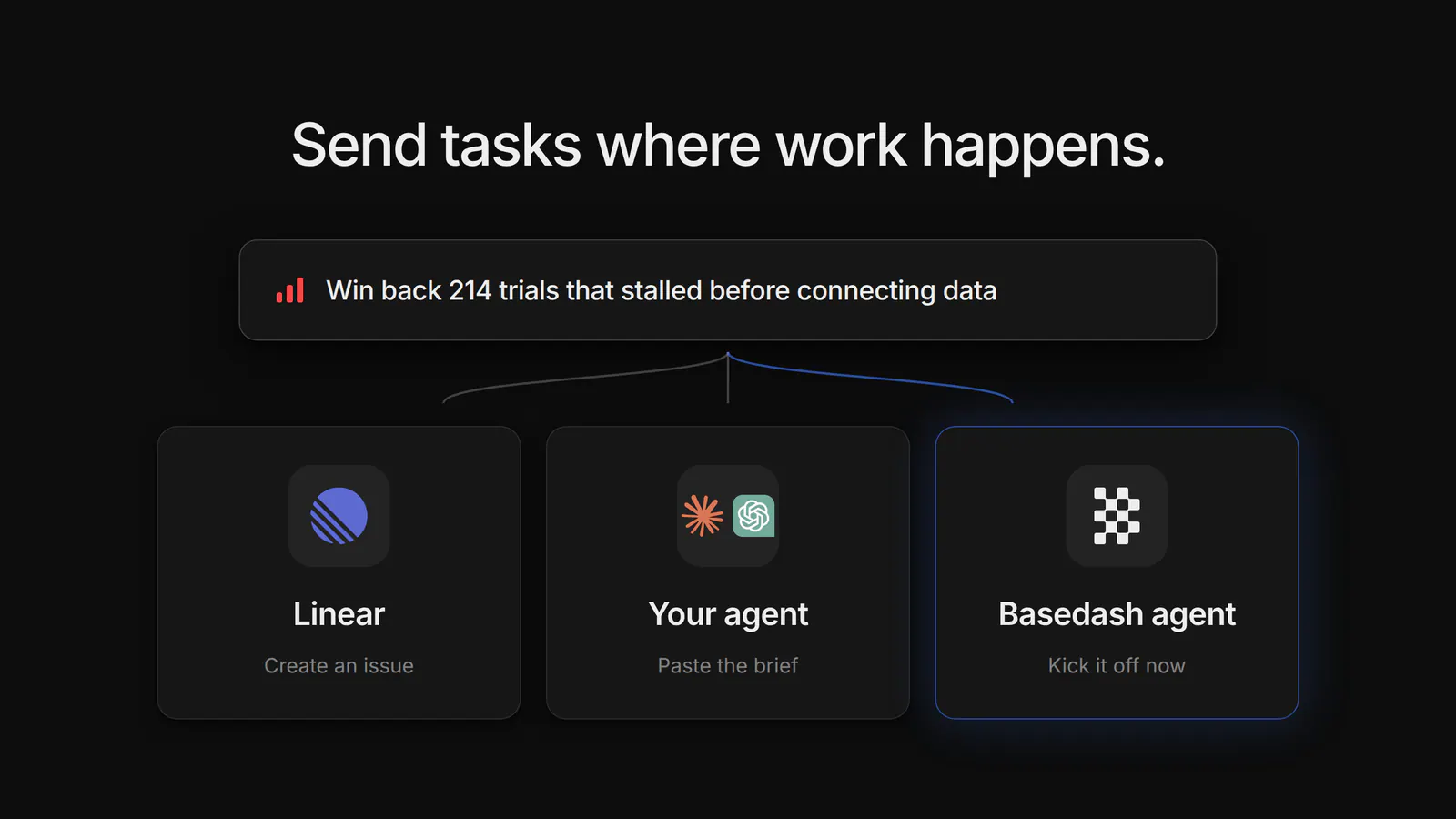
A recommendation is only useful if it turns into work. Every task is one click from your workflow:
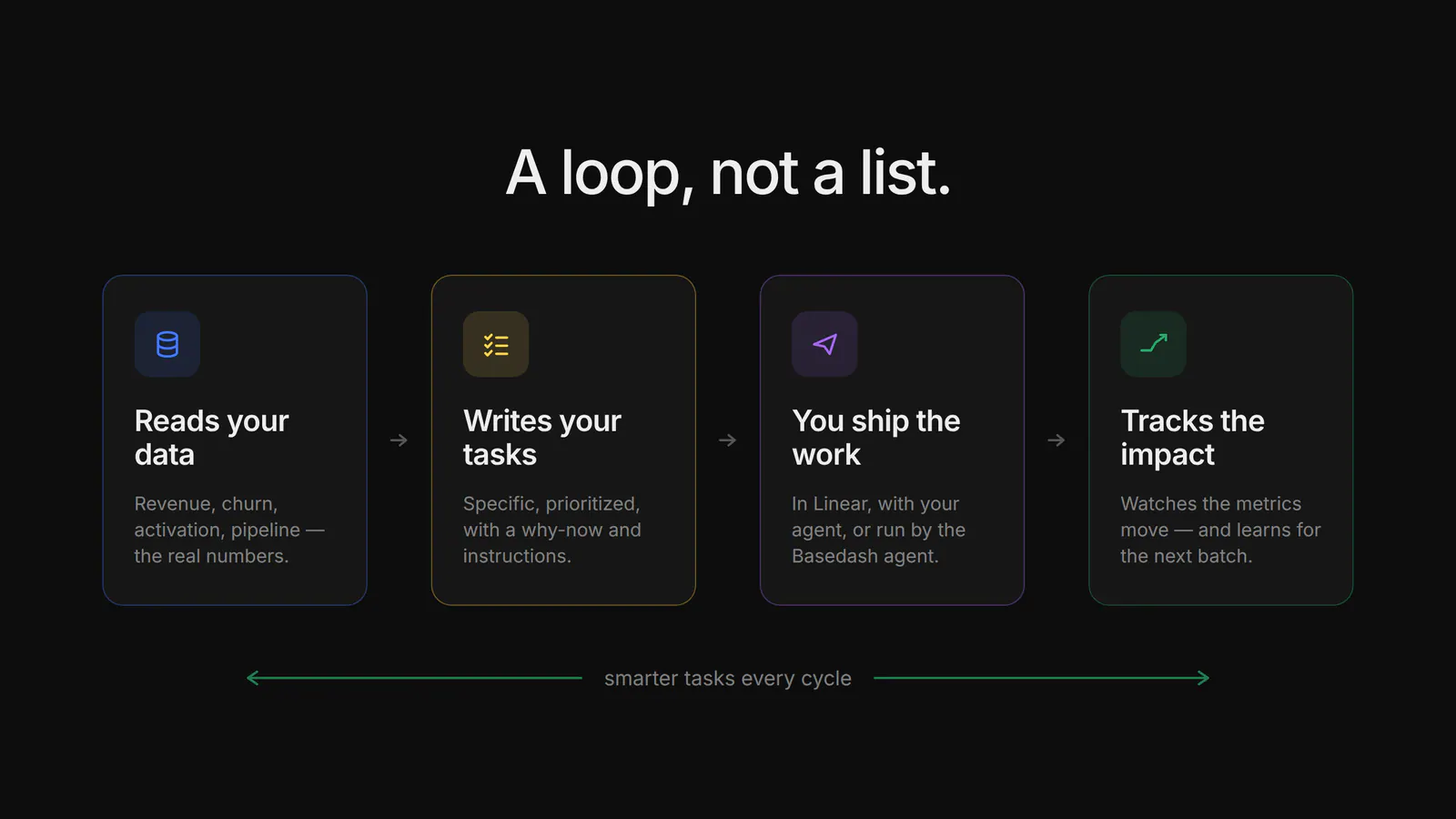
When you mark a task done, Basedash keeps watching the metrics that task was supposed to move. For example, it checks whether trial → paid conversion changed after the winback campaign shipped, and by how much.
Those results feed back into the system. Work that moved the numbers gets doubled down on, so the next batch might suggest scaling the winback play to churned annual accounts. Work that didn’t gets deprioritized. The longer you run the loop, the sharper the recommendations get, because they’re trained on what worked in your business rather than what works on average.
The long-term goal for Tasks is to automate more of your company’s operations, driven by your own data.
Tasks is shipping as a research preview. That means:
You can also set an automatic refill threshold, so whenever your pending backlog drops below it, Basedash generates the next batch for you.
Tasks joins AI chat for ad-hoc questions, Insights for findings the AI surfaces on its own, and Automations for recurring analyses. Tasks sits on top of them. It takes everything Basedash knows about your business, turns it into what you should do next, and then checks its own work against your metrics.
Try Tasks today to get a to-do list built from your data.
Written by

Founder and CEO of Basedash
Max Musing is the founder and CEO of Basedash, an AI-native business intelligence platform designed to help teams explore analytics and build dashboards without writing SQL. His work focuses on applying large language models to structured data systems, improving query reliability, and building governed analytics workflows for production environments.
Basedash lets you build charts, dashboards, and reports in seconds using all your data.