Introducing Basedash for Slack
Max Musing
 Max MusingFounder and CEO of Basedash
· June 12, 2026
Max MusingFounder and CEO of Basedash
· June 12, 2026
Max Musing
Max MusingFounder and CEO of Basedash
· June 12, 2026
Today we’re launching Basedash for Slack. Your AI data analyst now lives in the place your team already talks, and as of this week you can find it in the official Slack Marketplace.
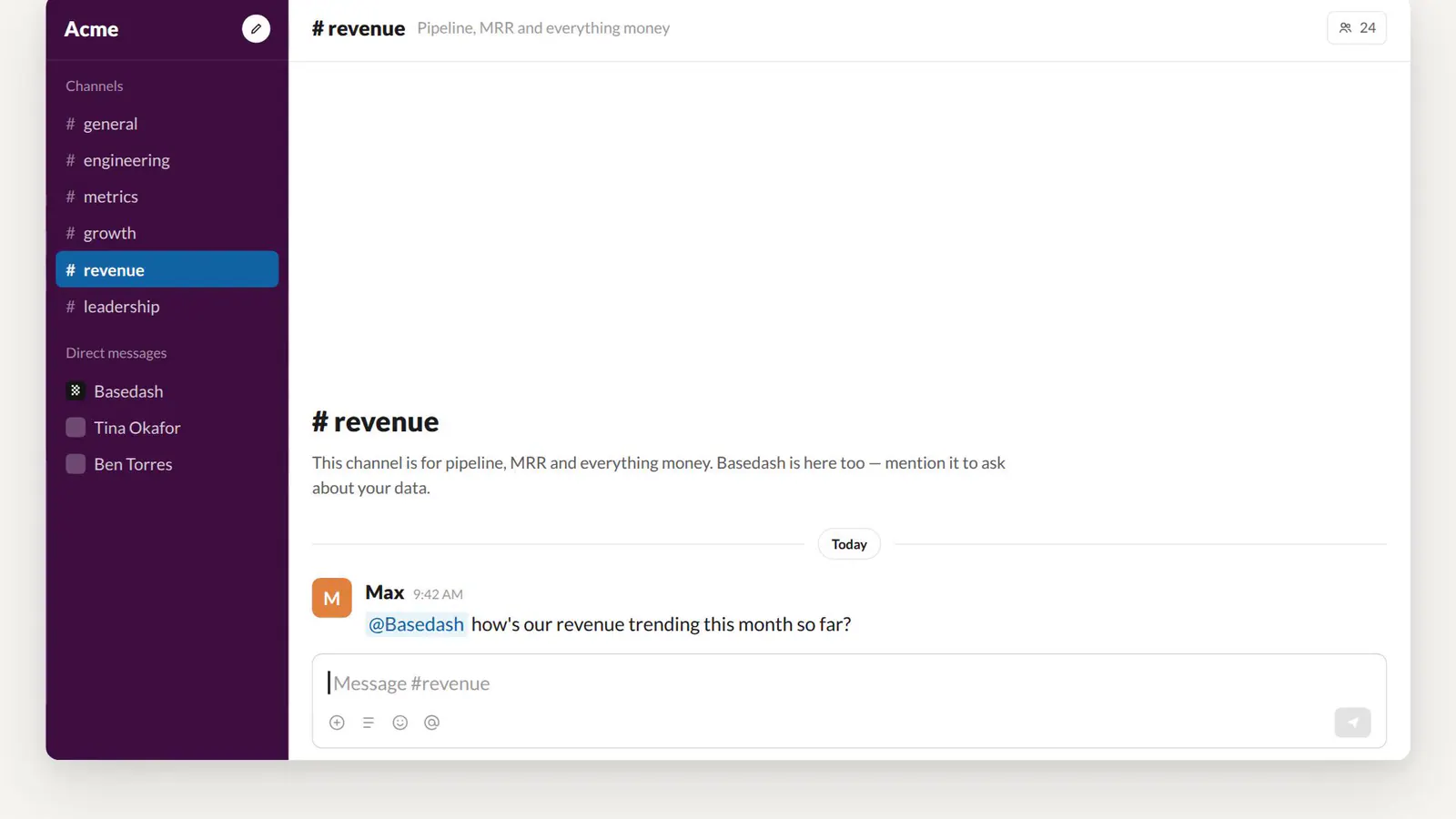
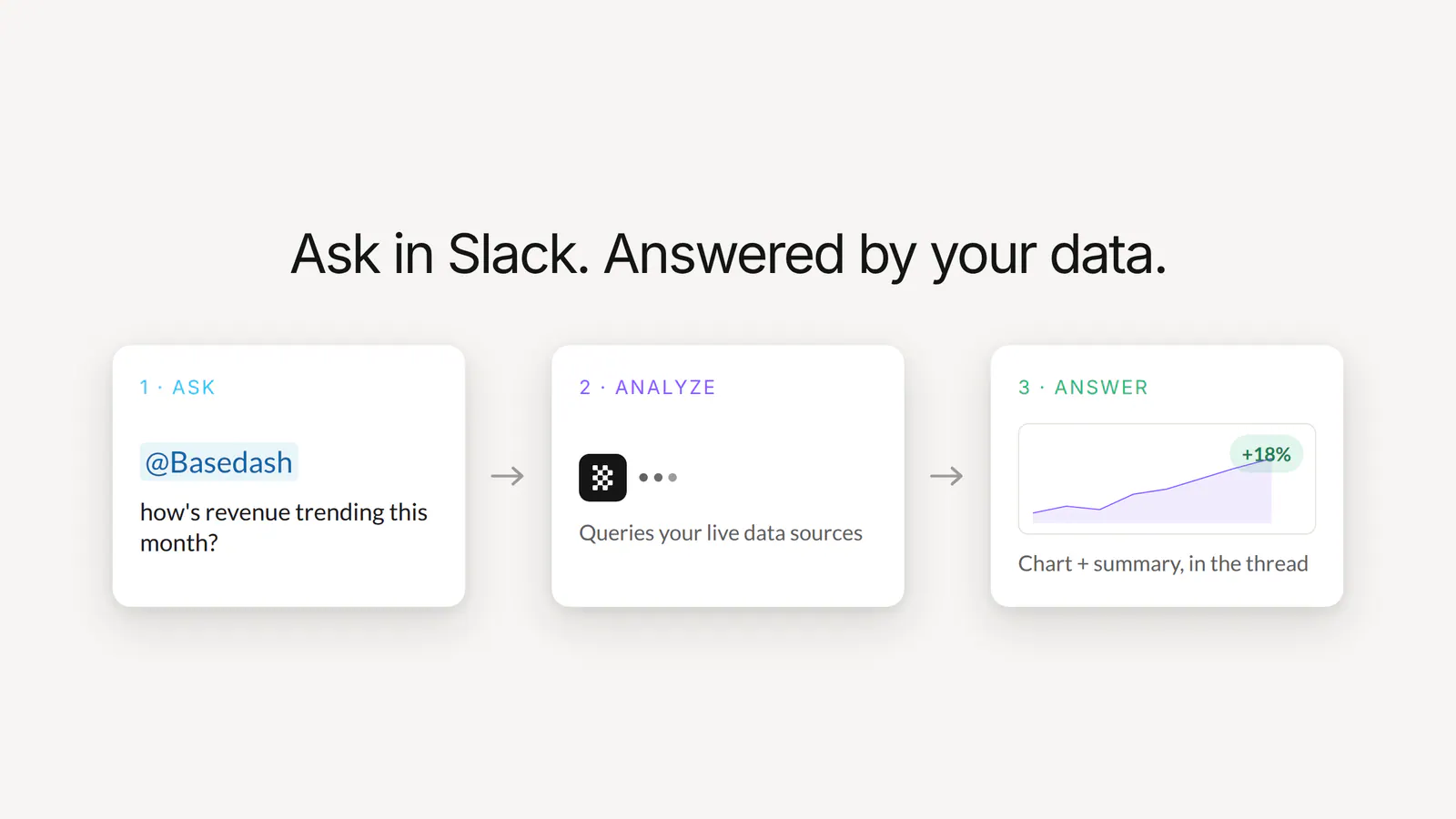
Mention @Basedash in any channel, ask a question in plain English, and the agent queries your connected data sources and replies in the thread with a written answer and the chart behind it, embedded in Slack.
Most data questions start in conversation. Someone asks “how’s revenue trending this month?” in a channel, and then the question goes somewhere else to get answered, like a BI tool, a SQL editor, or a ticket for the data team. By the time the answer comes back, the conversation has moved on.
With Basedash for Slack, the question and the answer stay in the same Slack thread, where the whole team can see them.
Type @Basedash in any channel or DM and ask away. The agent figures out which of your connected data sources holds the answer, writes and runs the queries, and checks its own work before replying.
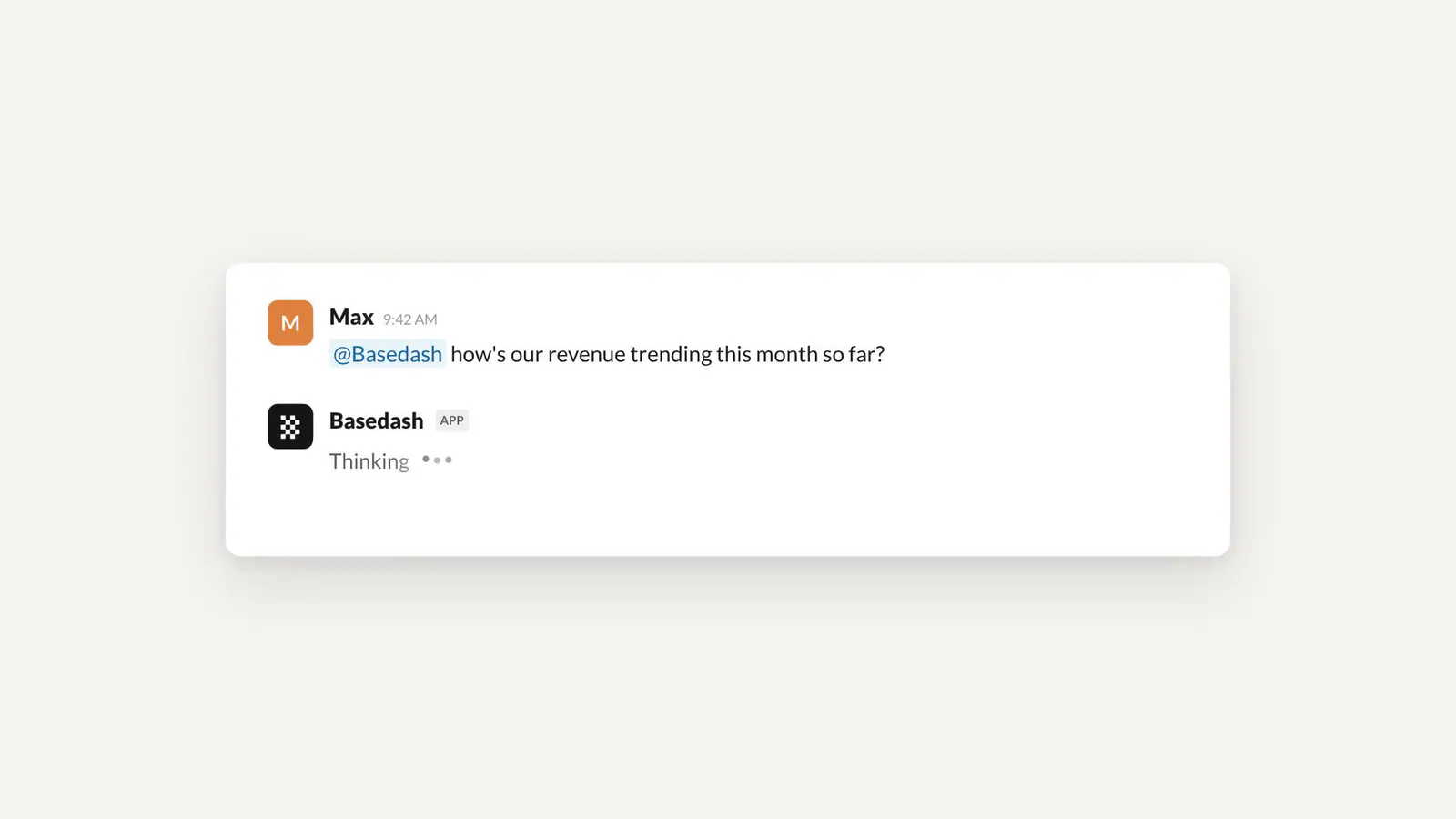
While it works, Slack’s native agent status shows that Basedash is thinking, so you know what’s happening from the moment you hit send.
Follow-ups keep their context. Ask “now break that down by plan” in the thread and the agent picks up where it left off. Conversations started in Slack also sync to Basedash, so you can continue the same analysis in either place.
The agent can now reply with a visualization, embedded in the thread as an image. Ask a trend question and the reply shows you the trend as a chart.
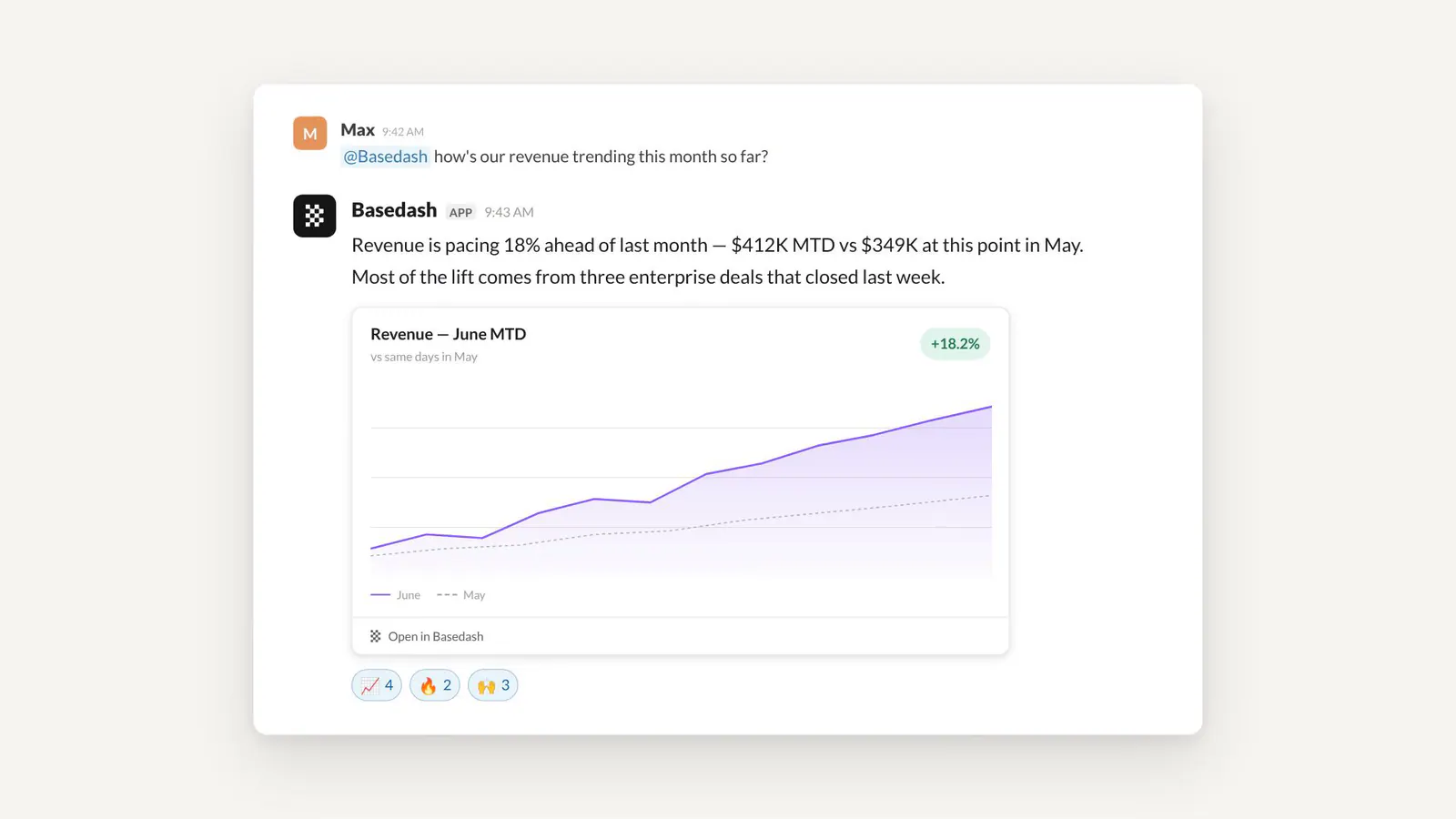
Every chart links back to Basedash, so anyone who wants to dig deeper is one click away from the live version.
Basedash can also reach out to you unprompted:
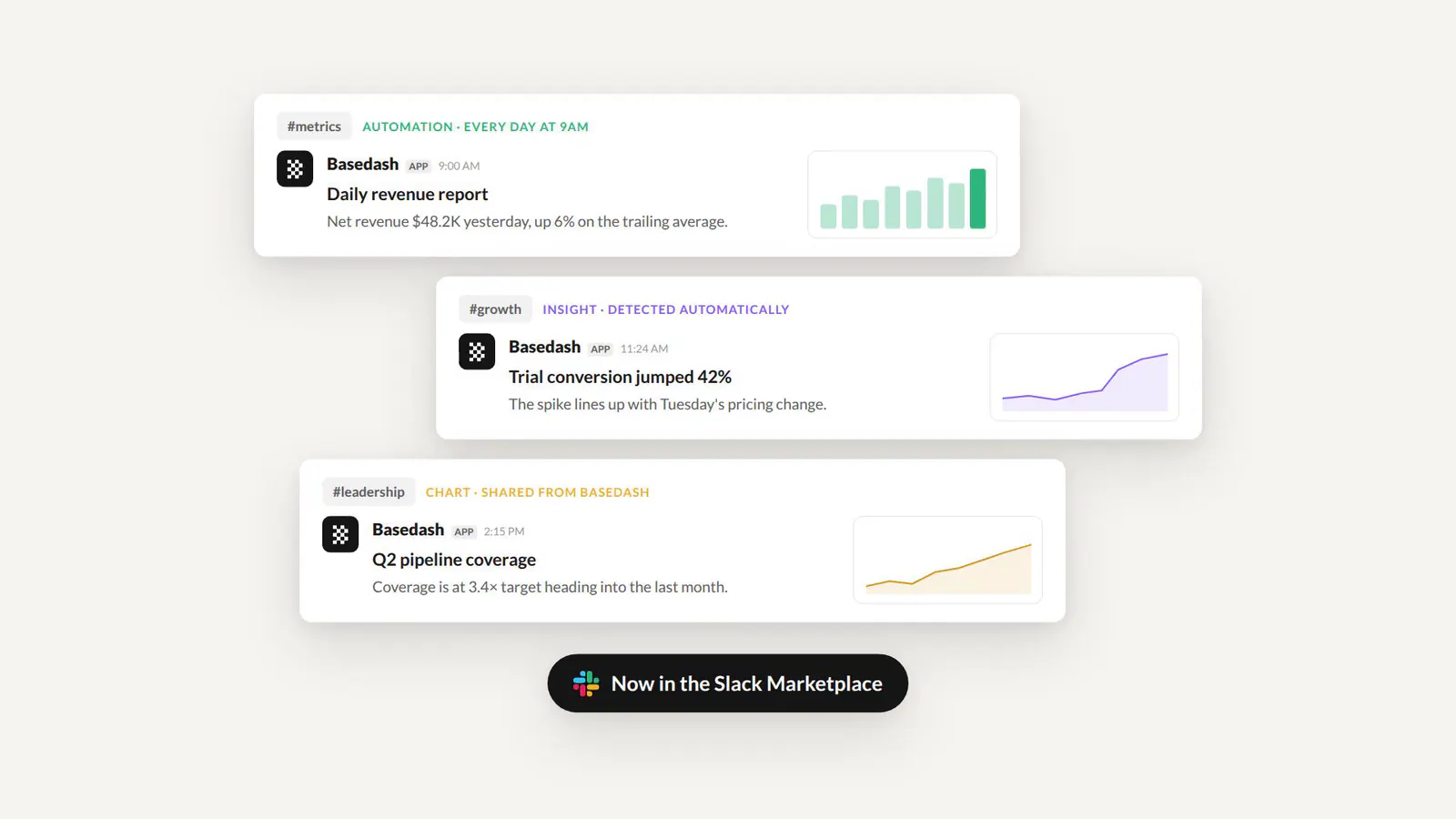
Both now support images too, so a scheduled report or a surfaced anomaly arrives with the chart that shows it.
Under the hood it’s the same AI data analyst that powers Basedash chat: it explores your schema, writes and verifies the SQL, and uses your custom business context. Permissions carry over too: row-level security applies to every Slack question based on who’s asking.
Basedash for Slack is available today for all Basedash users:
@Basedash in any channel and ask your first questionFor setup details, see the Slack app docs.
Every team has a channel where the numbers get discussed. Now the analyst is in it.
Install Basedash for Slack today and ask your first question in a channel.
Written by

Founder and CEO of Basedash
Max Musing is the founder and CEO of Basedash, an AI-native business intelligence platform designed to help teams explore analytics and build dashboards without writing SQL. His work focuses on applying large language models to structured data systems, improving query reliability, and building governed analytics workflows for production environments.
Basedash lets you build charts, dashboards, and reports in seconds using all your data.