Introducing Basedash for Grok Bot
Max Musing
 Max MusingFounder and CEO of Basedash
· August 26, 2026
Max MusingFounder and CEO of Basedash
· August 26, 2026
Max Musing
Max MusingFounder and CEO of Basedash
· August 26, 2026
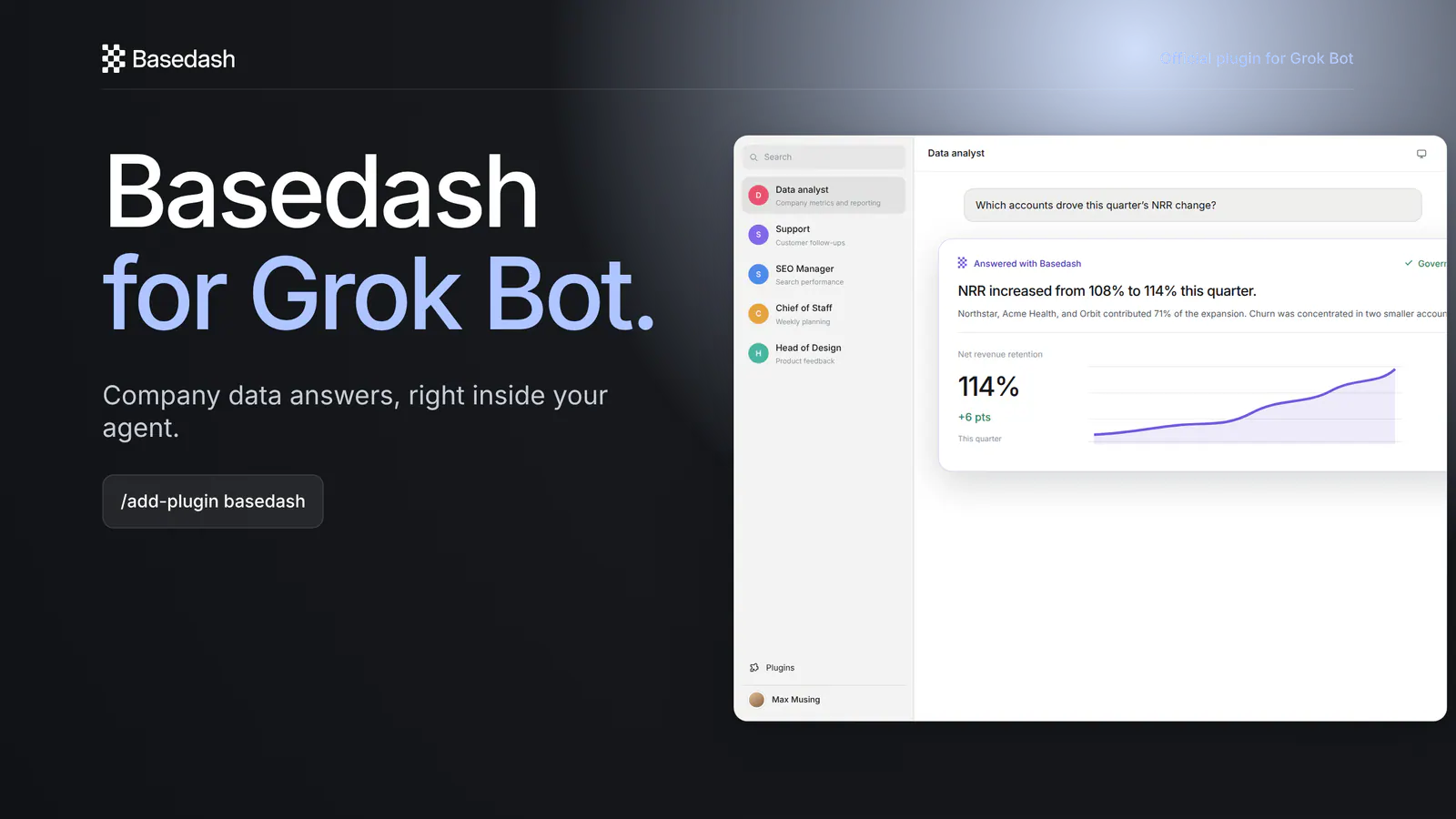
Today we’re launching Basedash for Grok Bot, the official Basedash plugin for asking questions of governed company data without leaving your agent.
Open Plugins, add Basedash, sign in through OAuth, and ask a question. The answer comes back through Basedash from the sources your workspace already lets you access.
The plugin has been live on the official Cursor Marketplace since August 24. It is also available in Cursor.
In Grok Bot, open Plugins in the sidebar, search for Basedash, and add it. Complete the sign-in flow. There are no API keys to copy, tokens to paste, or local servers to keep running.
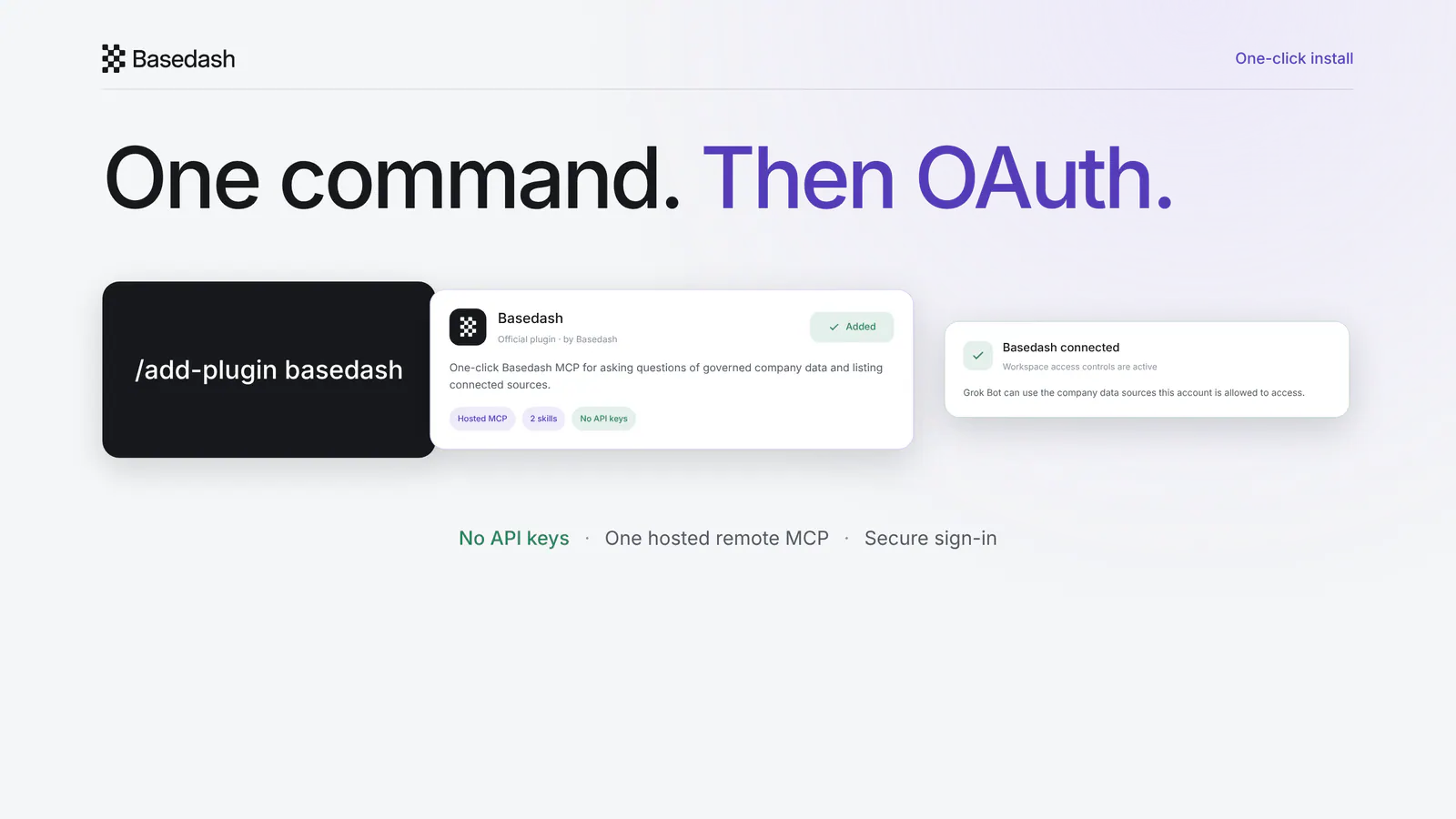
Under the hood, the plugin connects to one hosted remote MCP at https://charts.basedash.com/api/public/mcp. The plugin repo defines the focused tools and skills Grok Bot uses to work with Basedash.
Once you’re signed in, ask the question where you’re already working:
Which accounts drove this quarter’s NRR change?
The ask_question tool sends the question to Basedash and brings the answer back into Grok Bot. You can ask a quick lookup, investigate a change, or continue with a follow-up without moving the conversation to another app.
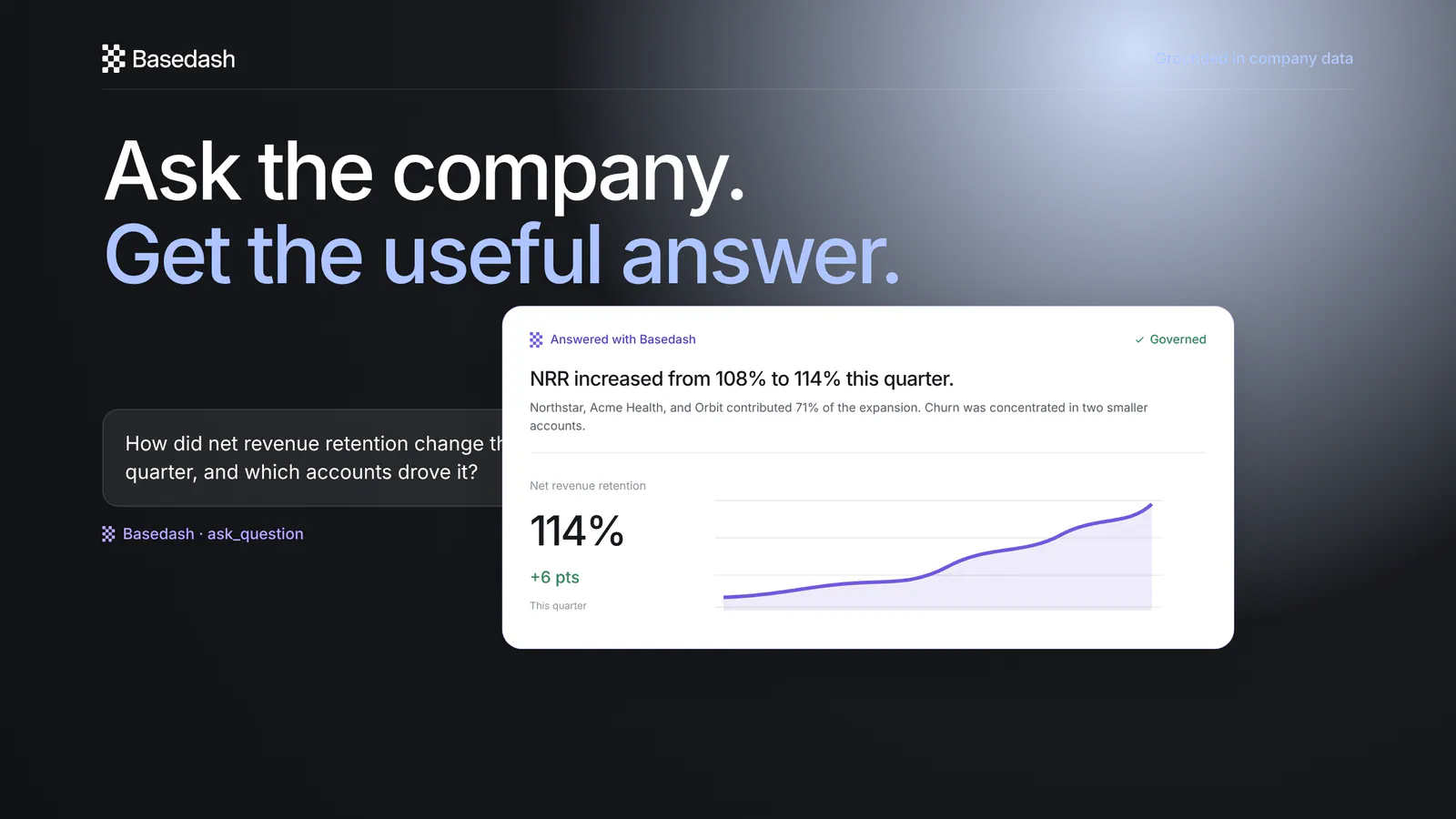
The plugin includes the analyze-company-data skill to guide this analysis. It gives Grok Bot a direct path from the question in chat to an answer grounded in company data.
Before asking, Grok Bot can call get_data_sources to list the connected sources available to your account. The discover-company-data skill helps it inspect that list and understand where a question can be answered.
This helps when a workspace has several databases, warehouses, or SaaS sources connected. You can see what is available instead of guessing which system holds the answer.
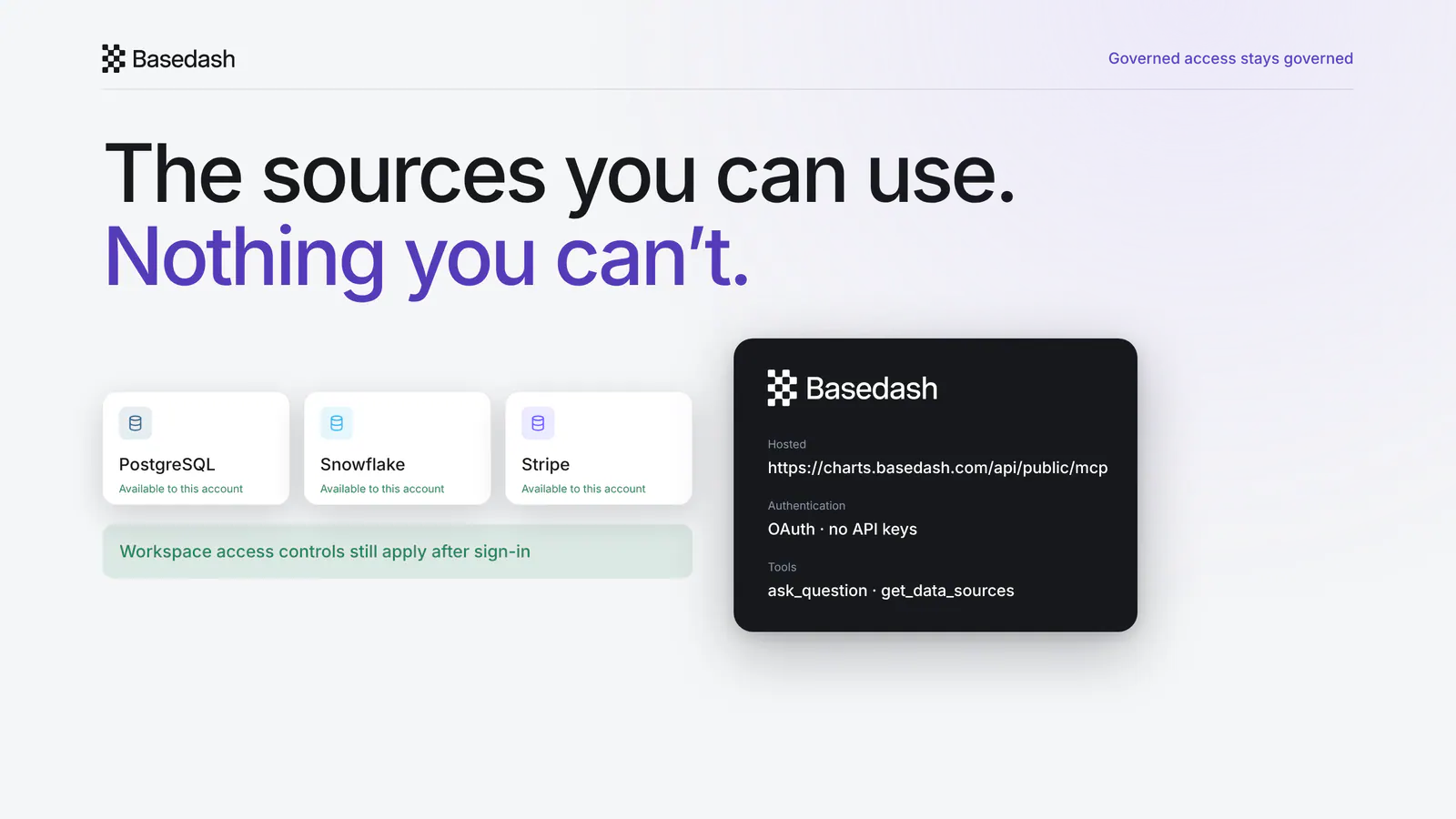
Signing in does not widen your access. The same workspace access controls that apply in Basedash still apply inside Grok Bot. If your account cannot use a source in Basedash, the plugin does not make that source available.
These three parts do different jobs:
This launch is the first of these: Basedash inside Grok Bot, packaged with the tools and skills it needs.
Install Basedash for Grok Bot and ask your first governed company data question.
Written by

Founder and CEO of Basedash
Max Musing is the founder and CEO of Basedash, an AI-native business intelligence platform designed to help teams explore analytics and build dashboards without writing SQL. His work focuses on applying large language models to structured data systems, improving query reliability, and building governed analytics workflows for production environments.
Basedash lets you build charts, dashboards, and reports in seconds using all your data.