Introducing Basedash in English, Español, Français, and Português
Max Musing
 Max MusingFounder and CEO of Basedash
· September 9, 2026
Max MusingFounder and CEO of Basedash
· September 9, 2026
Max Musing
Max MusingFounder and CEO of Basedash
· September 9, 2026
Today we’re launching Basedash in Español, Français, and Português. Alongside English, you can now use Basedash in the language you work in.
Choose your language in profile settings and the entire interface switches instantly. There is no page reload, no new session, and no need to find your place again.
The language around your data should not get in the way of understanding it. Basedash now brings English, Spanish, French, and Portuguese to the interface across dashboards, chats, automations, navigation, and settings.
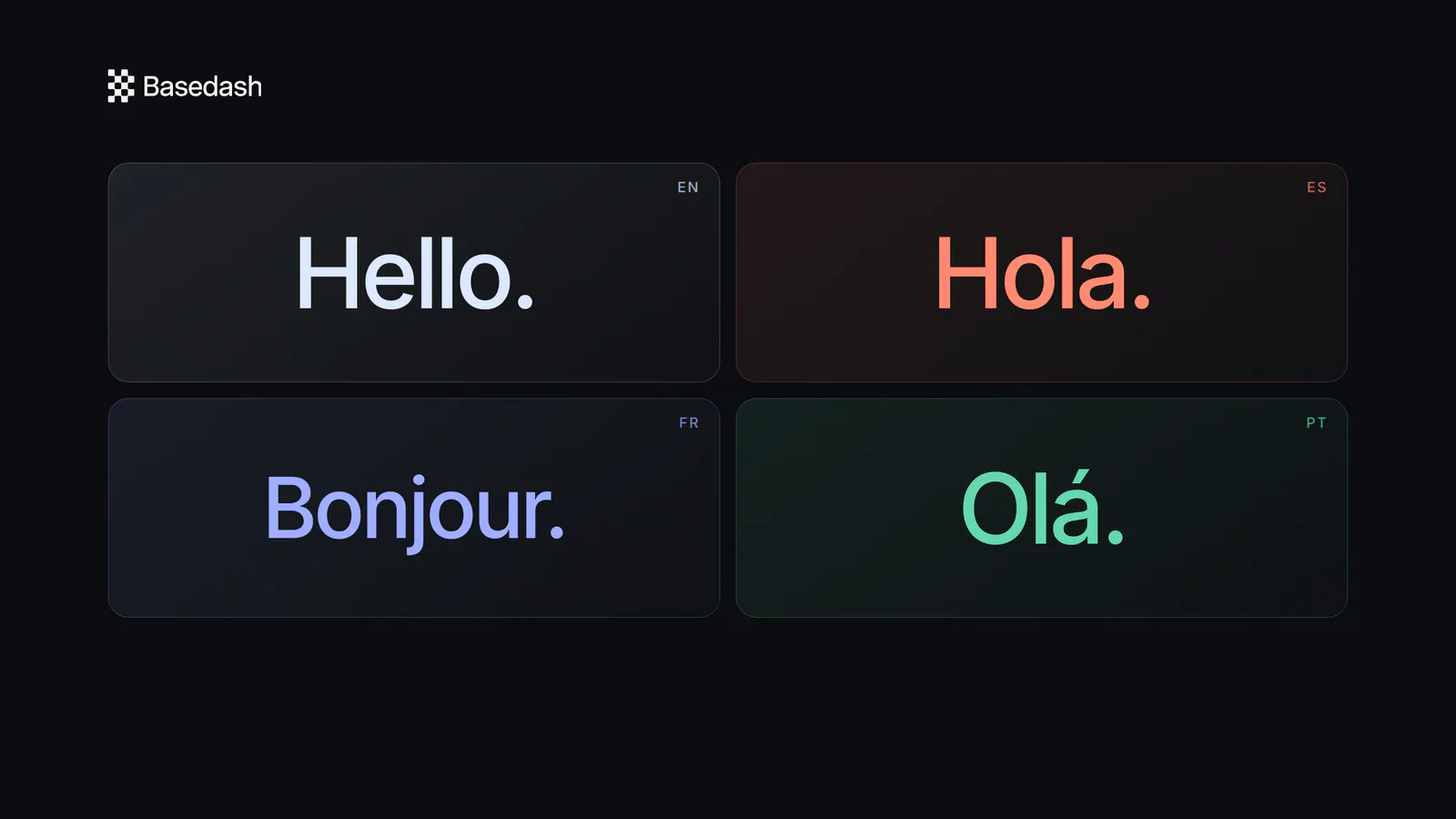
That means a teammate can open a dashboard in Español, review a chat in Français, or configure an automation in Português while working in the same Basedash workspace. The data and workflows stay where they are, and the interface around them uses the language each person selected.
Changing your language takes a few seconds:
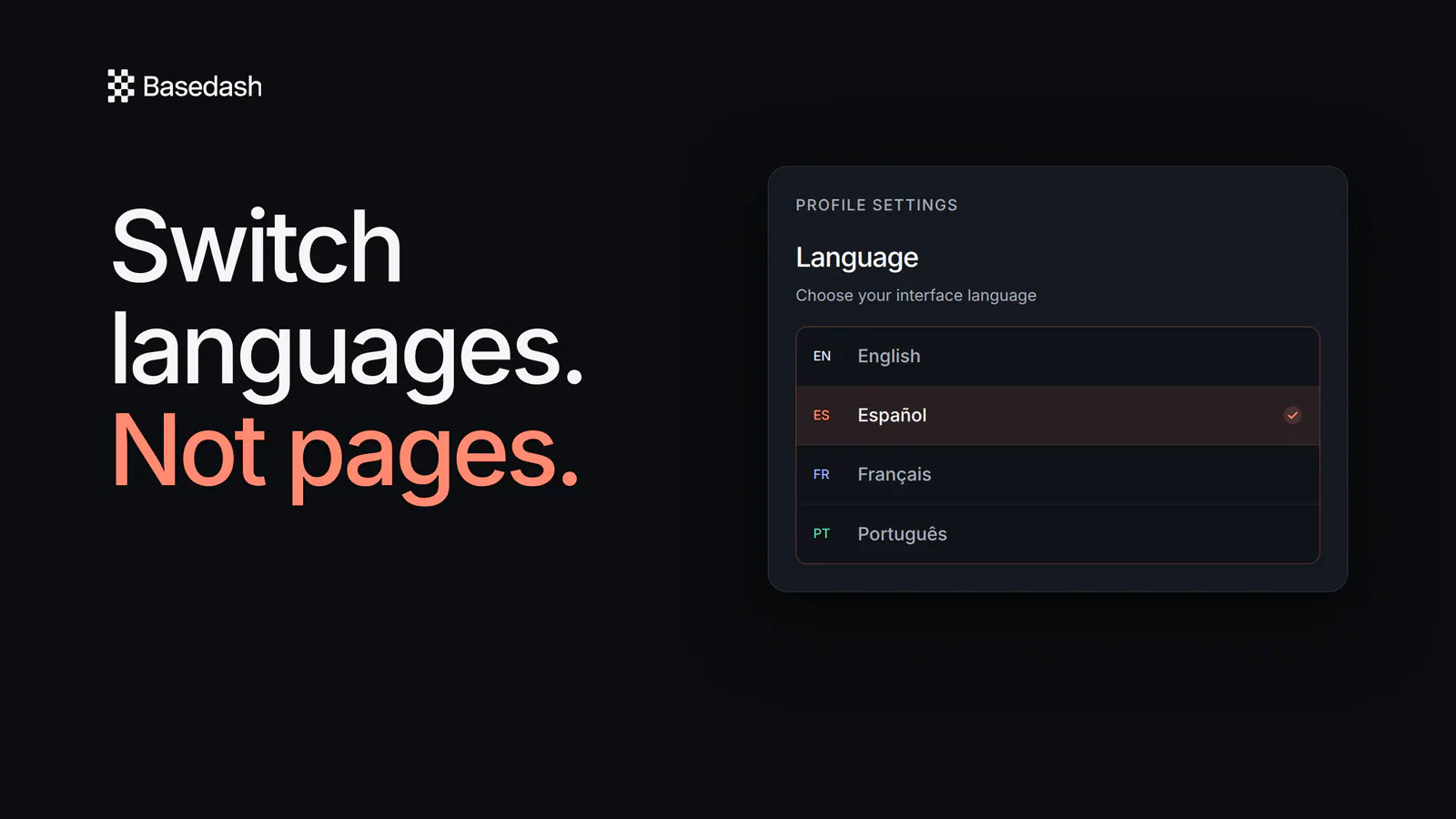
The change happens immediately, without reloading the page. Your dashboard, conversation, or settings screen stays open while the navigation, controls, and interface copy update around it.
You can switch back at any time. Reviewing a translated product flow, sharing a screen with a teammate, or working in your preferred language no longer means interrupting what you were doing.
Adding more languages should not make the app feel heavier. Basedash loads only the language you choose instead of making everyone download every translation.
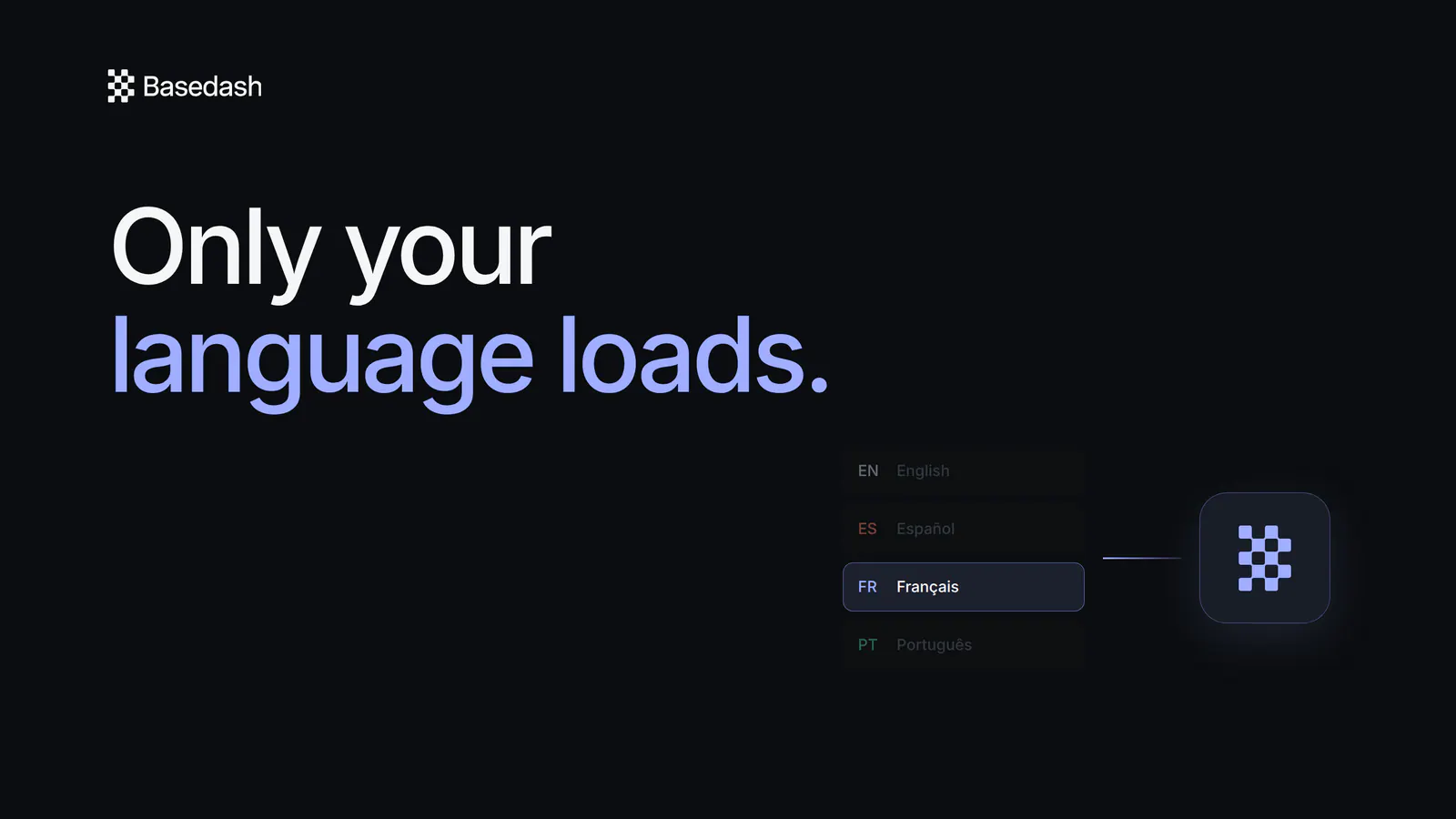
You get the same snappy Basedash experience in all four languages, and switching is immediate.
Language is a personal preference, even inside one workspace. A team in Montréal might work across English and Français. A company in Lisbon might collaborate with teammates who prefer Português or Español. Each person can choose the interface that feels natural without changing how the rest of the team works.
This is our first step toward making Basedash useful to more teams in more places, while keeping the product as fast and direct as it is today.
Basedash is available in all four languages today.
Try Basedash in your language today.
Written by

Founder and CEO of Basedash
Max Musing is the founder and CEO of Basedash, an AI-native business intelligence platform designed to help teams explore analytics and build dashboards without writing SQL. His work focuses on applying large language models to structured data systems, improving query reliability, and building governed analytics workflows for production environments.
Basedash lets you build charts, dashboards, and reports in seconds using all your data.