Introducing public sharing: live dashboards for anyone
Max Musing
 Max MusingFounder and CEO of Basedash
· August 18, 2026
Max MusingFounder and CEO of Basedash
· August 18, 2026
Max Musing
Max MusingFounder and CEO of Basedash
· August 18, 2026
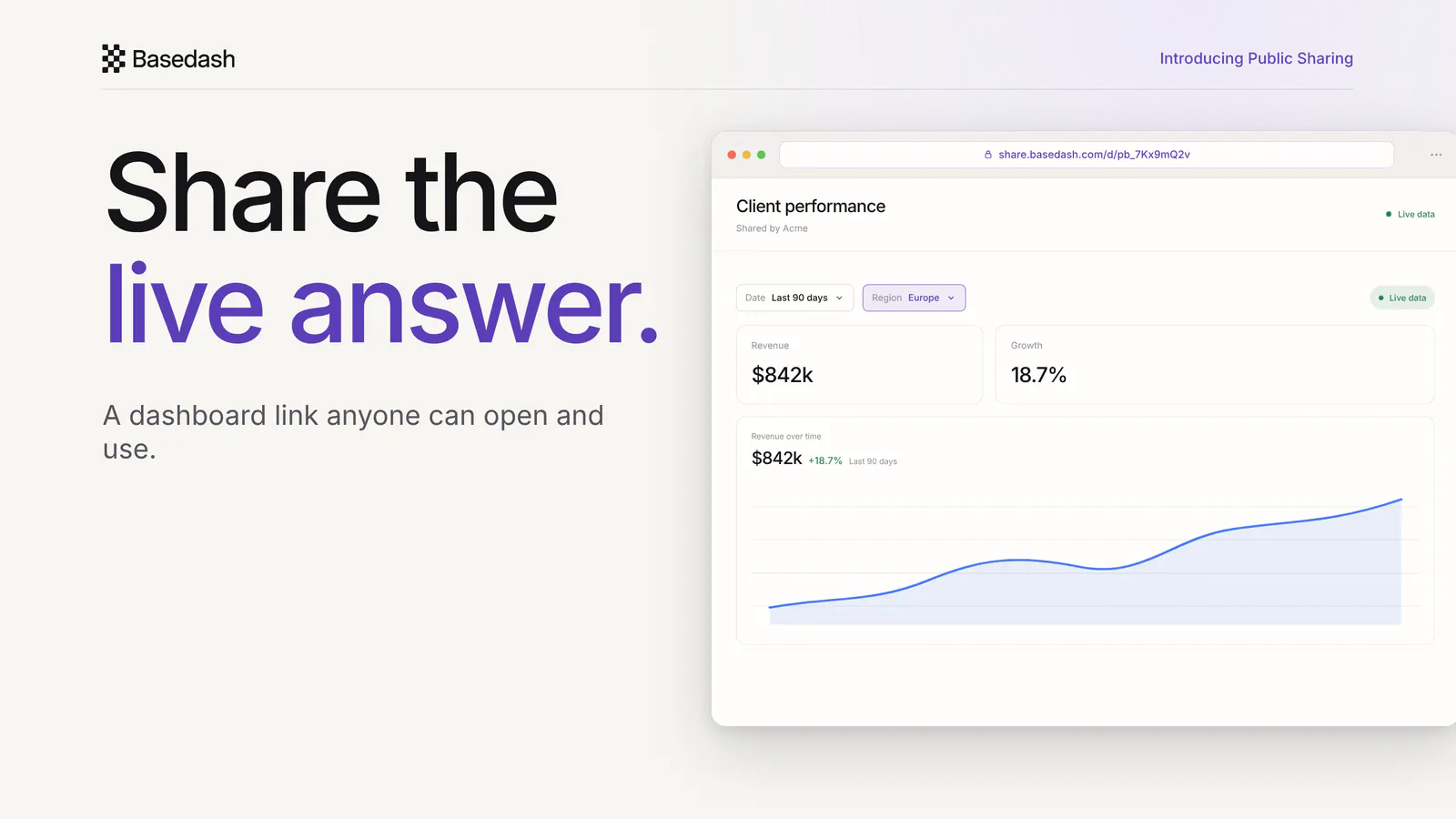
Today we’re launching public sharing, a way to send a live Basedash dashboard or chart to anyone with a link, even if they don’t have a Basedash account.
Open Share, turn on public sharing, and copy the link. Send it to a client, an investor, a member of your leadership team, or a contractor. They open the dashboard in their browser and see the latest data, with the filters and table controls they need to explore it.
You don’t have to send an invite, add a seat, or regenerate an export before the next meeting.
The usual way to get a dashboard in front of someone outside your company is to make them part of your analytics setup. You invite them, explain where the dashboard lives, and hope they remember another password. Or you export a PDF and send a snapshot that starts going stale immediately.
Public sharing takes the shorter path. The URL carries a token that opens a standalone view of the dashboard. The viewer doesn’t enter your Basedash workspace, and they don’t need to create an account. They get the live result you chose to share.
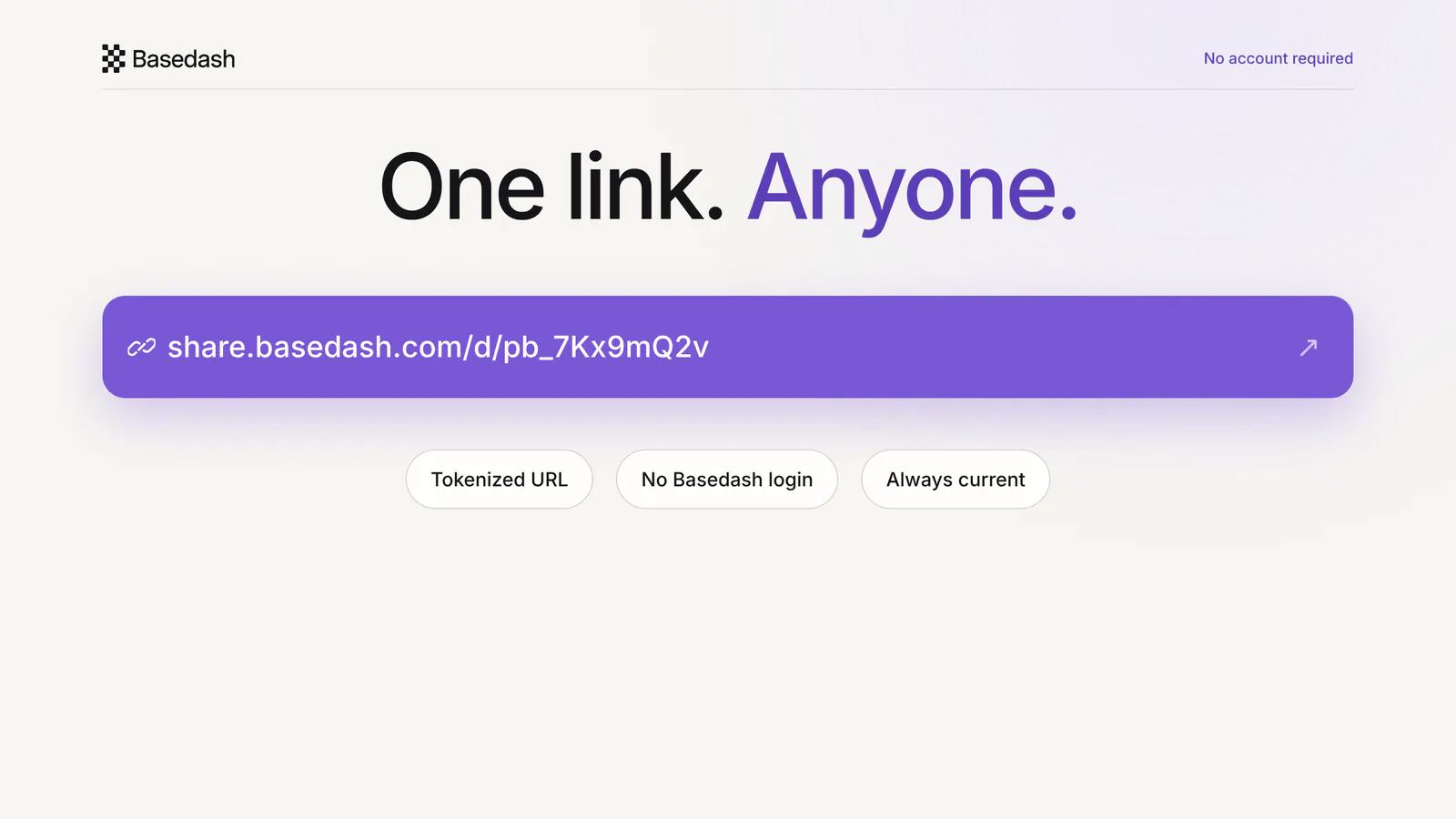
Sharing a dashboard takes three steps:
You can also share at the chart level. If one number or table is all someone needs, open that chart’s share menu and send the chart instead of the full dashboard. Chart-level filters stay with the public view, so you don’t have to build a separate report to share a focused slice.
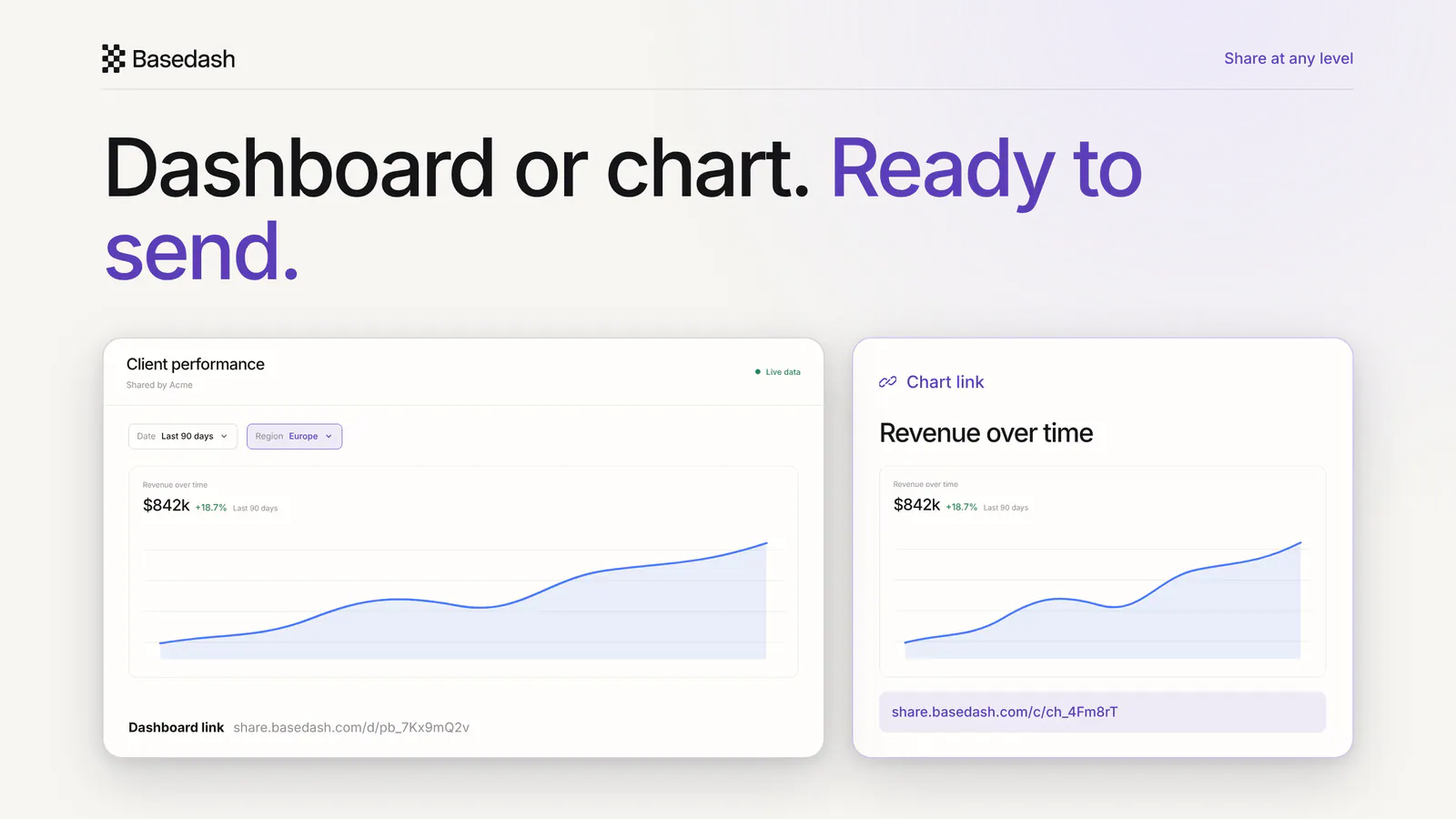
The link keeps working as the underlying dashboard changes and its data refreshes. When you’re done sharing, turn public access off.
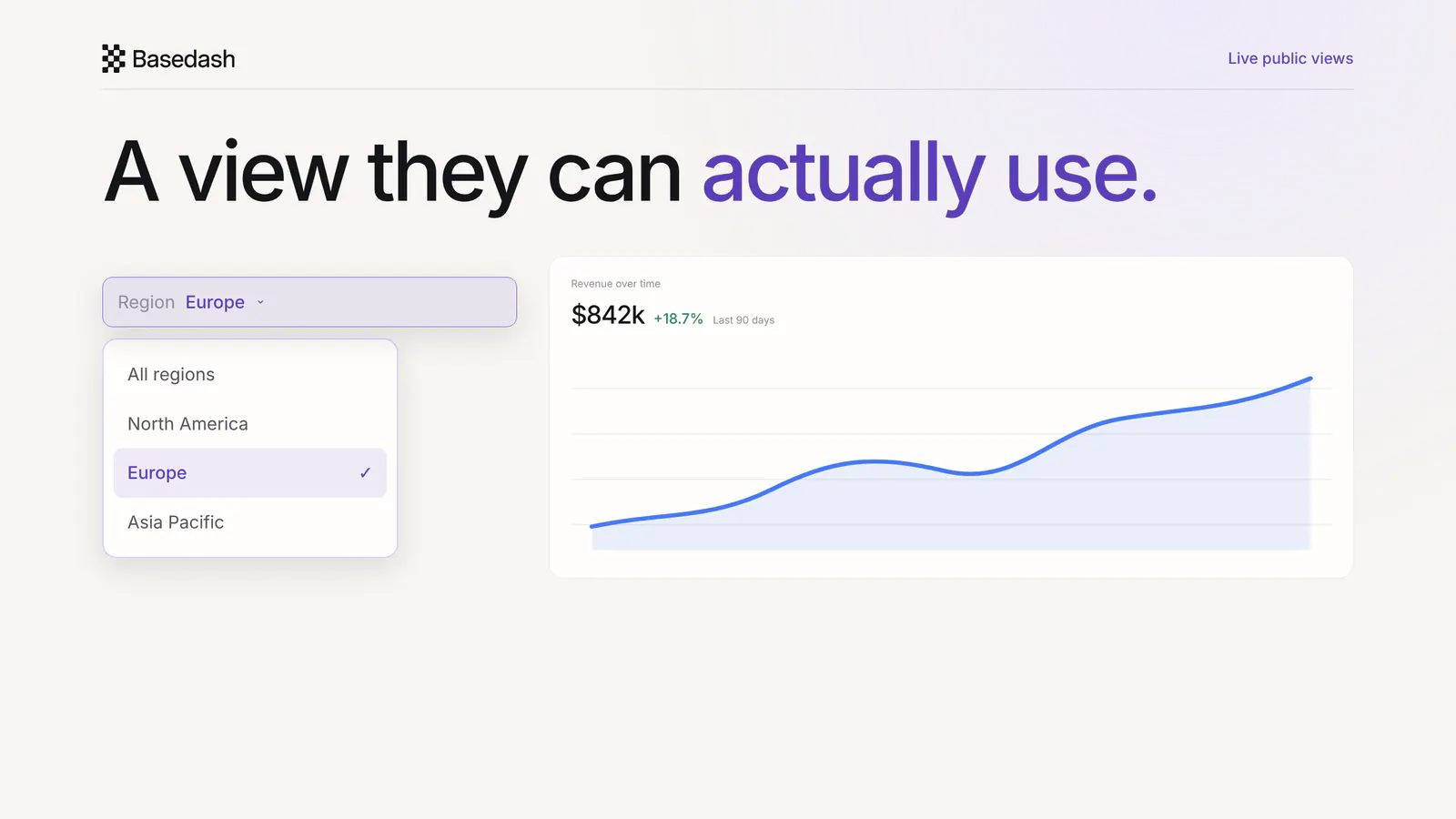
Viewers can use the filter dropdowns you added to the dashboard, including dropdowns backed by SQL or record data. They can switch a region, period, account, or any other visible variable and see the shared view update.
Public table charts can be sorted and rearranged too. A client can sort accounts by revenue, an investor can bring the fastest-growing segment to the top, or a leader can organize a long operating table for the question they’re answering. Those choices don’t rewrite the chart you built.
Public sharing works best when the audience is known but doesn’t belong in your Basedash workspace:
Instead of copying numbers into a deck or onboarding every viewer, you send the view itself.
Public sharing and Basedash Embedding both put analytics in front of people without a Basedash account, but they do different jobs.
Public sharing gives you a standalone URL. Use it when the action is “email this dashboard to this person.” It takes no code, lives in the viewer’s browser, and is ideal for a client report, investor update, board view, or one-off collaboration.
Embedding puts Basedash inside your own product. Use it when the action is “make analytics part of our app.” It uses an iframe and, for the full app experience, JWT-based sign-on and row-level security so you can serve many customers inside the product they already use.
If you’re sending a link, use public sharing. If you’re shipping analytics as a product feature, use Embedding.
Anyone who has the public URL can open it. The token makes the link difficult to guess, but it does not identify the viewer or replace permission rules for sensitive data. Filters on the shared view are exploration controls, not authorization controls.
Share only the dashboard or chart you intend that audience to see, and turn the link off when it is no longer needed. For a deeper look at choosing between public links, guest access, embedding, and static exports, read our guide to sharing dashboards outside your company securely.
Share a live dashboard today, with no export, invite, or Basedash account required.
Written by

Founder and CEO of Basedash
Max Musing is the founder and CEO of Basedash, an AI-native business intelligence platform designed to help teams explore analytics and build dashboards without writing SQL. His work focuses on applying large language models to structured data systems, improving query reliability, and building governed analytics workflows for production environments.
Basedash lets you build charts, dashboards, and reports in seconds using all your data.