Introducing AI Sources: see what built every answer
Max Musing
 Max MusingFounder and CEO of Basedash
· September 2, 2026
Max MusingFounder and CEO of Basedash
· September 2, 2026
Max Musing
Max MusingFounder and CEO of Basedash
· September 2, 2026
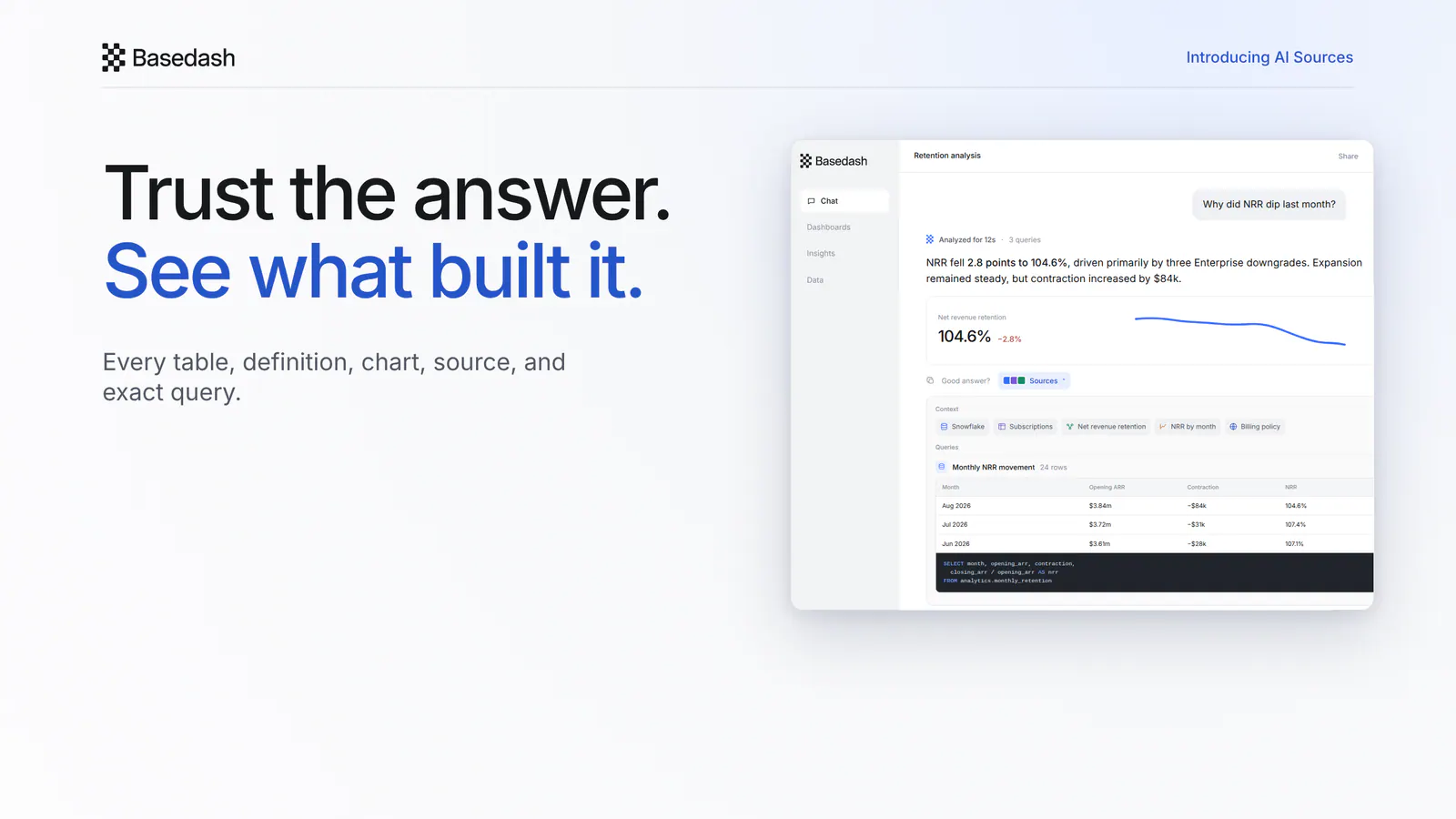
Today we’re launching AI Sources, a direct way to see what produced every answer in Basedash.
Ask a question as usual. Once the answer is complete, the work that produced it collapses into a compact “Analyzed for…” summary. Open Sources beneath the answer to inspect the context and queries behind the conclusion.
The answer stays front and center, and the evidence is one click away.
An answer can draw from more than one kind of company knowledge. Sources gathers those inputs into one place:
Each item appears as a compact context chip, so you can see the shape of the analysis before opening any individual source.
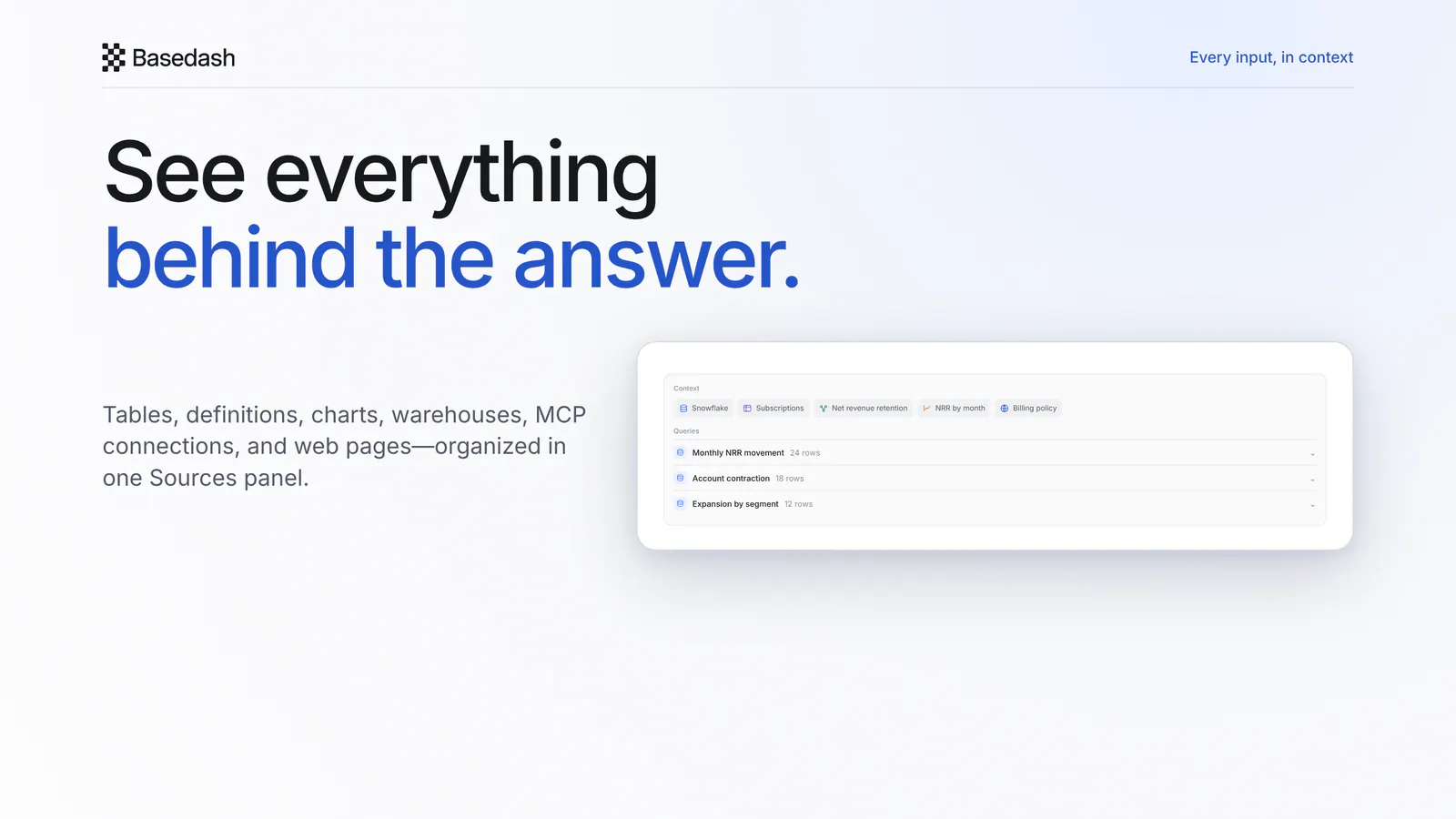
Sources shows the context Basedash used for that specific answer, rather than a generic citation list added after the fact.
Sources also shows every data query the assistant ran. Expand a query to inspect its SQL and preview the rows it returned.
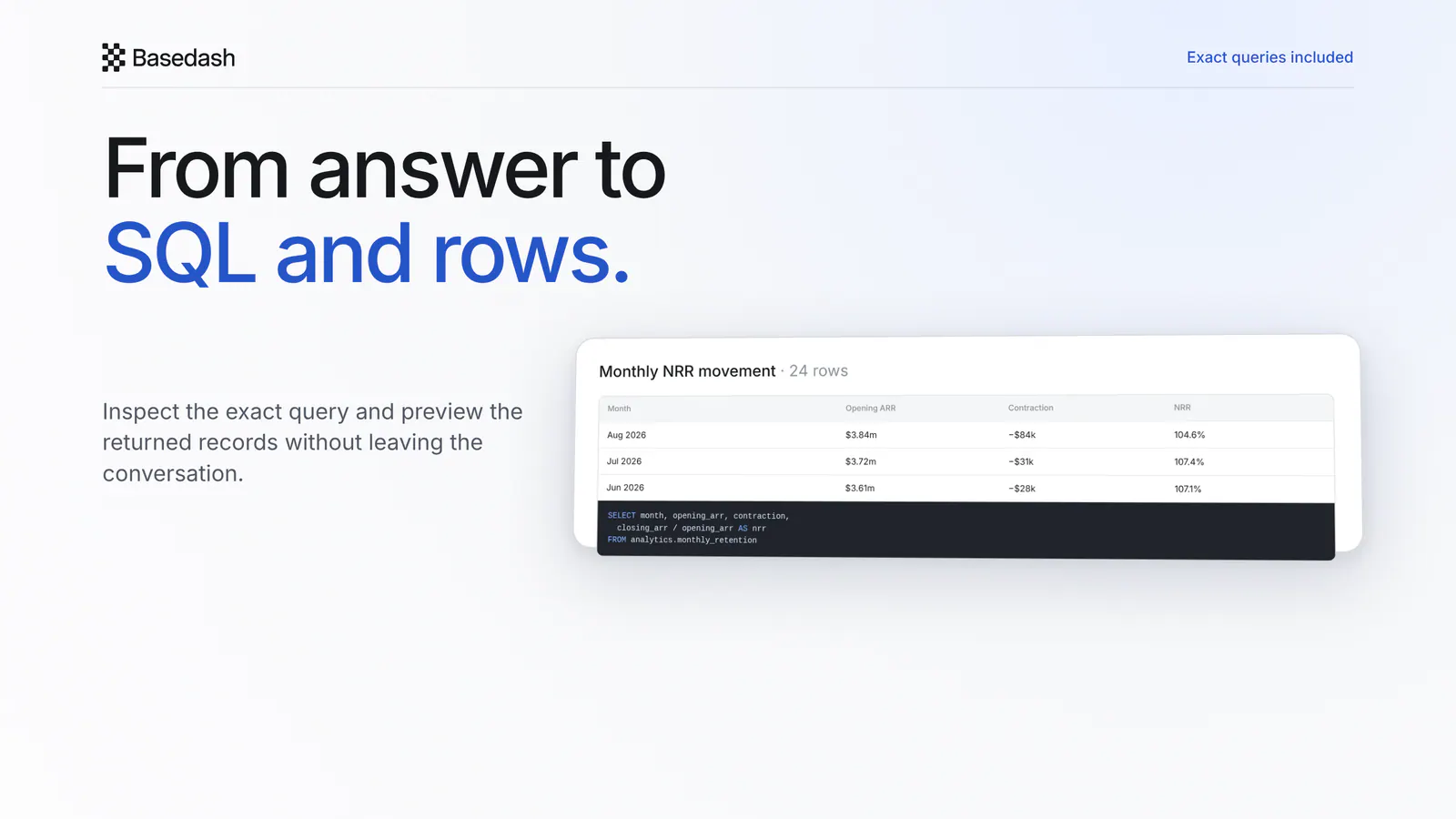
That makes it easier to answer the questions that follow an important result: Which table did this number come from? What period did the query use? Which records drove the change? Was the calculation grouped the way we expected?
You can read the result first and move into the underlying analysis only when you need it.
While Basedash is working, the chat continues to show the latest step. When the answer is finished, the long sequence of thinking and tool calls collapses into a simple elapsed-time summary.
The final answer no longer competes with the steps that produced it, and Sources keeps the provenance available without leaving a trail of expanded activity in the thread.
Reading data and changing something are different kinds of work. Basedash now treats them differently in the conversation.
If the assistant runs a mutating query, creates a definition or automation, or updates AI context, that action appears as a clear card beneath the answer. Open the card to inspect its details.
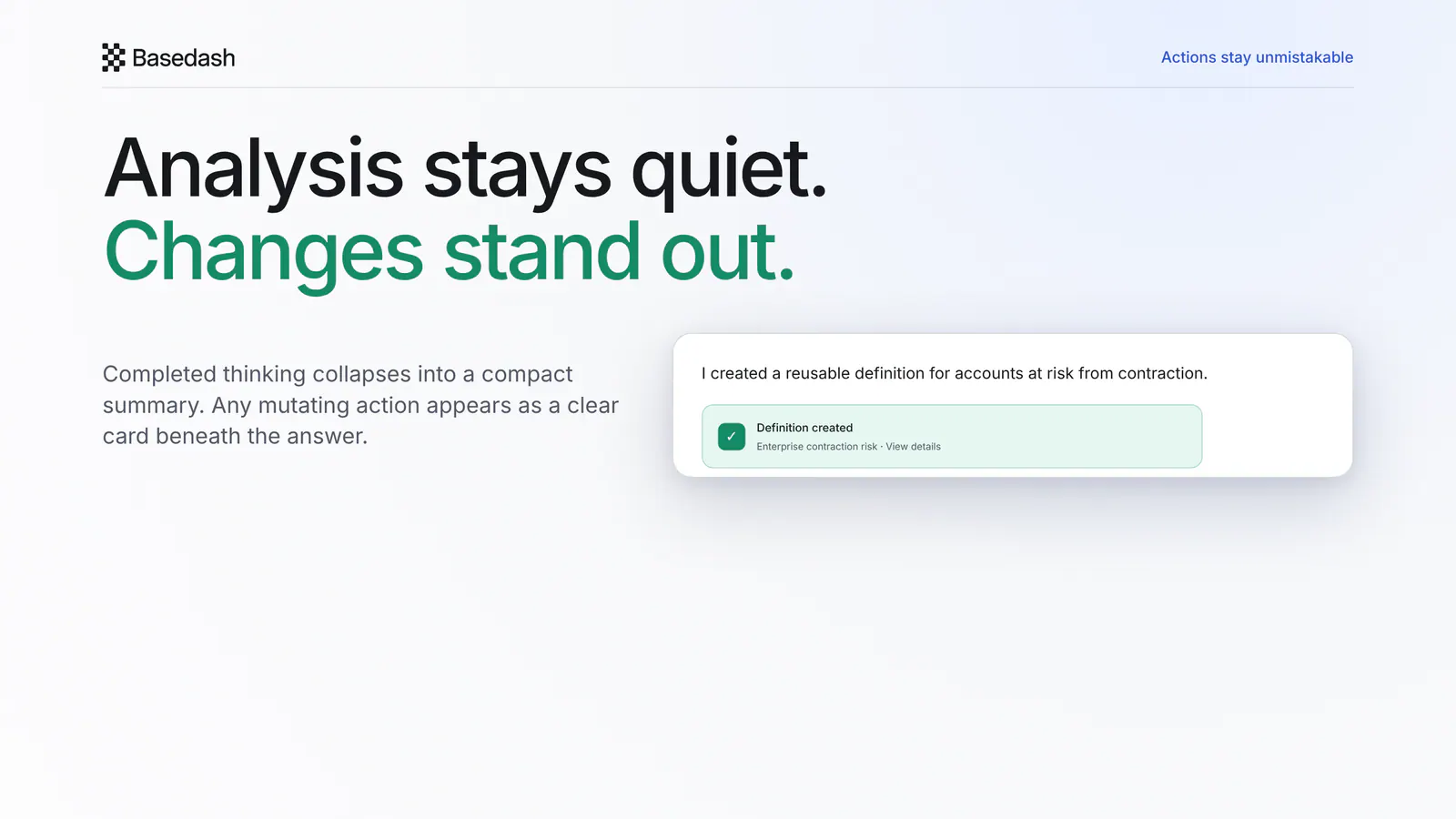
This keeps provenance readable and makes any change easy to spot.
AI analysis is more useful when the path from conclusion to evidence is short. With AI Sources, the same conversation holds both: the answer you needed and the context, rows, and SQL that built it.
Ask a question, then check its sources.
Written by

Founder and CEO of Basedash
Max Musing is the founder and CEO of Basedash, an AI-native business intelligence platform designed to help teams explore analytics and build dashboards without writing SQL. His work focuses on applying large language models to structured data systems, improving query reliability, and building governed analytics workflows for production environments.
Basedash lets you build charts, dashboards, and reports in seconds using all your data.