Basedash Mobile: your data, in your pocket
Max Musing
 Max MusingFounder and CEO of Basedash
· October 7, 2026
Max MusingFounder and CEO of Basedash
· October 7, 2026
Max Musing
Max MusingFounder and CEO of Basedash
· October 7, 2026
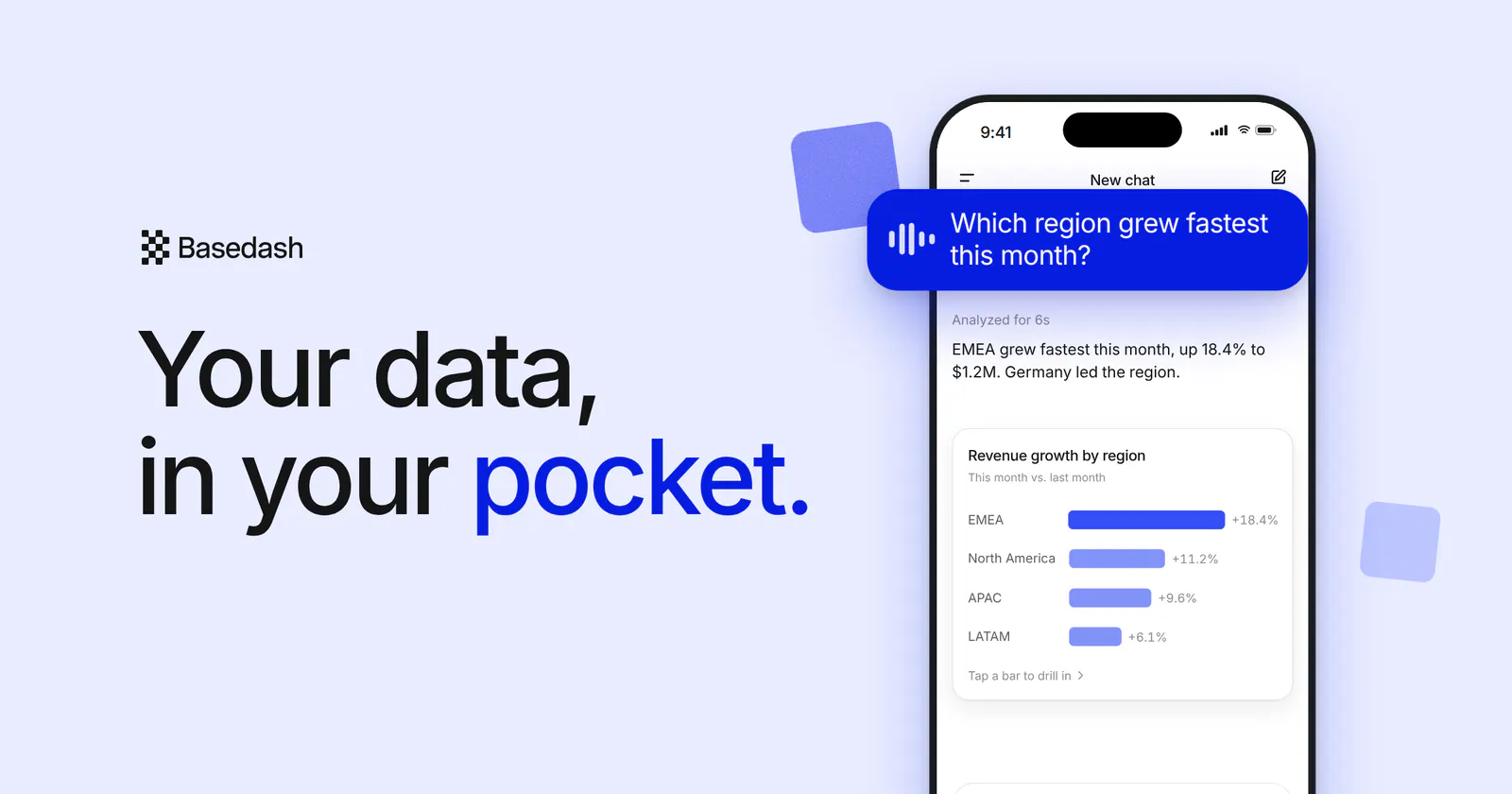
Today we’re launching Basedash Mobile. Add Basedash to your iPhone Home Screen, tap the mic, and ask your data a question out loud. The answer comes back with a chart you can drill into with your thumb.
Most of the questions people ask about their business don’t come up at a desk. They come up right before a customer call, in a hallway, or in an airport line, and until now the answer usually waited until you were back at a laptop. Basedash Mobile is built so you can get it on the spot.
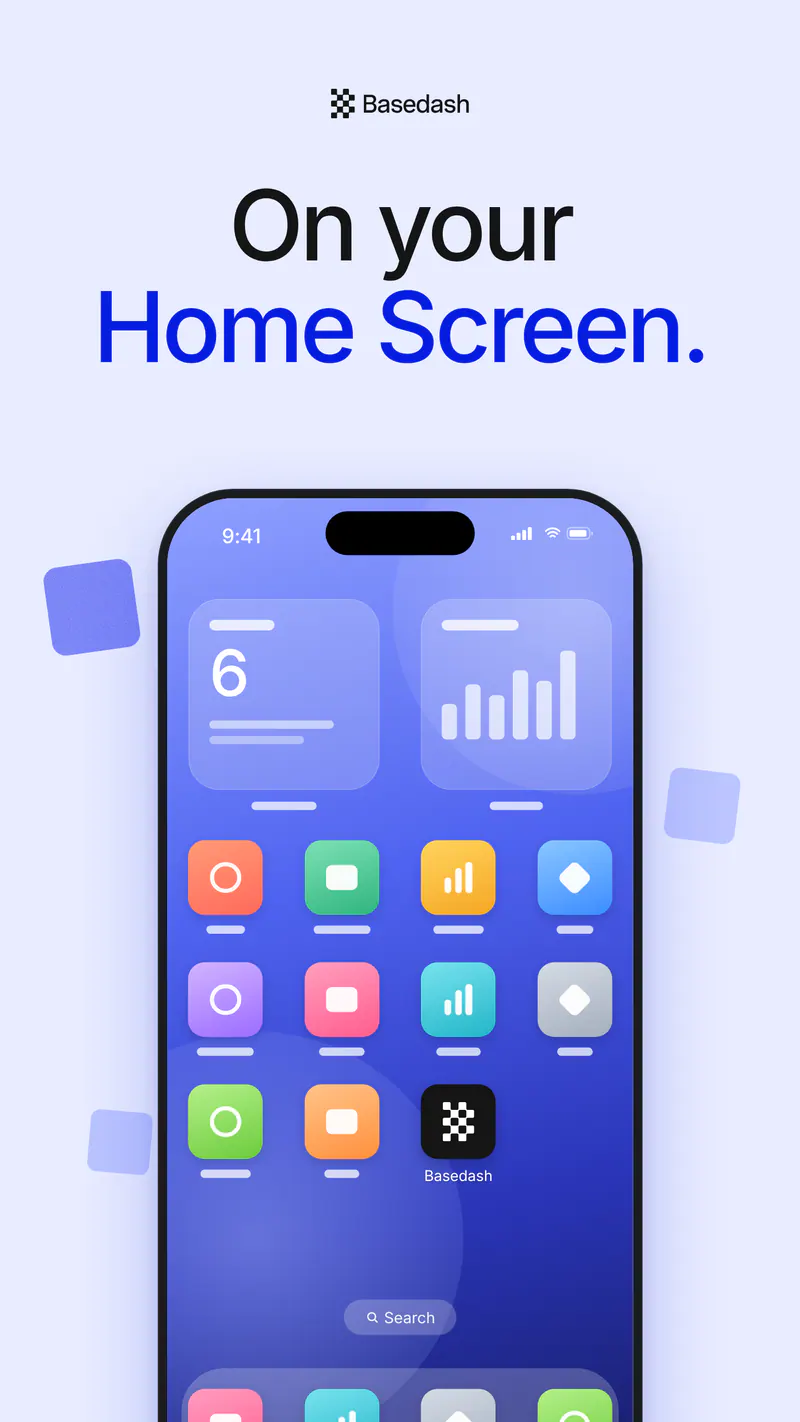
There’s nothing to download from the App Store. Open Basedash in Safari, tap Share, then Add to Home Screen. Basedash gets its own icon next to your other apps, and it opens full screen like any of them, with no browser bars in the way.
It’s the same Basedash you use on your laptop, so everything is already there: your data sources, your chats, and your dashboards.
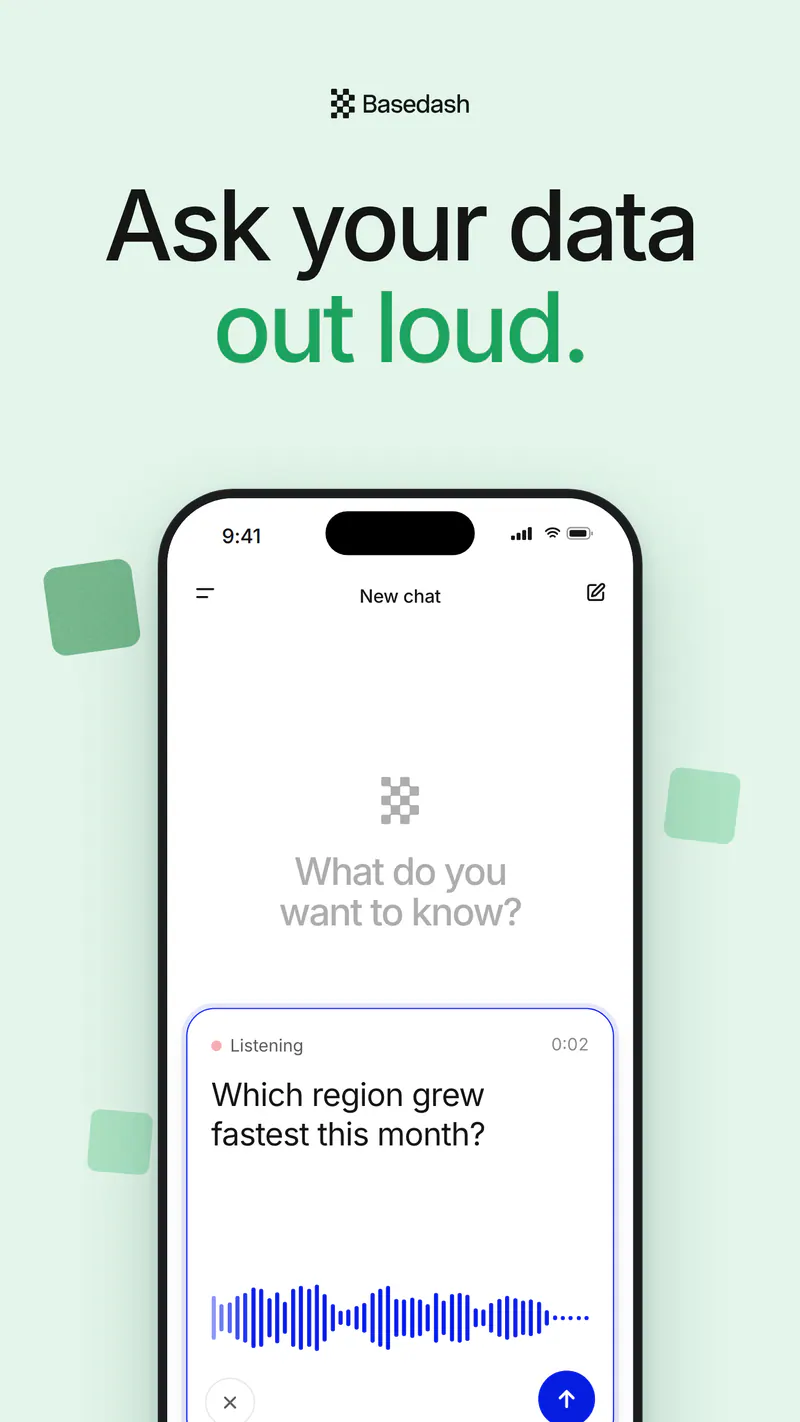
Typing a question about cohort retention on a phone keyboard isn’t fun, so you don’t have to. Tap the mic and just ask: “Which region grew fastest this month?” or “How many trials converted last week?”
The composer becomes a voice panel while you talk, with a live waveform and your words showing up as you say them. Check the transcript, tap send, and Basedash takes it from there.
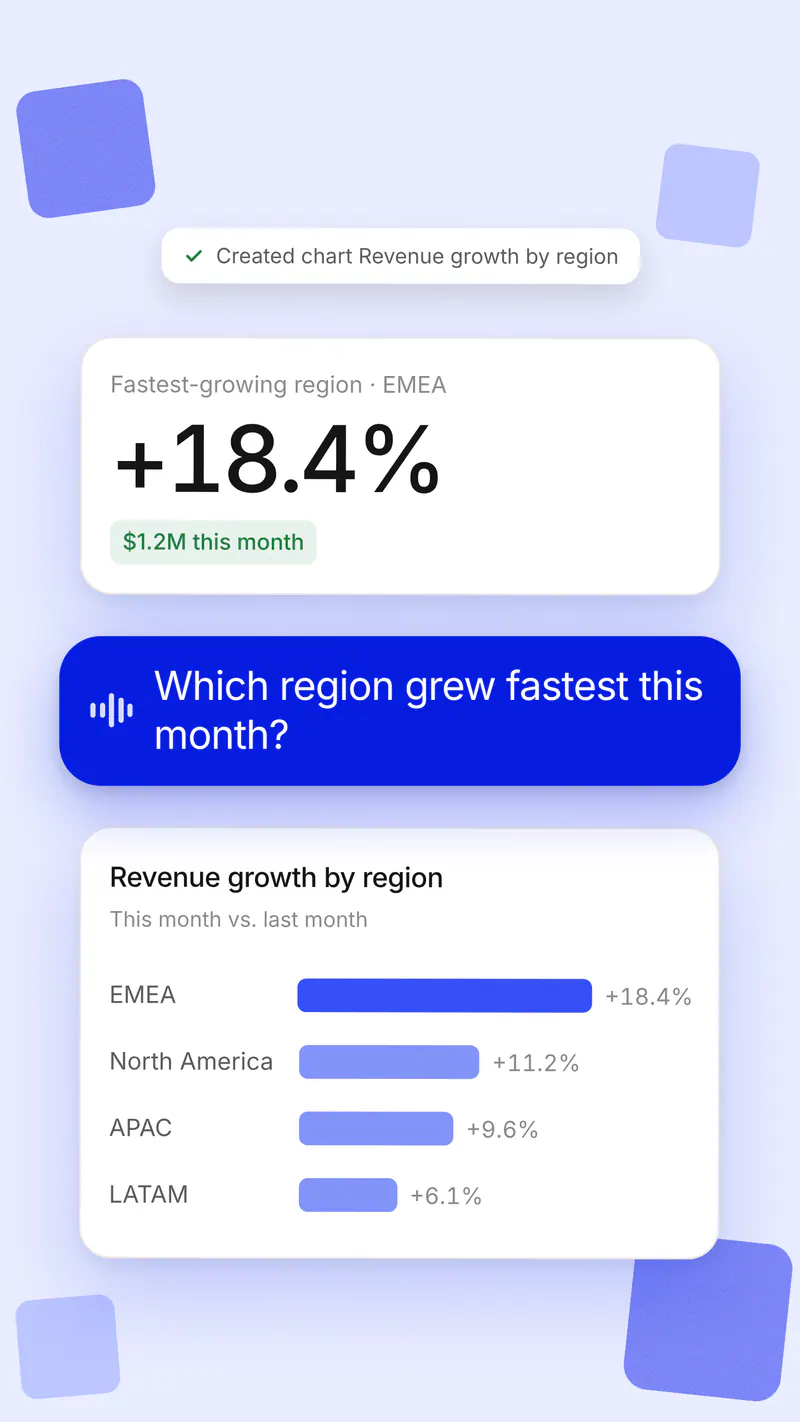
A few seconds later you get the answer in plain language, plus the chart behind it: EMEA grew fastest this month, up 18.4% to $1.2M, with every region ranked underneath. It’s the same AI analyst you use on the desktop, querying the same connected data, with charts laid out for a phone screen.
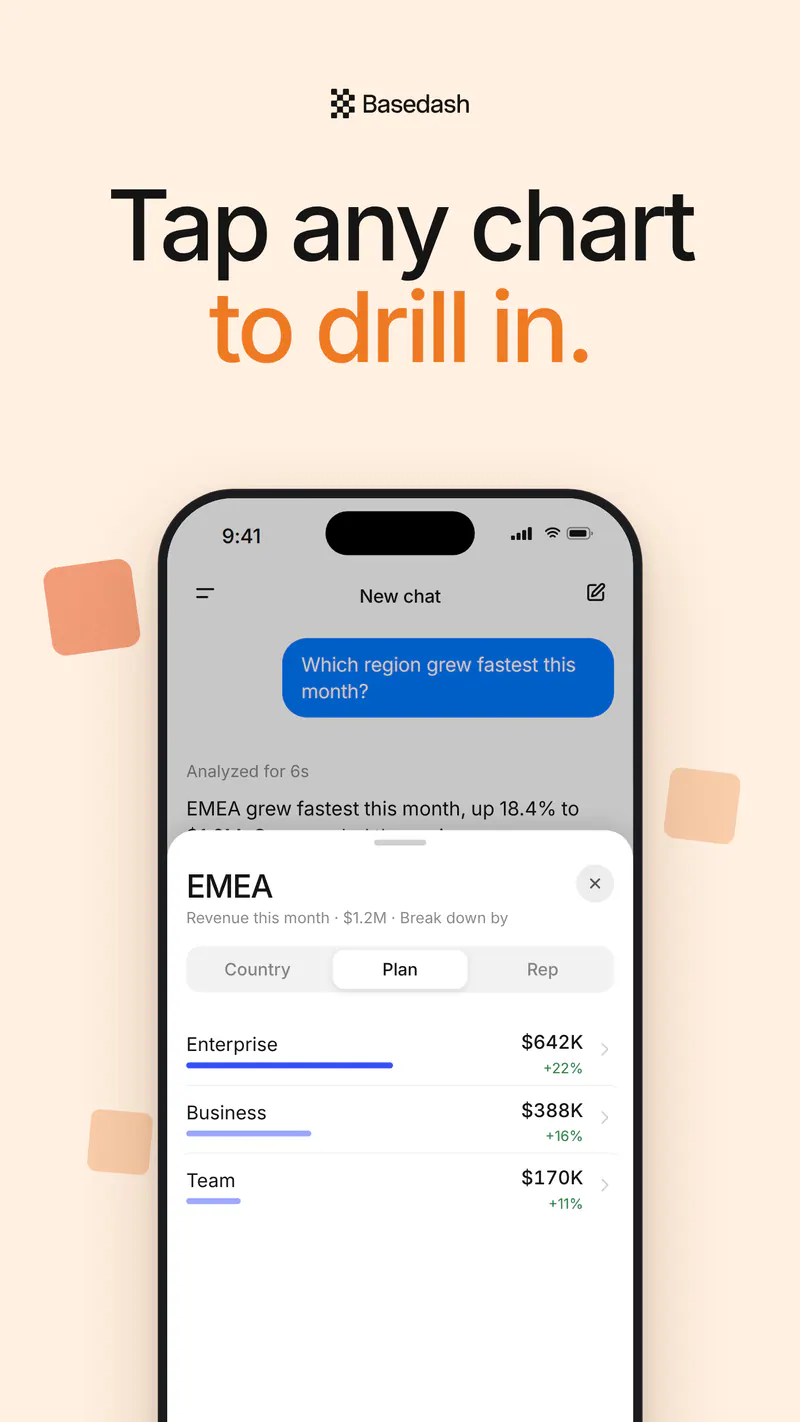
Charts on mobile are built for thumbs, not mouse hovers:
The point of Basedash Mobile is that “how are we doing?” shouldn’t have to wait. Sales can pull a customer’s usage before walking into the meeting. Finance can check cash and burn between flights. Support can see this week’s ticket volume without opening a laptop. And when someone asks a question in the hallway, you can answer it there.
We’ve been using it internally for exactly these moments, and they add up fast.
For more on asking questions in plain language, see the AI data analyst feature page.
Your data, in your pocket. Just ask out loud.
Written by

Founder and CEO of Basedash
Max Musing is the founder and CEO of Basedash, an AI-native business intelligence platform designed to help teams explore analytics and build dashboards without writing SQL. His work focuses on applying large language models to structured data systems, improving query reliability, and building governed analytics workflows for production environments.
Basedash lets you build charts, dashboards, and reports in seconds using all your data.