Introducing Basedash for Excel
Max Musing
 Max MusingFounder and CEO of Basedash
· June 27, 2026
Max MusingFounder and CEO of Basedash
· June 27, 2026
Max Musing
Max MusingFounder and CEO of Basedash
· June 27, 2026
Today we’re launching Basedash for Excel, the fastest way to turn a spreadsheet into a live dashboard and to get your dashboard data back into Excel when you need it.
Drop an .xlsx file into the Basedash agent and it reads your data, figures out what’s in it, and builds the charts and dashboards for you. When you want to keep working in spreadsheets, export any chart’s data straight back to a .xlsx file.
Plenty of teams still live in Excel. It’s where the numbers start and where ad-hoc analysis happens. But once you want a proper dashboard, a second opinion on the data, or something live to share with the rest of the team, you hit the limits of what a spreadsheet does well.
With Basedash for Excel, you don’t have to migrate anything or rebuild your data somewhere else. You hand the agent the file you already have, and it does the rest.
Attach an .xlsx file to the agent and ask for what you want: “turn this into a dashboard”, “what’s driving the Q2 jump?”, “break revenue down by month”.

The agent reads every row, infers your column types and totals, writes the queries, and builds the visualizations. You don’t need formulas, pivot tables, or any setup.
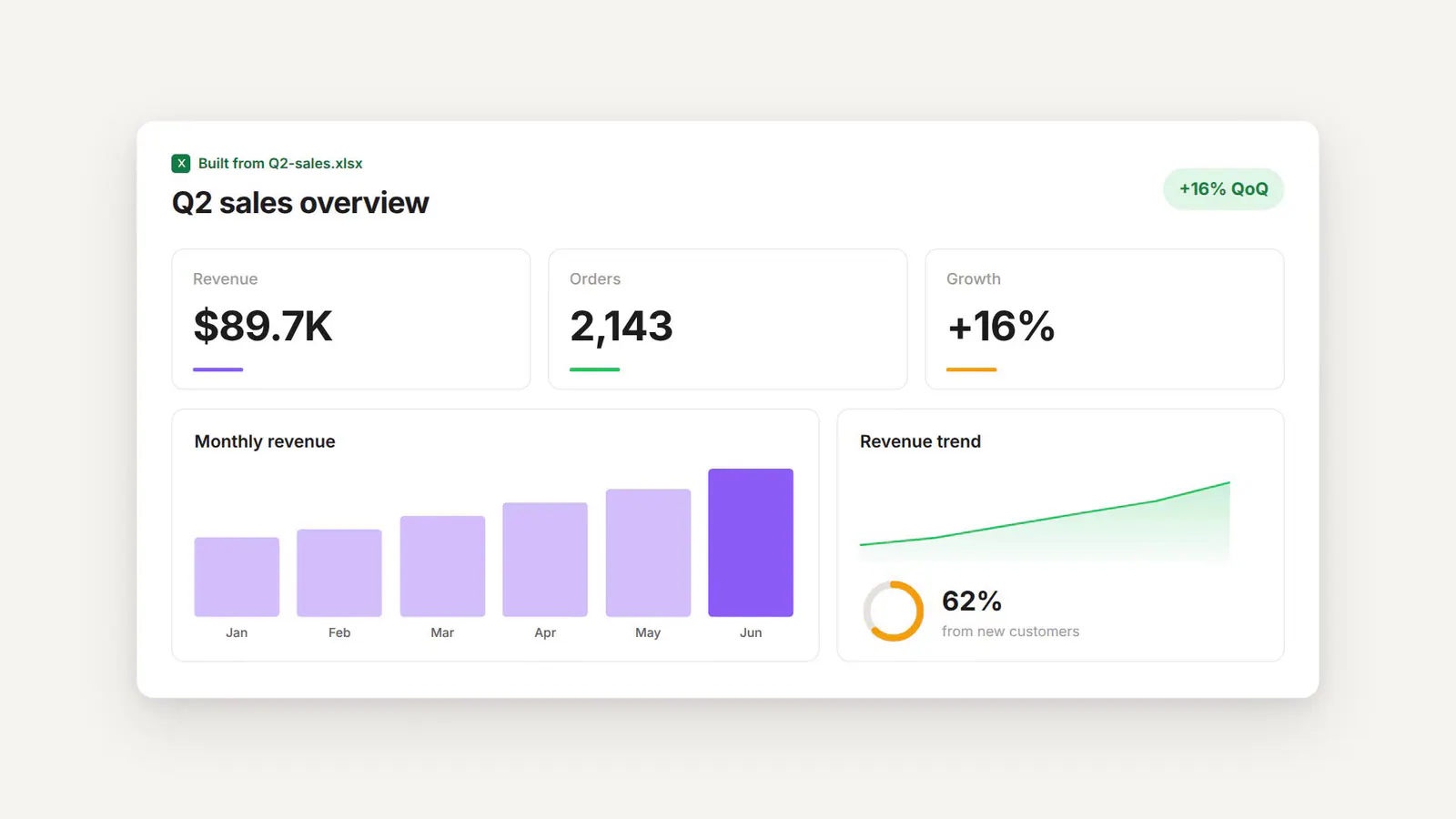
Because it’s the same AI data analyst that powers the rest of Basedash, you can keep the conversation going: ask a follow-up, drill into a number, or pull in another file, and the dashboard updates with you.
The other direction matters as much. Any chart in Basedash can export its underlying data to a .xlsx file with one click, so you can move straight to a spreadsheet when that’s your next step.
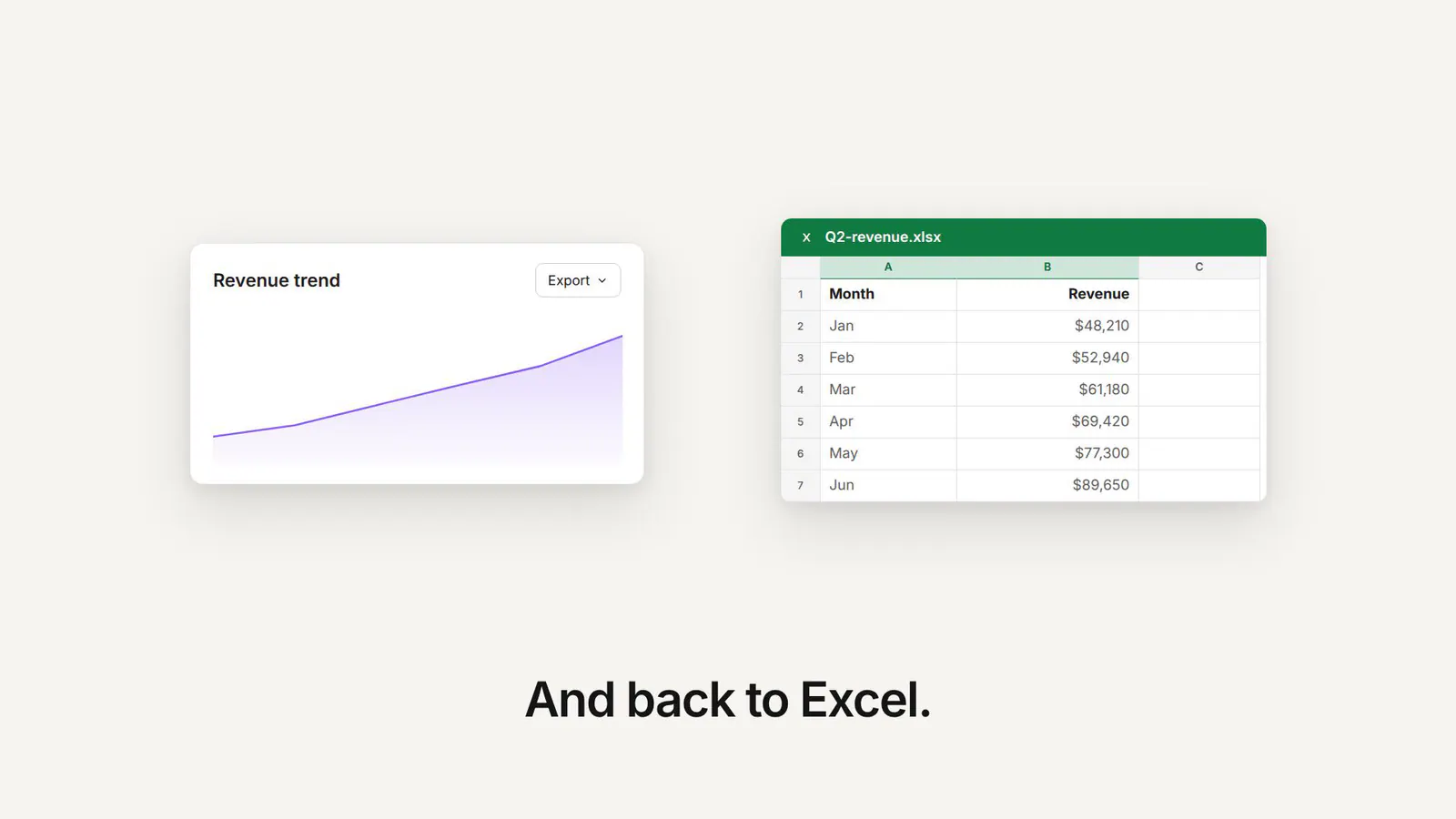
Run the analysis in Basedash, hand the numbers back to whoever needs them in Excel, and everyone keeps working in the tool they prefer.
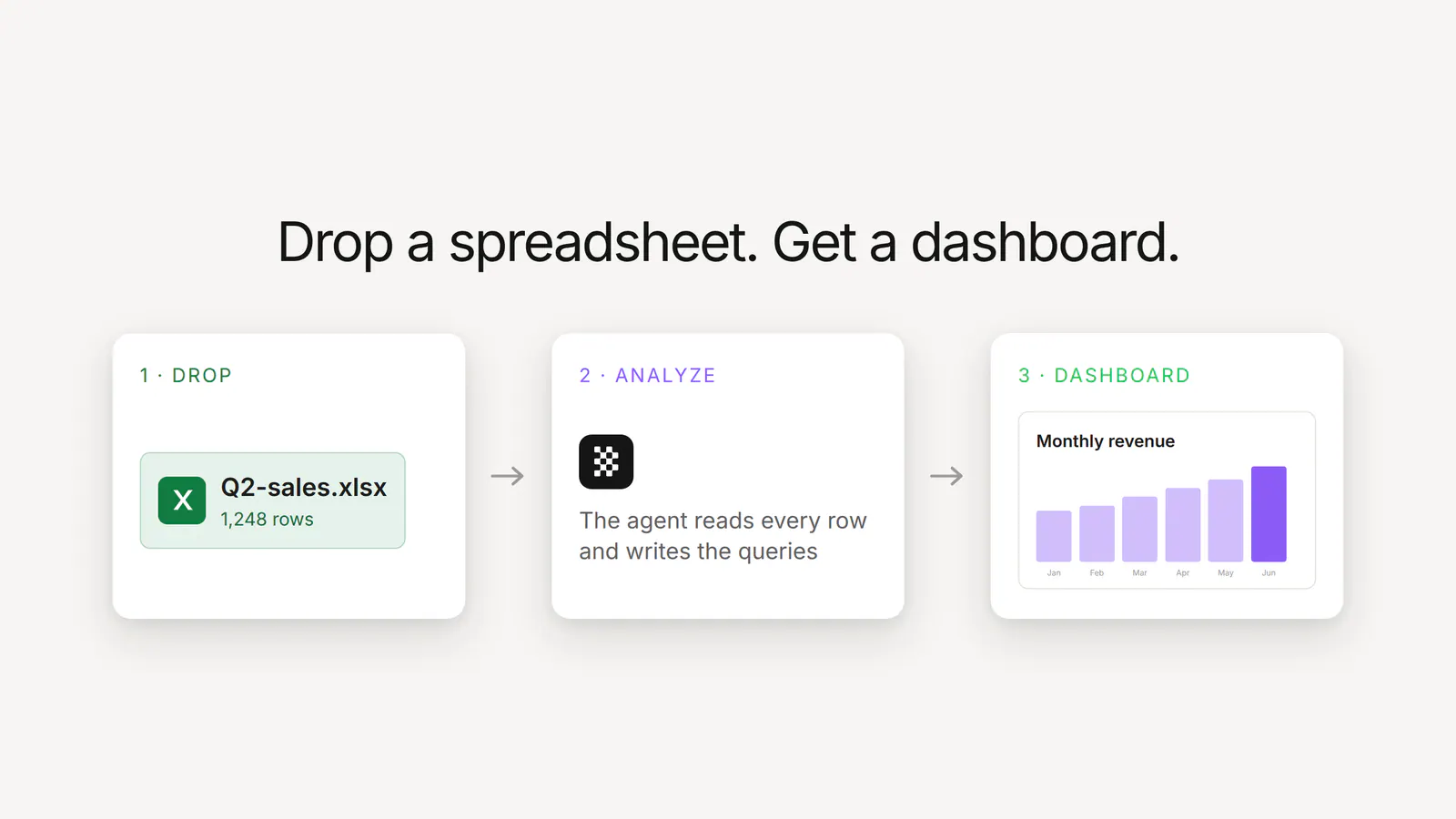
Under the hood, it’s the same analyst that explores your schema, writes and verifies SQL, and uses your custom business context, now pointed at the spreadsheet you uploaded. Your Excel data becomes a queryable source as soon as you upload it.
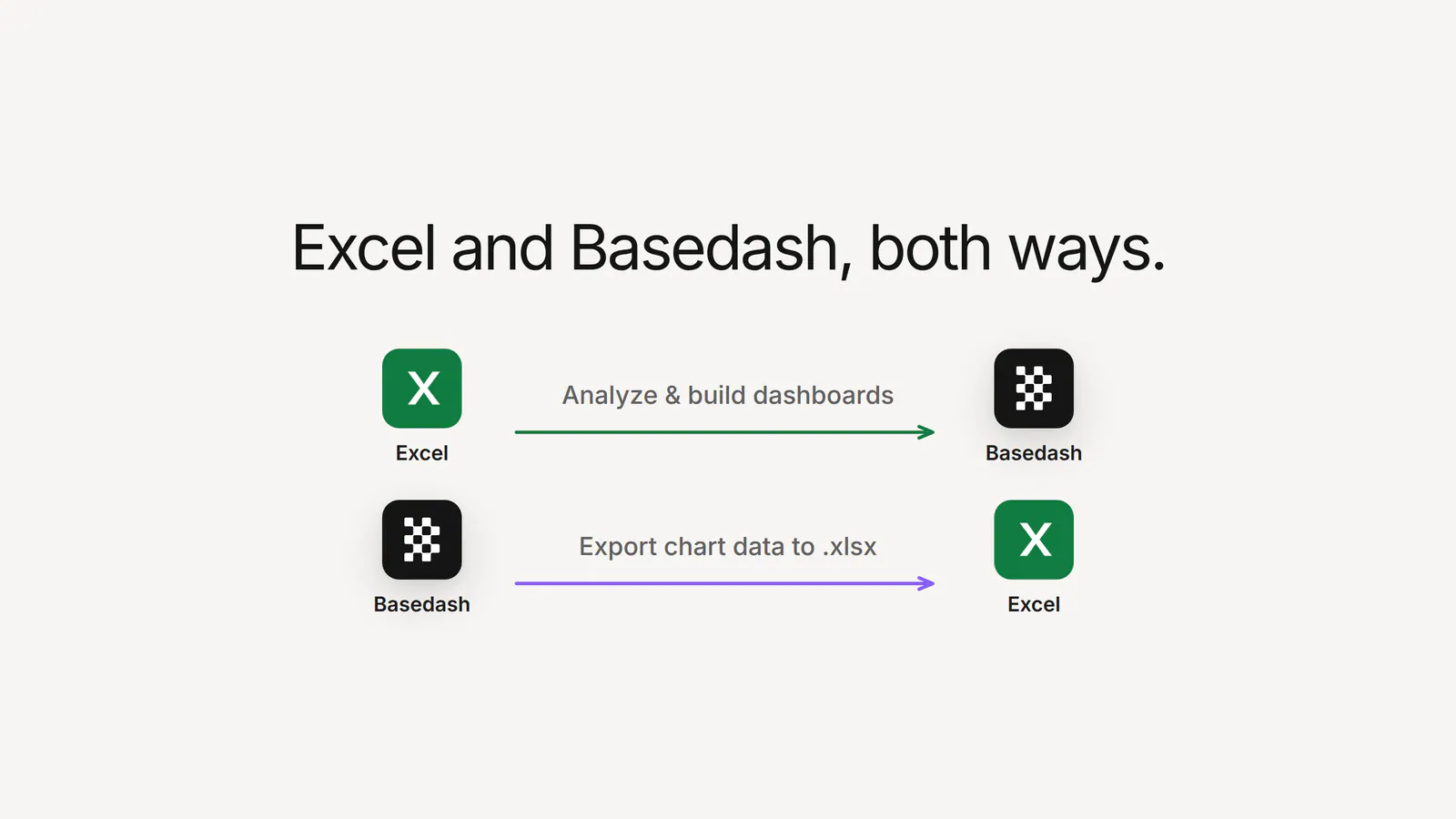
For teams who live in Excel, this means an AI data analyst, live dashboards, and real-time collaboration on top of the files you already trust, without giving up the spreadsheet workflow you know.
Basedash for Excel is available today for all Basedash users:
.xlsx file to the agent and ask it to analyze or chart your dataYour spreadsheets already hold the data, and now you can turn them into dashboards.
Try Basedash for Excel today.
Written by

Founder and CEO of Basedash
Max Musing is the founder and CEO of Basedash, an AI-native business intelligence platform designed to help teams explore analytics and build dashboards without writing SQL. His work focuses on applying large language models to structured data systems, improving query reliability, and building governed analytics workflows for production environments.
Basedash lets you build charts, dashboards, and reports in seconds using all your data.