Introducing view-only members in Basedash
Max Musing
 Max MusingFounder and CEO of Basedash
· October 28, 2026
Max MusingFounder and CEO of Basedash
· October 28, 2026
Max Musing
Max MusingFounder and CEO of Basedash
· October 28, 2026
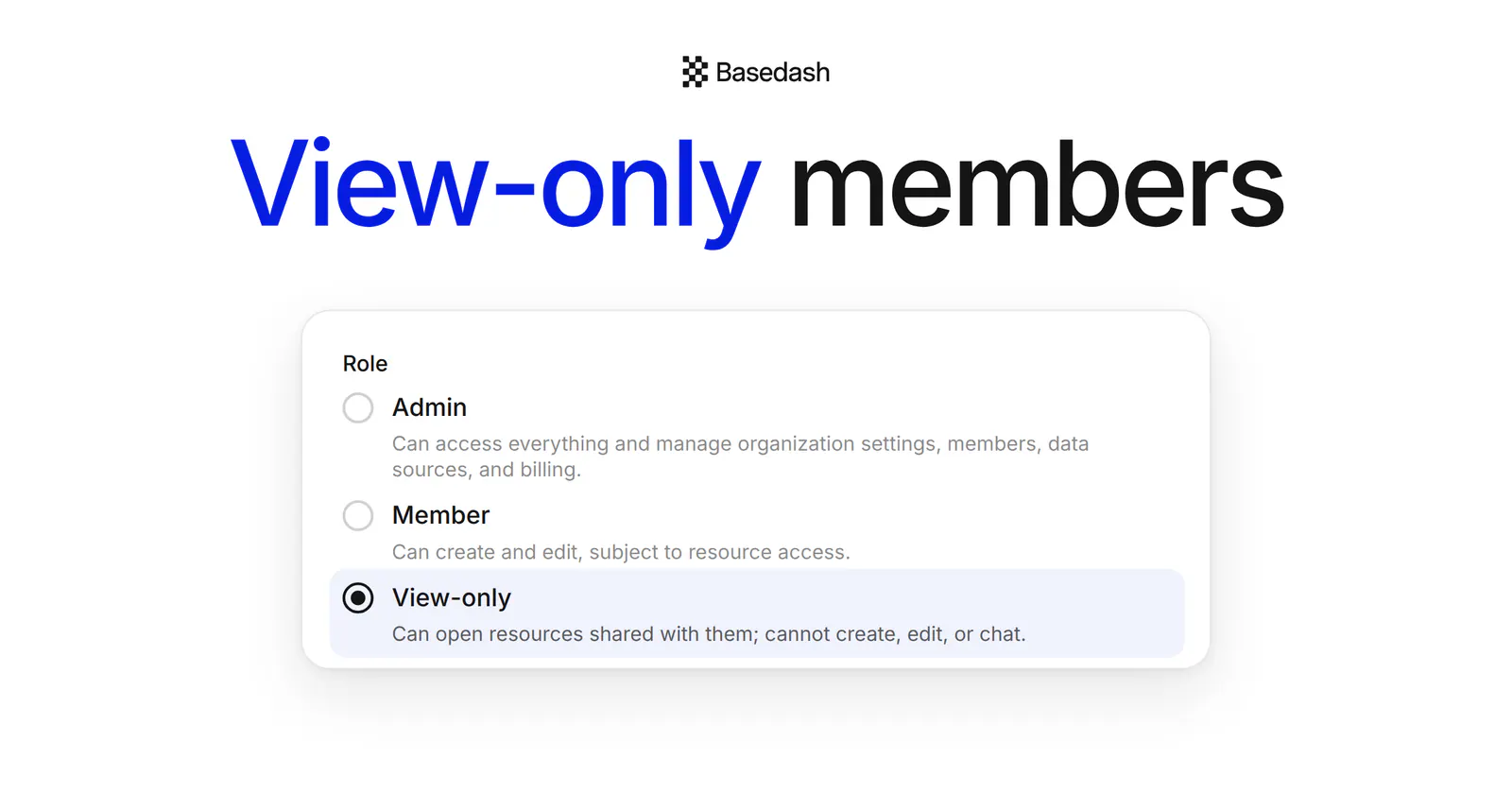
Today we’re launching view-only members in Basedash. View-only is a new role for people who should see your data but never change it: the board, a client, or a whole sales or finance team.
Most people who look at your dashboards never need to edit them. Until now, inviting them to Basedash meant handing over a full seat, and one stray rename or delete could change a dashboard for everyone. Now you can give them access to the numbers without the edit button.
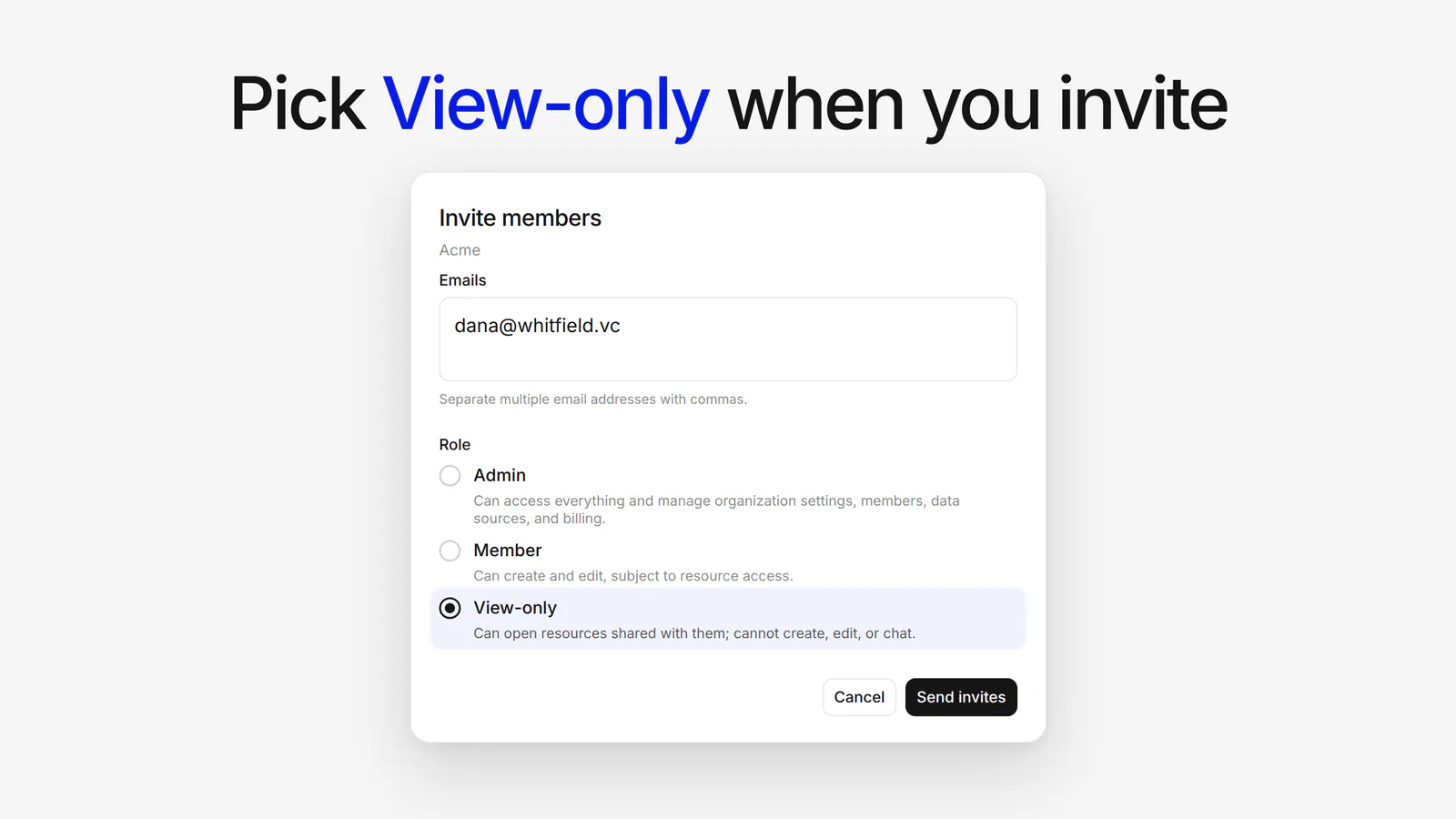
View-only sits next to Admin and Member wherever you choose a role:
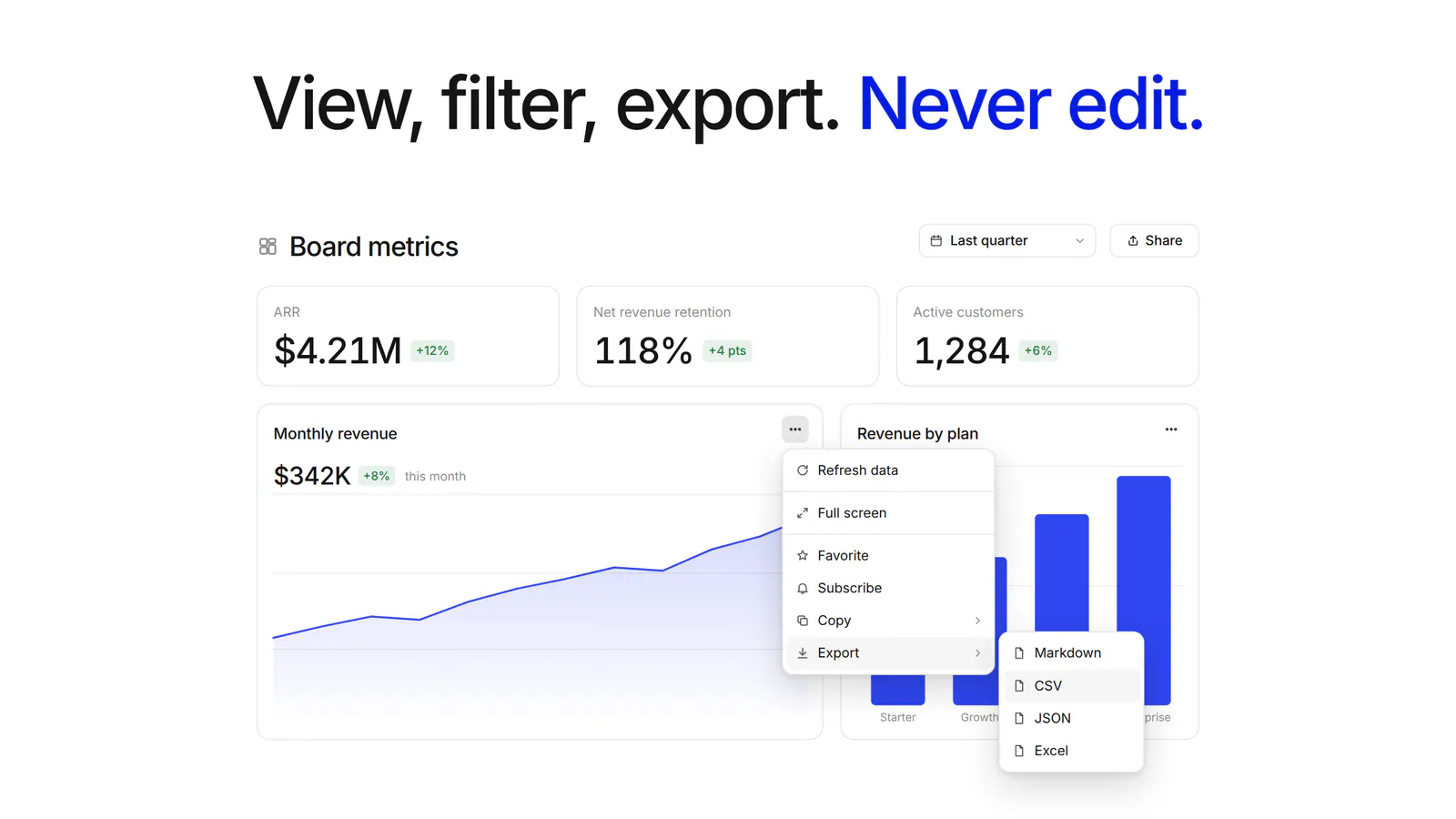
View-only members can open the dashboards, saved charts, automations, and chat history you share with them. They can:
They can’t create or edit anything, run automations, or chat. That makes it a safe way to give stakeholders, clients, or a whole department access to your data.
View-only works on top of the sharing you already have. Anything a view-only member could edit or manage becomes view access, so even a Full access grant behaves like Can view. Anything they couldn’t see before stays hidden.
Their grants are kept, too. Promote someone back to Member and they get exactly the access they had.
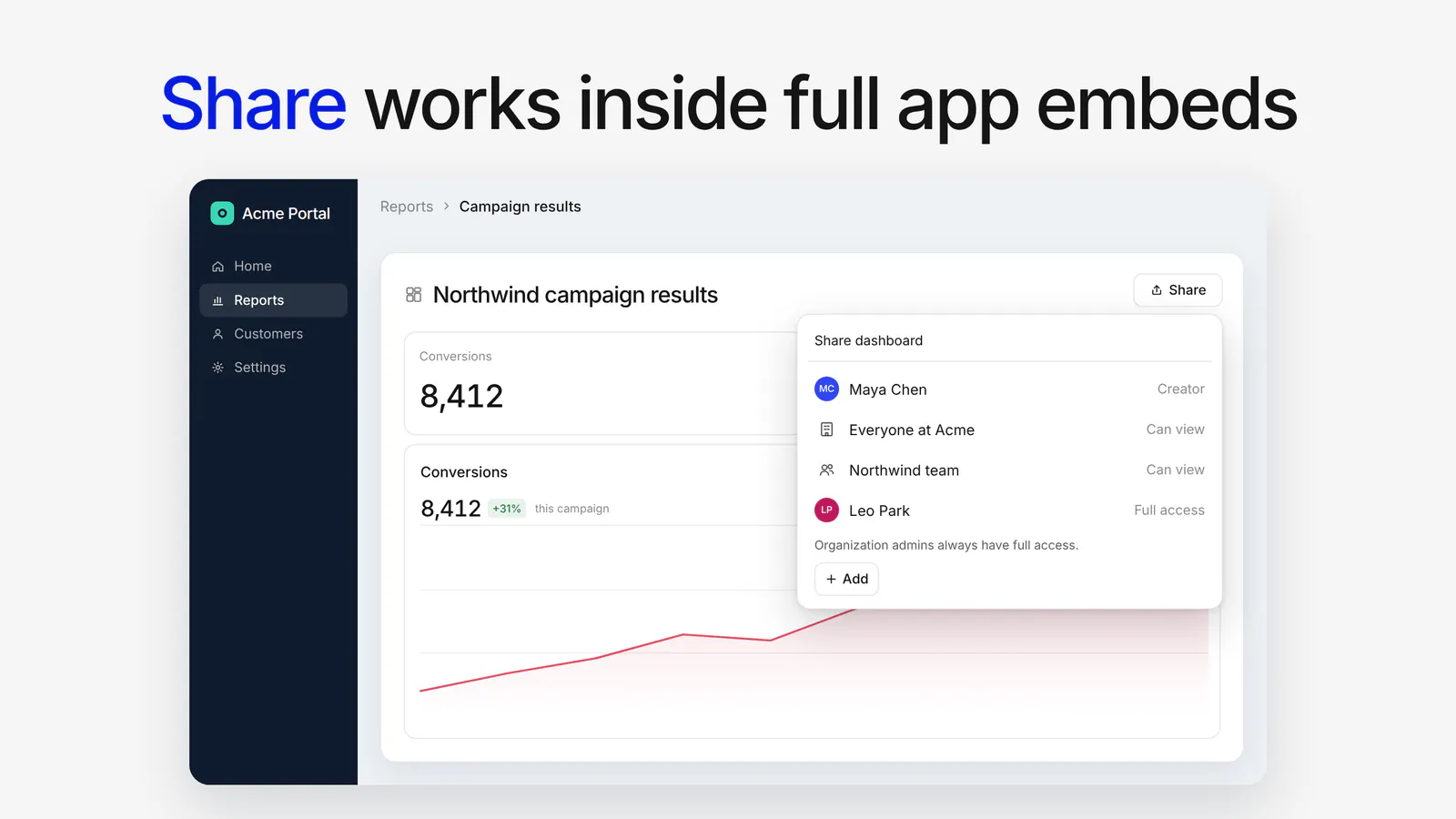
Separately, the Share button is now available on dashboards, folders, and chats in full app embeds. Embedded users can see who has access, and people with full access can change it, all without leaving your app. Anything that would send someone outside the embed, like Copy link or a public link, stays hidden.
View-only members are in Basedash today.
For more on sharing and embeds, see the Dashboards and Embedding feature pages.
Share the numbers. Not the edit button.
Written by

Founder and CEO of Basedash
Max Musing is the founder and CEO of Basedash, an AI-native business intelligence platform designed to help teams explore analytics and build dashboards without writing SQL. His work focuses on applying large language models to structured data systems, improving query reliability, and building governed analytics workflows for production environments.
Basedash lets you build charts, dashboards, and reports in seconds using all your data.