Introducing verified dashboards in Basedash
Max Musing
 Max MusingFounder and CEO of Basedash
· November 4, 2026
Max Musing
Max MusingFounder and CEO of Basedash
· November 4, 2026
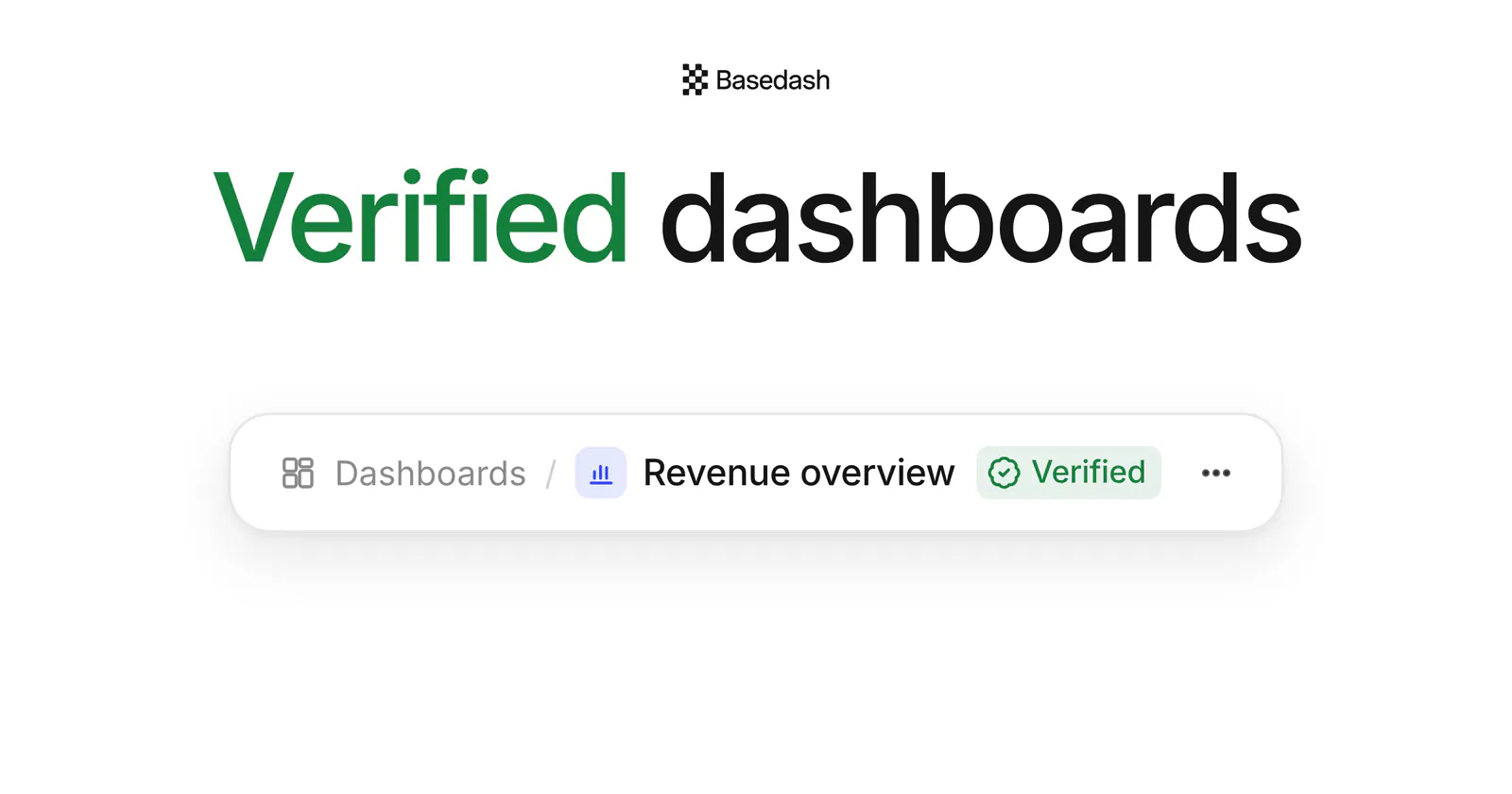
Today we’re launching verified dashboards in Basedash. Admins can now mark a dashboard as verified, the same way they already verify models, so everyone who opens it knows it’s one to trust.
Once a workspace has a lot of dashboards, “which revenue number is right?” becomes a real question. Two dashboards can look alike and still disagree, and the people reading them have no way to tell which one an admin actually reviewed. Now they can.
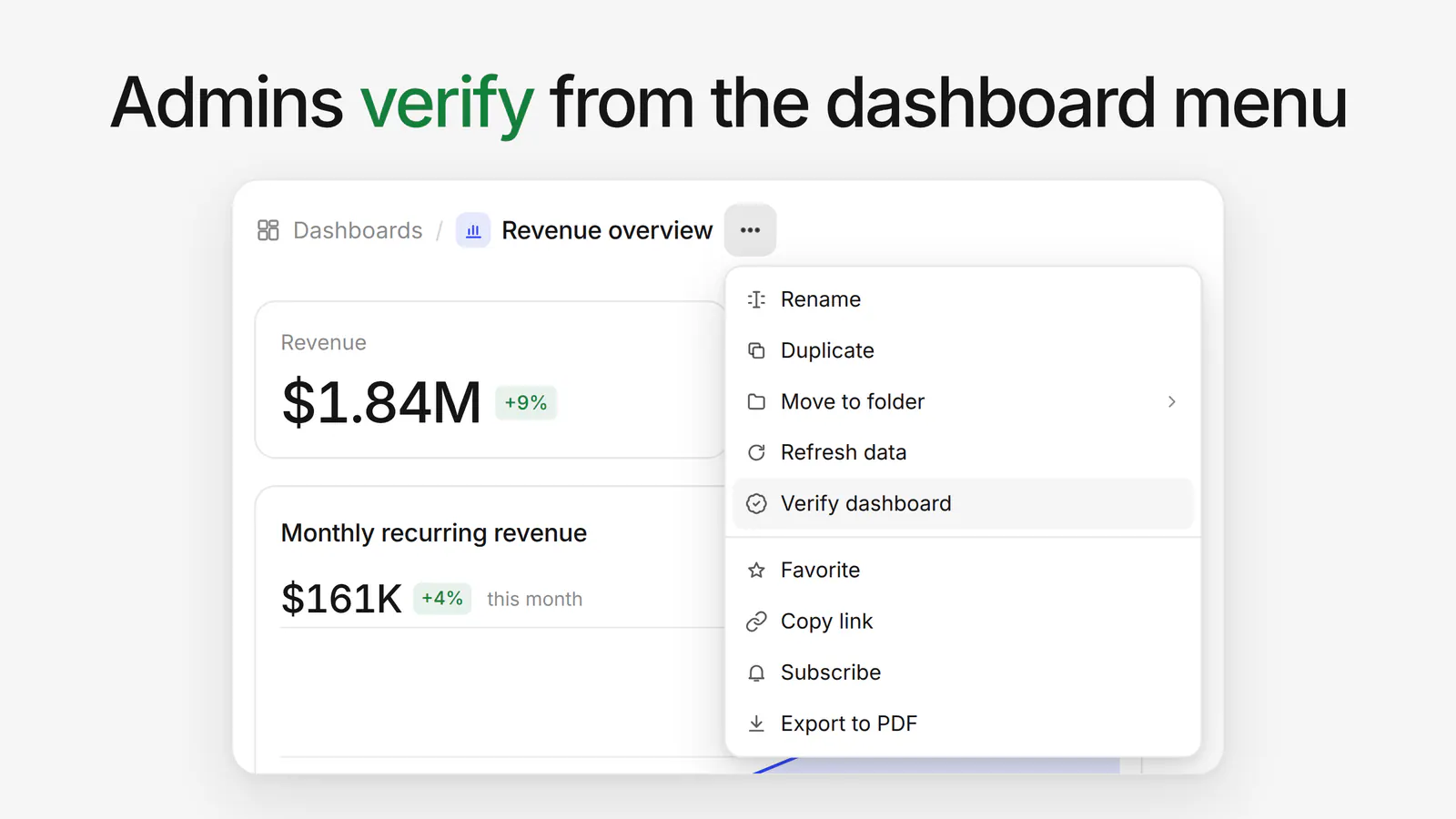
To verify a dashboard, open the more (…) menu in its header and pick Verify dashboard. A green Verified chip appears next to the dashboard’s name for everyone who opens it.
To take it back, open the same menu and pick Remove verification.
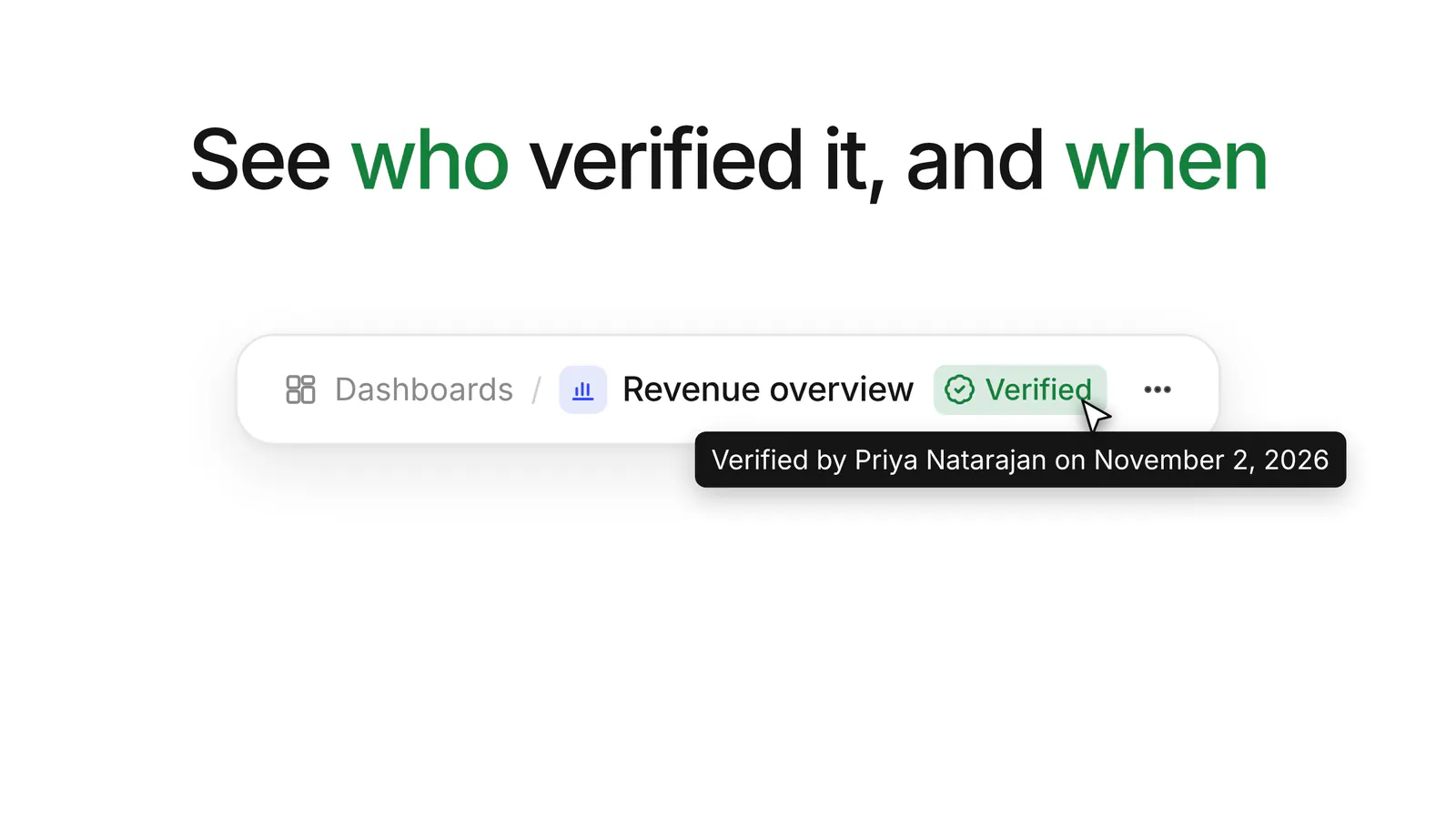
Hover the chip to see who verified the dashboard and when. Anyone reading the numbers can see that an admin stands behind them, and who to ask if something looks off.
Verification is a trust signal, so it’s kept deliberately tight:
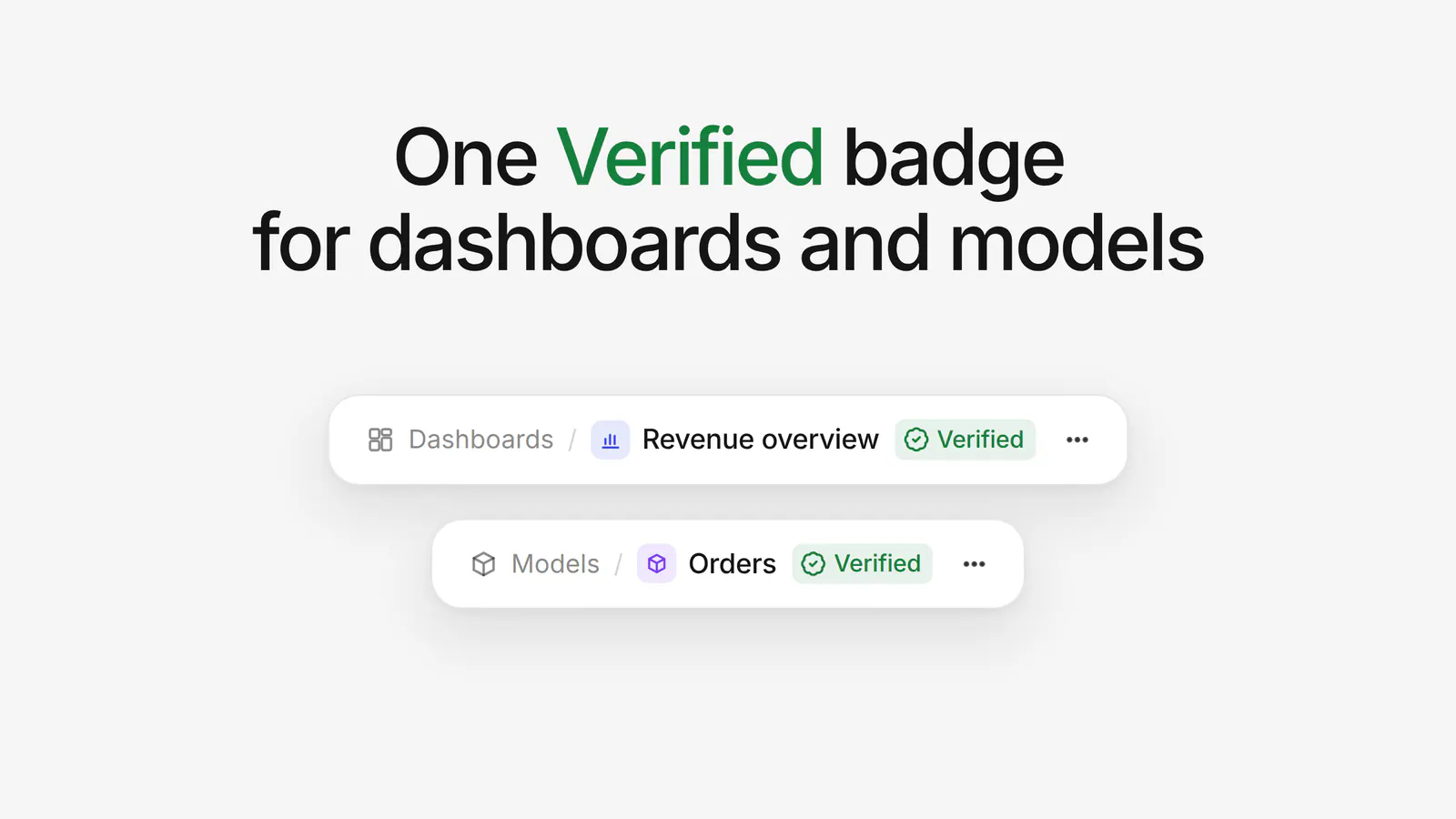
Dashboards use the same Verified chip as verified models, and models now verify from the same header menu item. Dashboards and models work the same way, so your team learns one signal for both the models underneath and the dashboards built on top.
Verified dashboards are in Basedash today.
For more on building dashboards and defining trusted metrics, see the Dashboards and Models feature pages.
Know which numbers to trust.
Written by

Founder and CEO of Basedash
Max Musing is the founder and CEO of Basedash, an AI-native business intelligence platform designed to help teams explore analytics and build dashboards without writing SQL. His work focuses on applying large language models to structured data systems, improving query reliability, and building governed analytics workflows for production environments.
Basedash lets you build charts, dashboards, and reports in seconds using all your data.