Introducing Basedash as code
Max Musing
 Max MusingFounder and CEO of Basedash
· November 24, 2026
Max Musing
Max MusingFounder and CEO of Basedash
· November 24, 2026
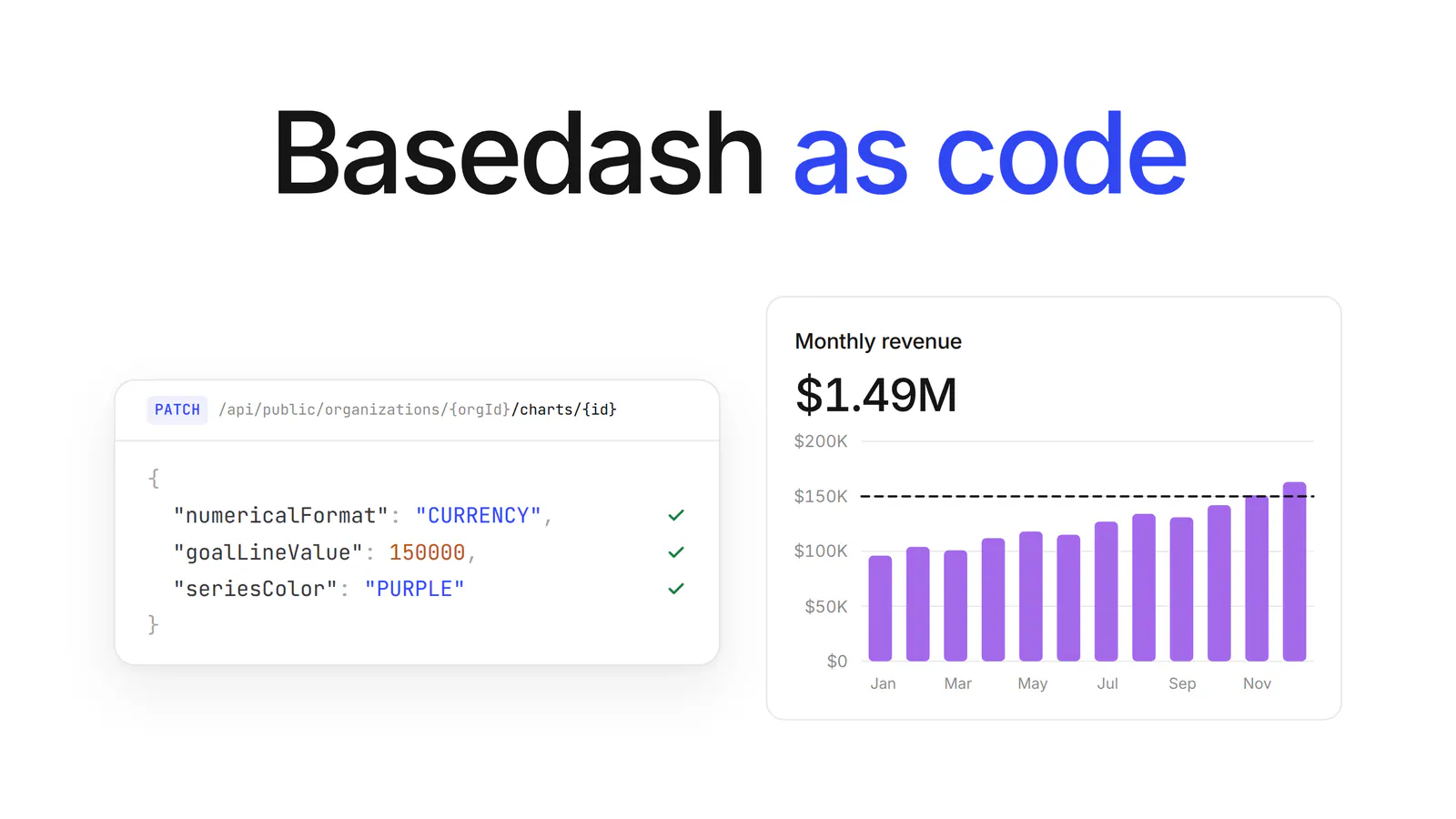
Today we’re launching Basedash as code. The Basedash public API now covers the configuration behind your charts and dashboards: every chart setting, dashboard verification, and the AI context on your tables and columns.
Configuring a BI tool usually means clicking through settings panels, one chart at a time, and hoping nobody changes them later. Now you can create, read, and update that configuration from your own code, and keep Basedash in sync with it.
Every endpoint lives under https://charts.basedash.com/api/public/organizations/{orgId} and takes a Bearer API key that belongs to a workspace admin.
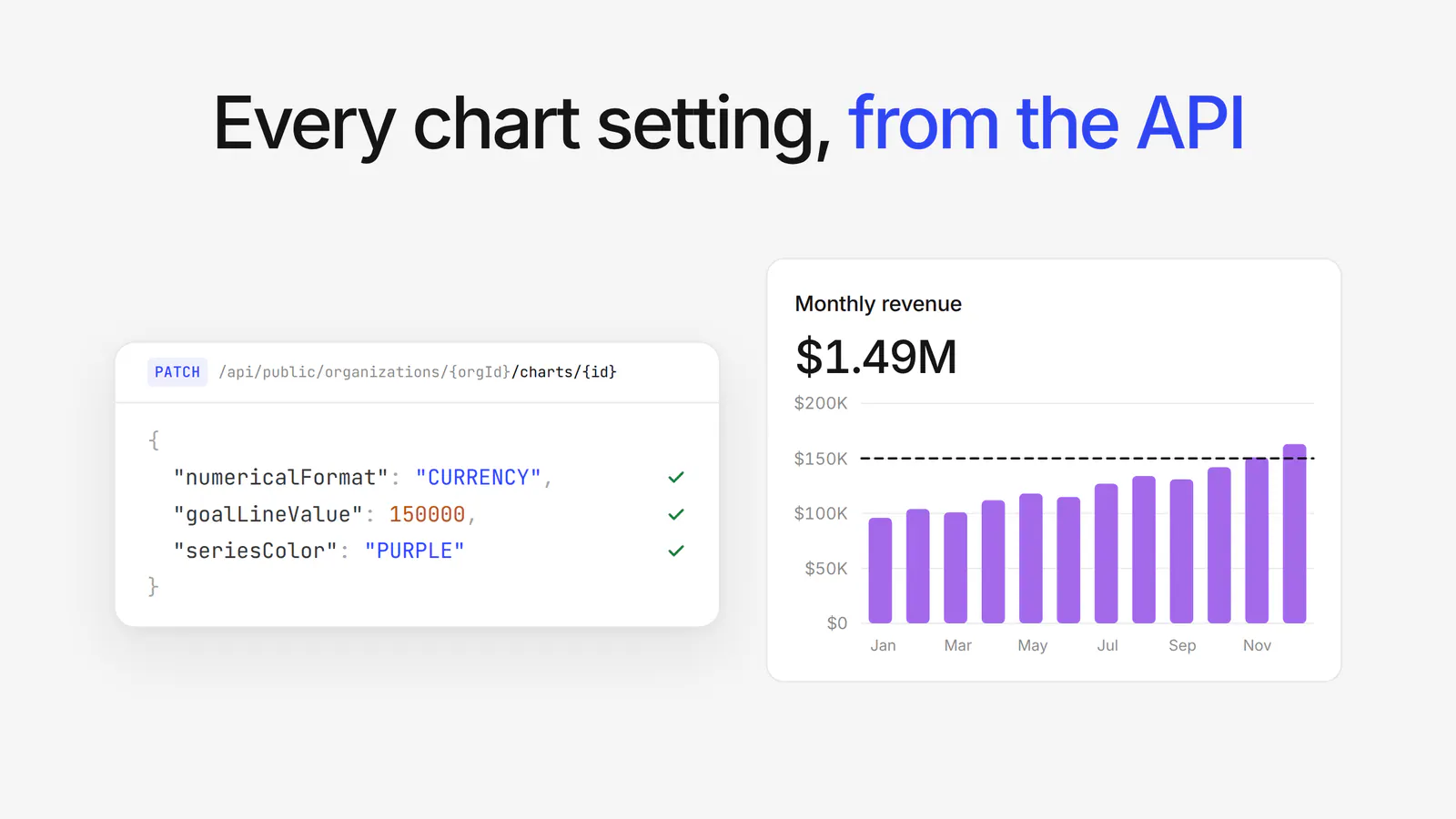
POST /charts and PATCH /charts/{id} now accept the fields from the chart settings panel:
BASE="https://charts.basedash.com/api/public/organizations/$ORG_ID"

curl -X PATCH "$BASE/charts/$CHART_ID" \
  -H "Authorization: Bearer $BASEDASH_API_KEY" \
  -H "Content-Type: application/json" \
  -d '{
    "numericalFormat": "CURRENCY",
    "currencyCode": "USD",
    "goalLineValue": 150000,
    "seriesColor": "PURPLE"
  }'
GET /charts/{id} and GET /dashboards/{dashboardId}/charts return the same fields, so you can read a chart’s full configuration, copy it to another chart, or keep it in sync. Every new field is optional, so your existing requests behave exactly as before.
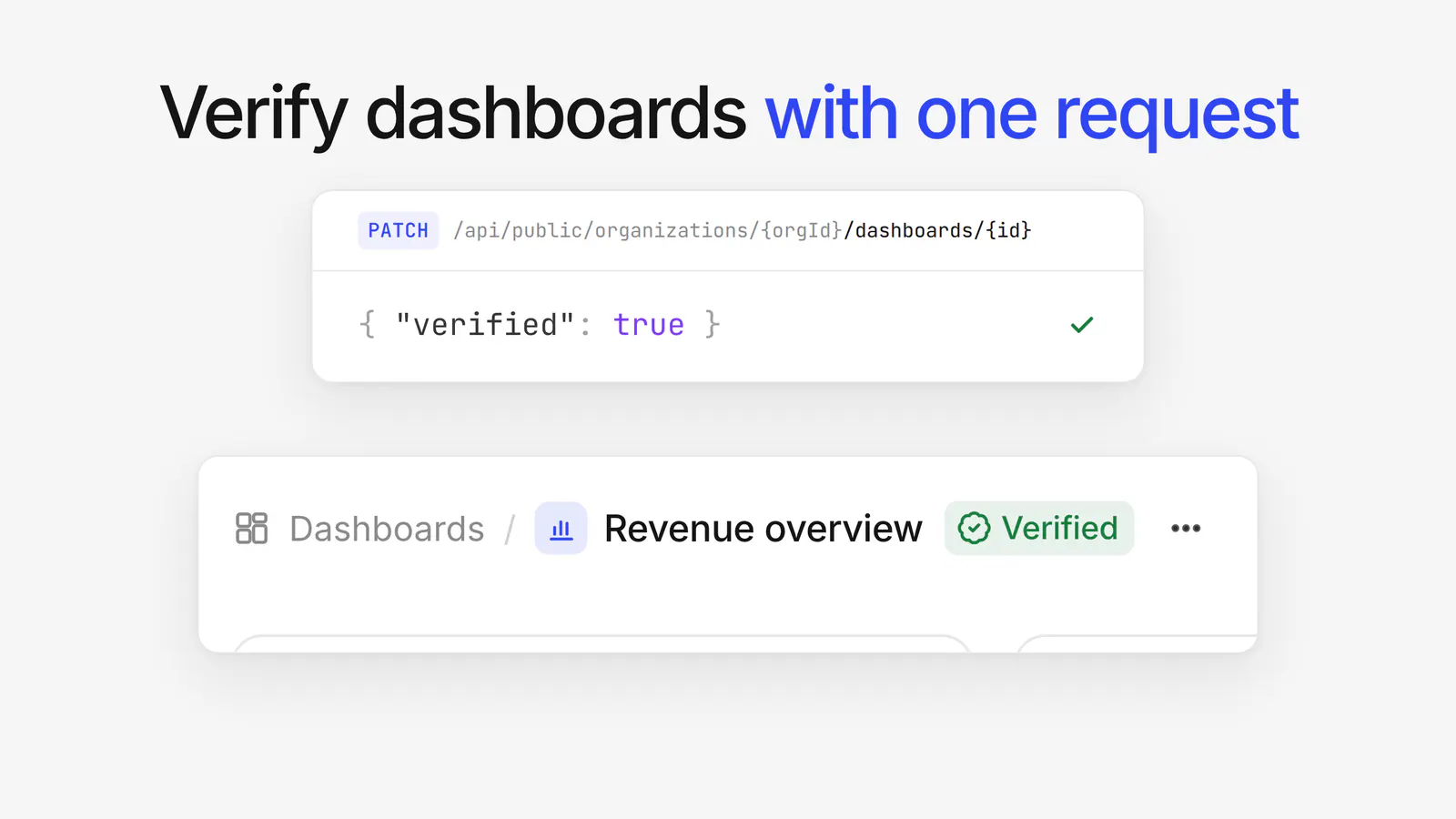
Verified dashboards tell your team which numbers to trust. You can now verify one from code: send verified: true to PATCH /dashboards/{id}, or verified: false to remove the verification.
{ "verified": true }Dashboard responses include verifiedAt and verifiedByMemberId, so you can see when a dashboard was verified and by whom. The same admin rule and audit log events apply as when you verify in the app.
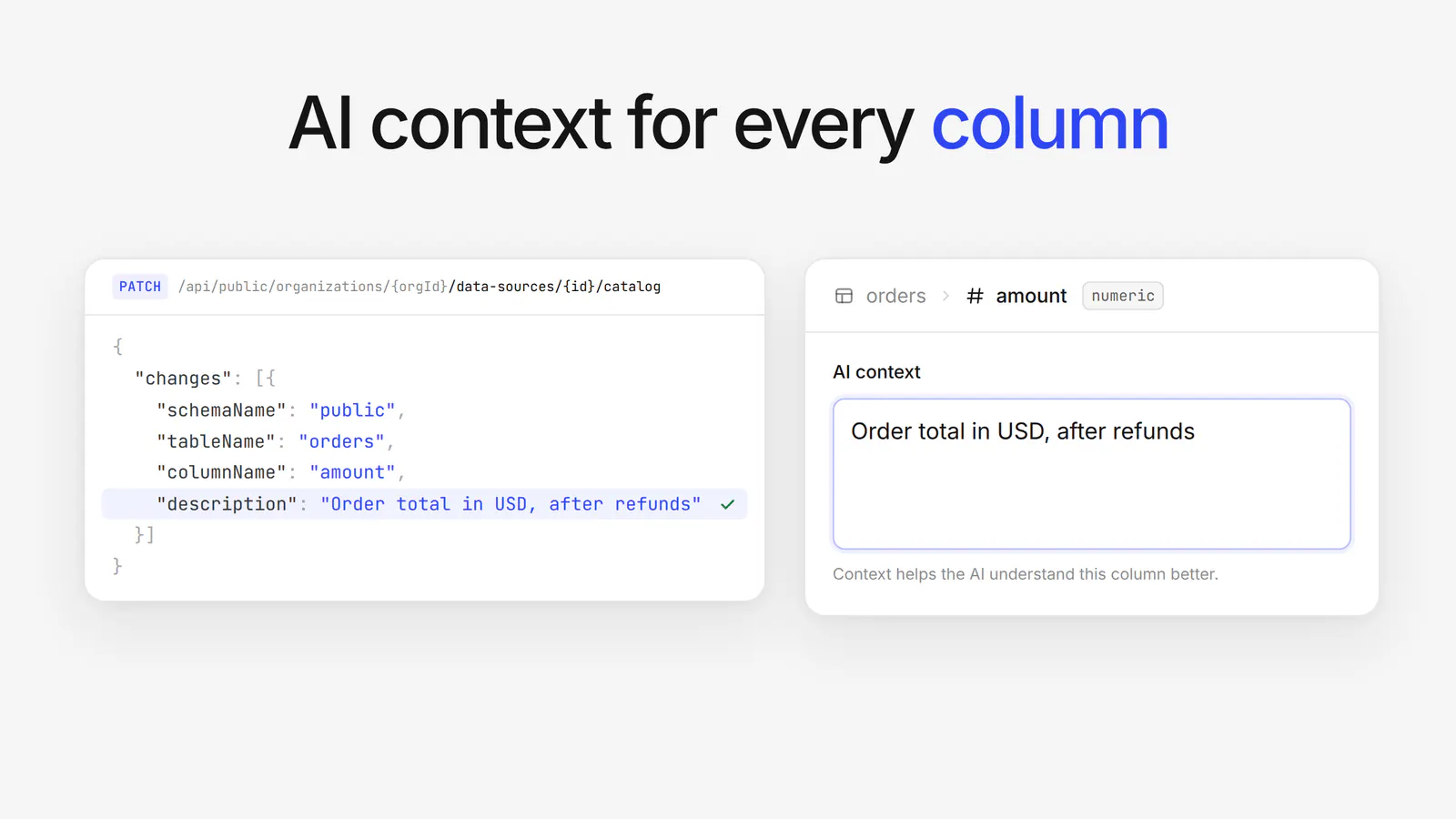
The AI context on your tables and columns is what helps Basedash understand your data. GET /data-sources/{id}/catalog lists a data source’s schemas, tables, and columns with their Basedash description (the AI context), the database’s own comment (read-only), their display name, and their visibility.
PATCH /data-sources/{id}/catalog updates descriptions, display names, and visibility in batches:
{
  "changes": [
    {
      "schemaName": "public",
      "tableName": "orders",
      "columnName": "amount",
      "description": "Order total in USD, after refunds",
      "expectedDescription": "Order total in USD"
    }
  ]
}expectedDescription, and the write is rejected with a 409 if someone changed the text since you read it.Basedash as code is available today through the public API.
https://charts.basedash.com/api/public/organizations/{orgId}Authentication, endpoints, and request formats are covered in the API reference. For everything else the API can do, see the Basedash developer platform launch.
Basedash, as code.
Written by

Founder and CEO of Basedash
Max Musing is the founder and CEO of Basedash, an AI-native business intelligence platform designed to help teams explore analytics and build dashboards without writing SQL. His work focuses on applying large language models to structured data systems, improving query reliability, and building governed analytics workflows for production environments.
Basedash lets you build charts, dashboards, and reports in seconds using all your data.