Saltar al contenido

28 de agosto de 2026

See the sources behind every AI answer

When the assistant finishes answering, it no longer leaves a long, expandable trail of thinking steps and tool calls in your way. Completed answers now collapse that timeline into a simple “Analyzed for 1m 12s” summary, so the final response stays front and center. While it’s still working, you’ll continue to see the latest step it’s on.

Next to the copy and feedback buttons there’s a new Sources control. Expanding it shows exactly what the answer was built from—the tables, definitions, charts, data sources, read-only MCP connections, and web pages it drew on—alongside the queries it ran, each with the SQL and a preview of the rows it returned. Any action that changes something, like a mutating query, a new definition or automation, or an update to your AI context, now appears as a clear card beneath the answer and opens a details view when you click it, instead of being buried in inline callouts.

Fixes and improvements

  • Improved the public automations API so a run’s details now return the rendered final answer with chart images.
  • Made variable dropdowns with many options load smoothly by paginating them as you scroll, on dashboards, public dashboards, and variable configuration.
  • Fixed cases where the schema browser and chat could keep showing stale tables after a database sync.
  • Fixed the public AI usage endpoint returning an error for organizations on a shared billing account.
21 de agosto de 2026

Redesigned home pages that get out of your way

Now that the sidebar handles jumping between your existing dashboards, chats, automations, and data, each home page has a clearer job. The Dashboards home replaces the old list—which just duplicated the sidebar—with a “Jump back in” section showing the dashboards you’ve visited most recently, and header search now spans every dashboard and folder, including ones nested deep inside folders. The Automations home became a proper activity feed: failed runs now appear inline instead of quietly disappearing, and a red status dot in the sidebar flags any automation whose last run failed, so problems are easy to spot.

The Data page changed the most. There’s now a single Data home for everyone—admins and members alike—that lays out your warehouse and its connectors, your databases, and your MCP servers as clean cards. It’s built to answer two questions at a glance: what can Basedash see, and is it healthy? Connectors show real data freshness (“Synced 25 minutes ago”), MCP servers show how many tools they expose, anything broken sorts to the top, and a single “N sources need attention” line appears under the title only when something actually needs a look.

A better experience on mobile

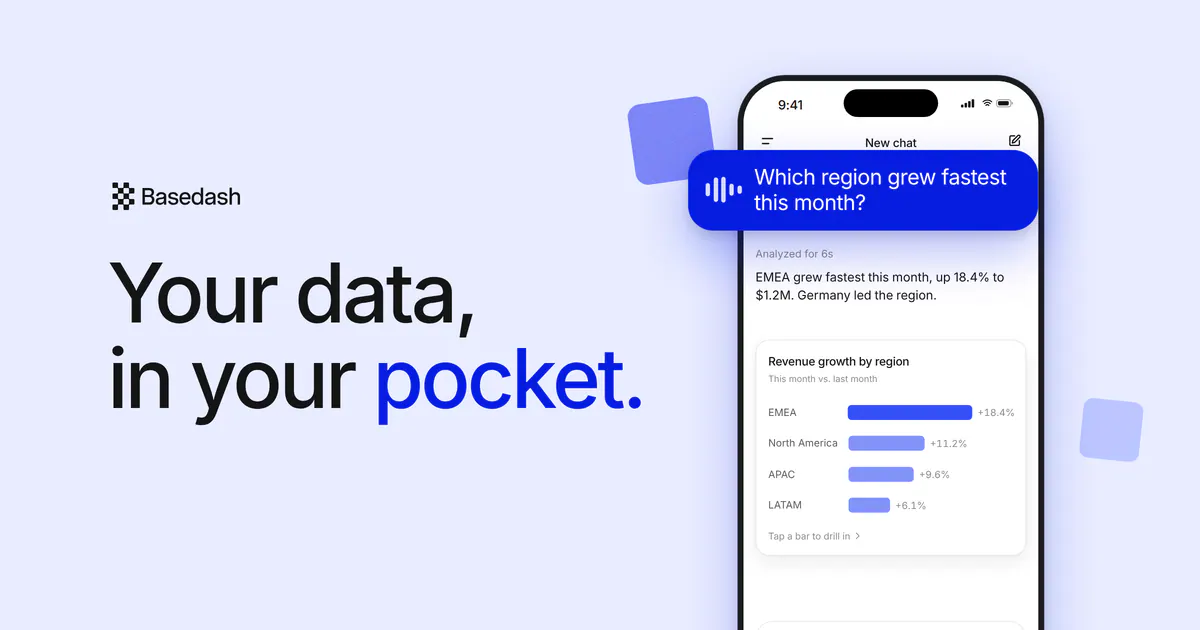
We did a focused pass on Basedash on phones. The app now respects iOS safe areas everywhere, so content no longer tucks under notches, home indicators, or the status bar, and the safe-area gutters are painted to match the app chrome. Tapping into a form field no longer triggers Safari’s jarring auto-zoom, and we removed the native scroll-edge blur that could smear the header on newer iOS.

The chat home also got tidied up on small screens, with suggestions moved directly above the composer and spacing that lines up with the rest of the mobile layout.

Favorite your chats

You can now favorite a chat, the same way you already can with dashboards, charts, folders, and automations. Favorite or unfavorite from the chat list’s context menu or the chat page header (the Alt+F shortcut works too), and your favorited chats show up in the sidebar’s Favorites section for quick access. It’s a small thing that makes the conversations you keep coming back to much easier to find.

Fixes and improvements

  • Polished the animations when sending and receiving chat messages.
  • Fixed cases where live chat updates could stop arriving while a very large message was being written.
  • Fixed scheduled automations and AI queries that could return stale, out-of-date numbers when their SQL used time-based functions.
  • Fixed overflowing file-type labels on chat attachments like .xlsx files.
  • Fixed a crash when creating a table definition with a name that was already in use.
  • Fixed an error when archiving a chart that had already been archived.
  • Fixed Automations disappearing from the sidebar in some embedded setups.
  • Fixed chat notifications crashing on some Android browsers.
14 de agosto de 2026

A sidebar that follows what you’re working on

The app sidebar now stays anchored to your top-level modules—Chat, Dashboards, Automations, Insights, and Data—while the list underneath it changes to match wherever you are. Open Dashboards and you’ll see your dashboard tree; jump to Automations and the sidebar shows your automations, right where you’d expect them. Your favorites stay pinned above the list no matter which module you’re in.

Settings now opens into its own focused navigation with a clear “Back to app” control, so you never lose your place. And for members, the Data section only surfaces the databases and sources you actually have access to, routing you straight to your first available connection.

Your dashboards stay full-screen

The AI chat panel used to reopen every time you loaded a page or switched sections, even after you’d deliberately closed it. Now your last choice sticks: close the panel and it stays closed across navigations, reloads, and sessions, so you can view a finished dashboard exactly the way you built it. When the panel is closed, a labeled “Chat” button in the header makes it easy to bring back whenever you want it.

Chat still shows up where it matters most. On an empty dashboard—where chat is the fastest way to build your first charts—the panel opens automatically, and explicit AI actions like “Fix with AI” still bring it forward.

Modern MCP and OAuth for connecting AI tools

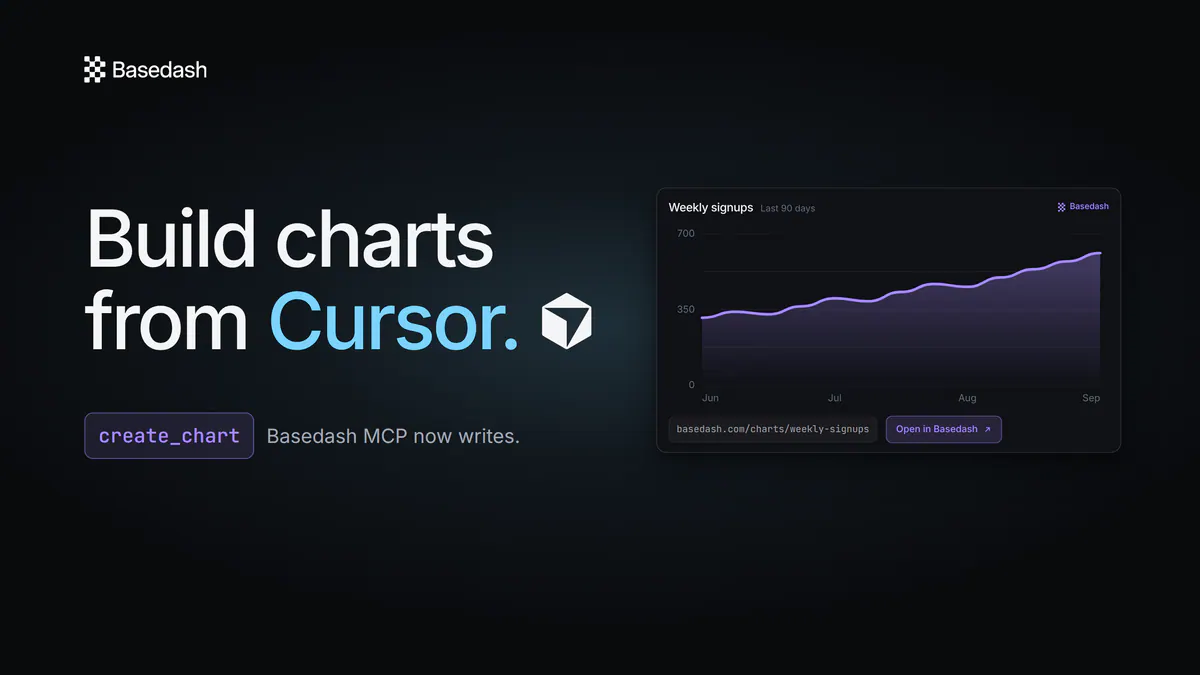
Connecting AI clients to your Basedash data over MCP is now more modern and dependable. We moved to the latest MCP protocol revision, kept long-running requests alive so they don’t drop mid-flight, automatically negotiate protocol versions, and page through large tool lists cleanly.

Authentication got an upgrade too. We added support for OAuth Client ID Metadata Documents, and fixed the loopback OAuth flow so clients like Claude Code can connect without a hitch. Connections stay valid across token rotations, and setup errors now surface clearly when something needs your attention.

Fixes and improvements

  • Fixed public insights returning an error for charts whose SQL uses WINDOW or RETURNING.
  • Fixed chats failing when you attach a .sql file (and other text files) on OpenAI models.
  • Fixed chat responses that could abort mid-answer after an automatic retry.
  • Fixed charts briefly showing an error while a data source connection was still loading.
  • Fixed Slack reports and automations that kept failing when their channel was archived or deleted—Basedash now skips gracefully and lets you pick a new channel.
  • Fixed file attachment options appearing in chat when your zero-data-retention settings made them unavailable.
  • Removed a non-functional Microsoft Teams placeholder from organization settings.
  • Cleaned up the organization settings danger zone when deletion is locked by an active subscription.
7 de agosto de 2026

Sort and arrange tables without changing the chart

When you sort a table chart, hide a column, or reorder columns, those changes now stay with you. They’re saved to your own view without creating a new version of the chart or affecting what anyone else sees. Under the hood, sorting is applied as a safe, validated query change rather than rewriting the chart’s saved SQL, so the chart stays exactly as its author built it.

This also means you can now sort and rearrange columns on read-only and public table charts, which previously wasn’t possible. And when a chart’s SQL changes in a way that renames or removes a column, your saved sorts and column tweaks reset cleanly instead of getting stuck on data that no longer exists.

Search your chats from the sidebar

The chat list now has a filter bar at the top, so you can type to instantly narrow your history down to the conversation you’re looking for by name. Clear it with the button or the Escape key to jump back to the full list.

We also virtualized the chat sidebar, so it stays fast and smooth to scroll even when you have thousands of chats.

A faster, more predictable public API

The public API now allows 60 requests per minute by default—much higher sustained throughput than before—and we fixed a subtle issue where steady, well-behaved clients could get locked out until they went completely idle for a full hour. It’s now enforced race-safely under concurrent requests, too.

Every response also carries standard X-RateLimit-Limit, X-RateLimit-Remaining, and X-RateLimit-Reset headers, so your integrations and agents can see exactly how much headroom they have and pace themselves automatically.

Fixes and improvements

  • Fixed very large tables and queries that could spin forever instead of loading a preview.
  • Fixed a chat crash when querying PostHog data with certain ClickHouse column types.
  • Fixed exporting a chart that references a definition, which previously failed with a “database object not found” error.
  • Replaced raw HTML error pages with a clear message when a chart query fails unexpectedly.
  • Fixed the “Updating data from X ago” label so it only appears during an active refresh and clears right after a manual refresh.
  • Fixed cases where AI-created charts and tables could go missing from a chat’s final answer.
  • Improved chat reliability under heavy load by eliminating intermittent message-write failures.
  • Made automations with large run histories load and update much faster.
  • Fixed AI requests that could fail from over-sending context on smaller GPT-5.4 models.
  • Upgraded the default fast AI model to GPT-5.6 Luna for quicker, lower-cost lightweight AI tasks.
31 de julio de 2026

MotherDuck is now a supported data source

You can now connect MotherDuck as a first-class data source and query it right alongside your other databases. Connect through your MotherDuck Postgres endpoint with an access token, point Basedash at the database you want to sync, and you’re ready to build charts and dashboards and run AI chats on top of it.

Because Basedash understands MotherDuck natively, the AI writes proper DuckDB SQL—including support for nested types like lists, structs, and maps—and the schema explorer and autocomplete know your tables from the moment you connect. It’s a straightforward way to bring serverless DuckDB analytics into the same workspace as the rest of your data.

Reference definitions like tables in SQL

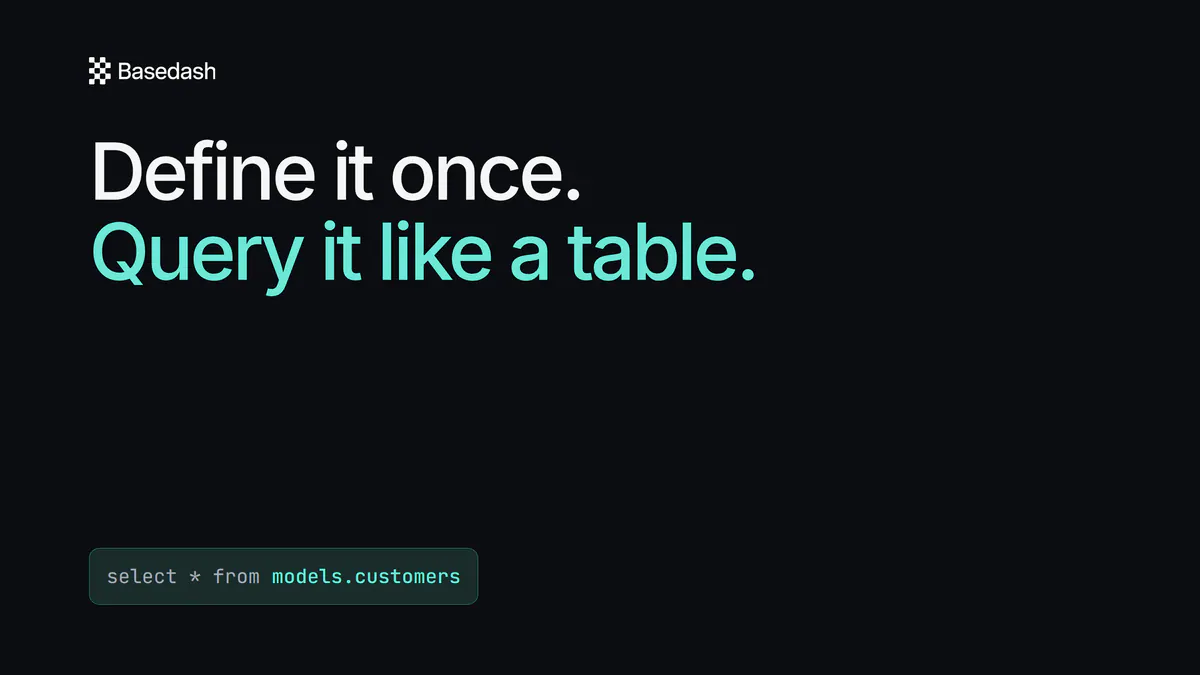
Definitions—your saved, reusable queries—now behave like real tables. Instead of the old {{ definition("name") }} template syntax, you reference a definition with a simple schema-qualified name: select * from definitions.your_definition. It reads like normal SQL and composes naturally into joins, CTEs, and subqueries.

Definitions also show up as virtual tables throughout Basedash now. They appear in SQL editor autocomplete with their columns, and the AI sees them in its schema catalog, so it can discover and build on your definitions without any extra prompting. Existing definitions were migrated automatically, so nothing breaks.

Auto-refreshing dashboards keep up under heavy load

Dashboards that refresh on an interval—especially the always-on ones running on office TVs—now update far more reliably. Refresh work is fairly distributed so a single busy workspace can’t monopolize the queue and delay everyone else, and throughput is much higher, so charts update within seconds of their interval instead of lagging behind. When several screens show the same dashboard, they now share a single refresh per chart instead of each running its own live query, dramatically cutting the load Basedash puts on your database.

We also made individual queries more resilient. The query timeout is now 120 seconds, up from 60, to give heavier charts room to finish, and when a query does time out, Basedash now cancels it at the source across Postgres, Snowflake, Oracle, DuckDB, and ClickHouse instead of leaving it running against your warehouse.

Fixes and improvements

  • Improved voice-to-text in chat by moving to a newer, more accurate transcription model.
  • Fixed scheduled chart subscriptions failing to render for charts that rely on date ranges or default variables.
  • Fixed chat image attachments that wouldn’t load when the file’s name contained special characters.
  • Fixed the Slack channel picker returning an error when your Slack connection needed reauthorizing—it now prompts you to reconnect.
  • Fixed the upgrade flow for expired trials, which could appear to do nothing, so it now shows clear loading and retry states.
  • Fixed automation run history freezing or crashing when a report contained very large query results.
  • Fixed ClickHouse queries that could fail on read-only connections, which now retry automatically.
  • Renamed the command menu’s “New draft chart” to “New chart” and made it easier to find when searching for “SQL query.”
  • Added a public API endpoint to delete an organization.