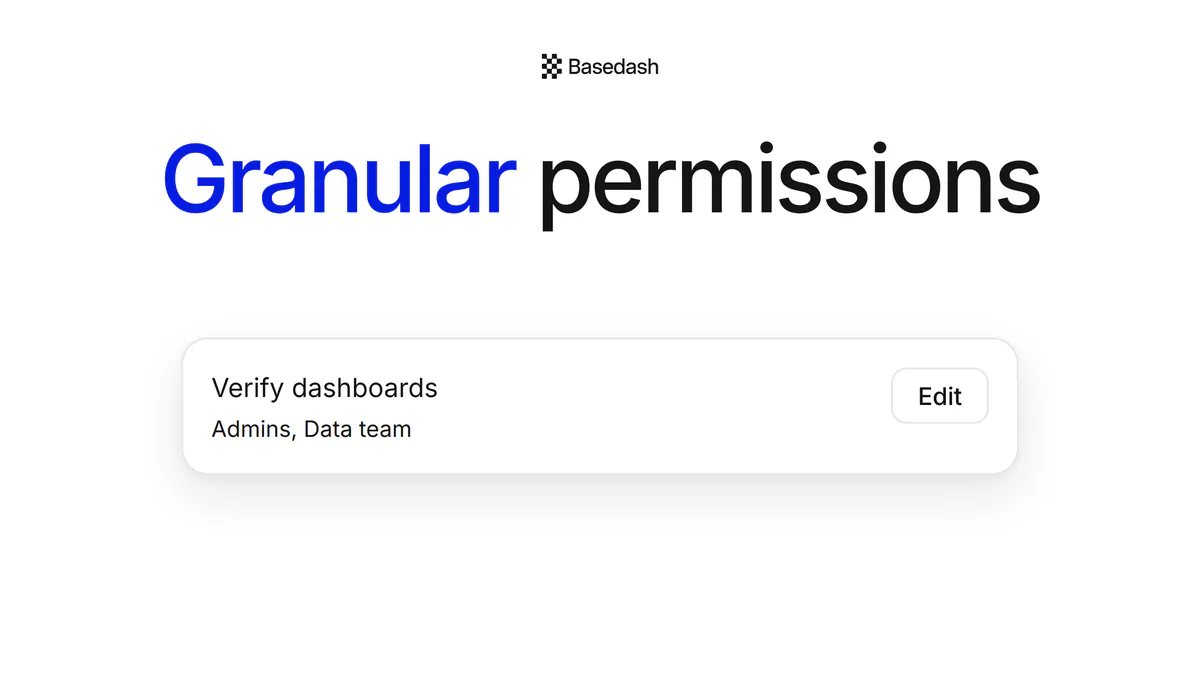
Introducing granular permissions in Basedash
Enterprise admins can let a group manage models, AI context, data sources, verification, groups, and invites in Basedash.
 Max MusingFounder and CEO of Basedash
This page is available in Français.
This page is available in Español.
This page is available in Português (Brasil).
Enterprise admins can let a group manage models, AI context, data sources, verification, groups, and invites in Basedash.
Max MusingFounder and CEO of Basedash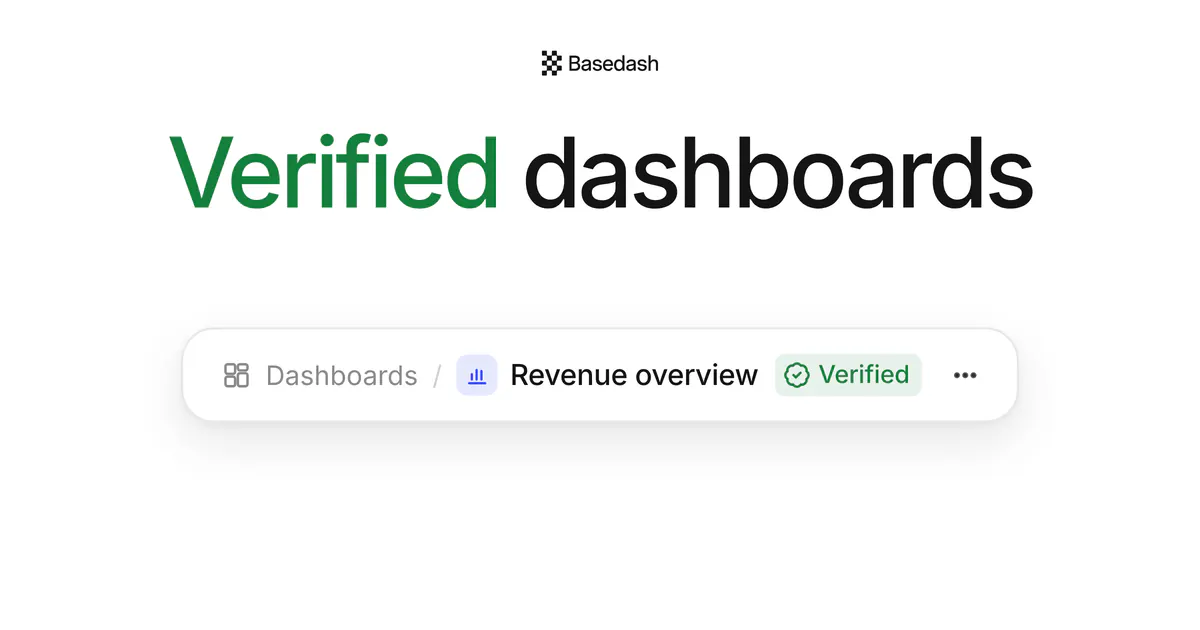
Admins can mark a dashboard verified in Basedash, so everyone sees which numbers to trust, plus who verified it and when.
Max MusingFounder and CEO of Basedash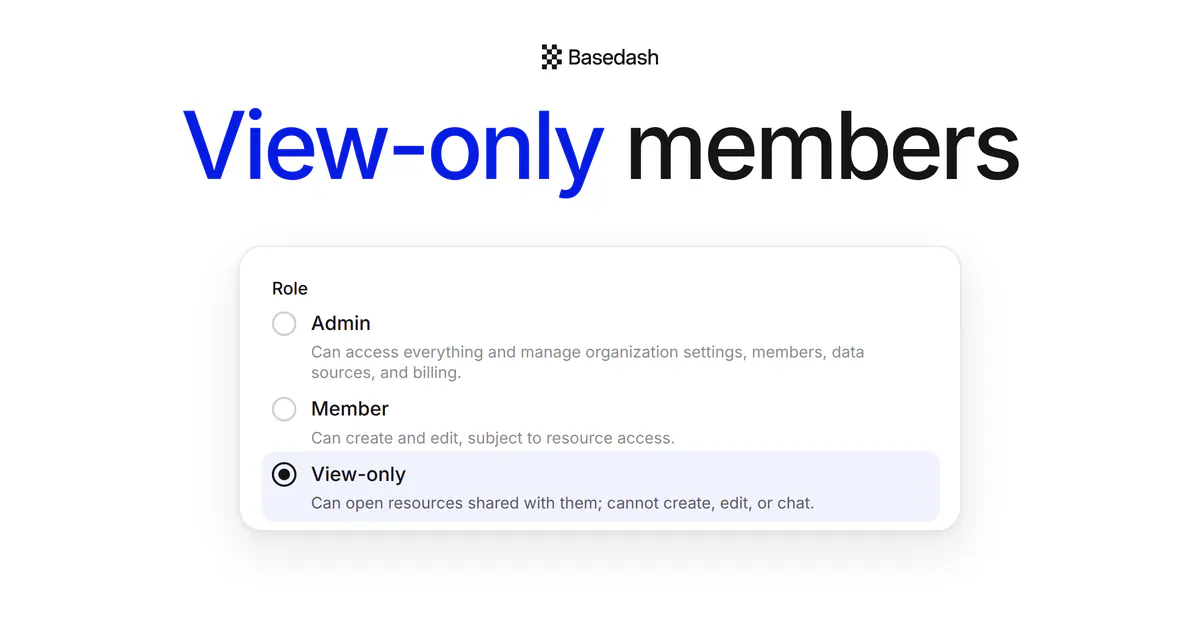
Invite anyone to Basedash as a view-only member: they can view, filter, and export what you share, but never edit it.
Max MusingFounder and CEO of Basedash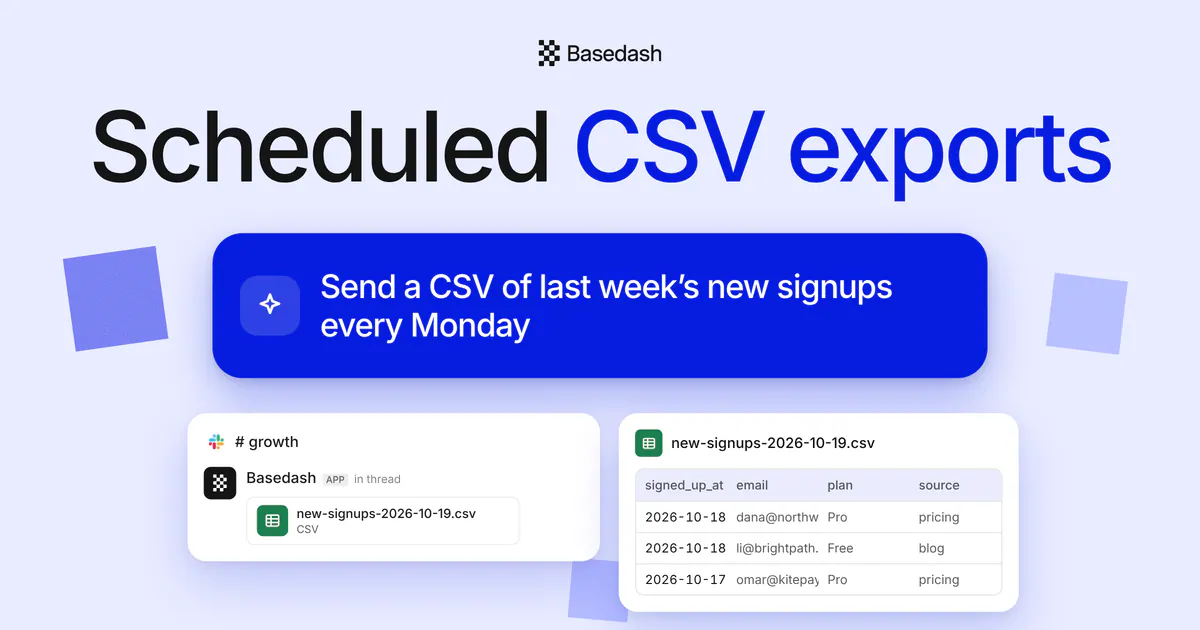
Ask a Basedash automation for a CSV once, and every run attaches the file in Slack or adds a Download CSV link to the email.
Max MusingFounder and CEO of Basedash
“We evaluated Omni and other BI tools, but the speed to insight with Basedash is unmatched.”
Greg Demoge
Co-founder & CPO · FullEnrich

Read case study →

“For a security-conscious company like ours, Basedash instantly clicked. Reports that took weeks are ready in hours.”
Claudio Godoy
AI Agents Lead · Taxfyle

Read case study →
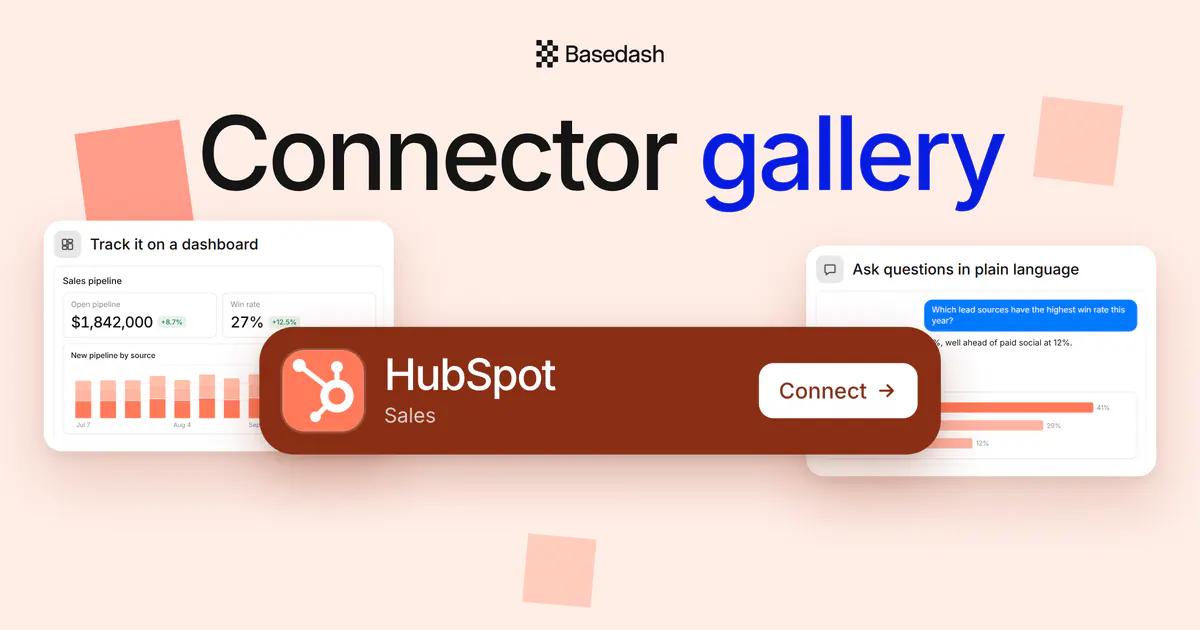
Every connector in Basedash now has a home page with Connect, docs, sync controls, and previews of the dashboards, answers, Slack alerts, and cross-source questions you can build with it.
Max MusingFounder and CEO of Basedash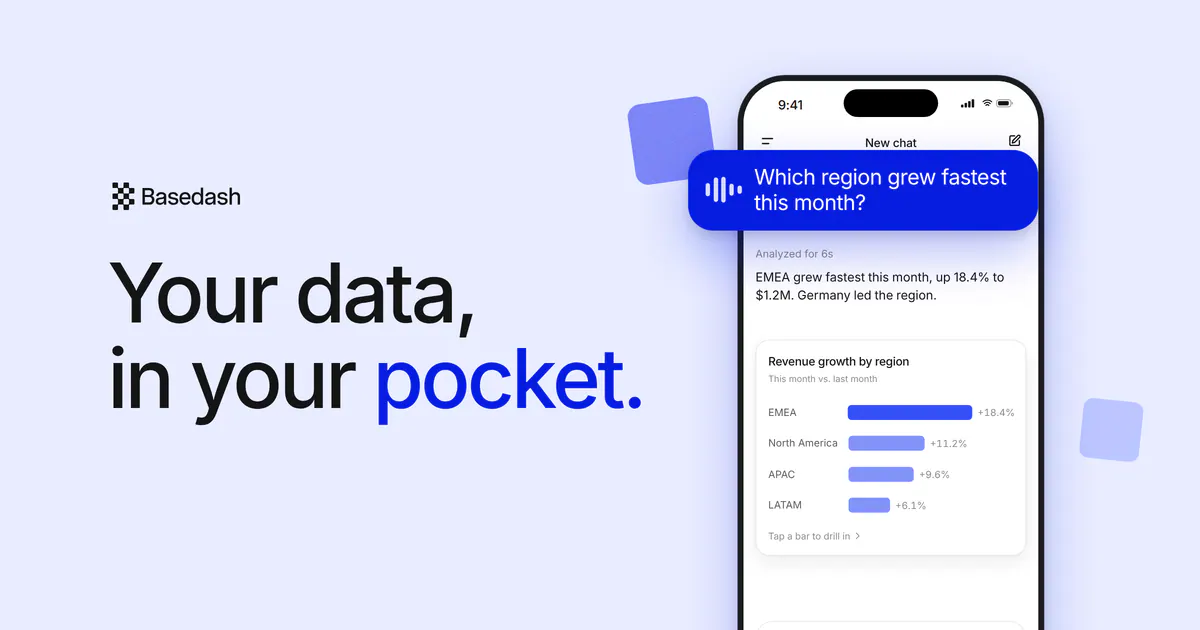
Add Basedash to your iPhone Home Screen, ask questions out loud, and drill into the answers with a tap. Basedash Mobile brings voice input and thumb-first charts to your phone.
Max MusingFounder and CEO of Basedash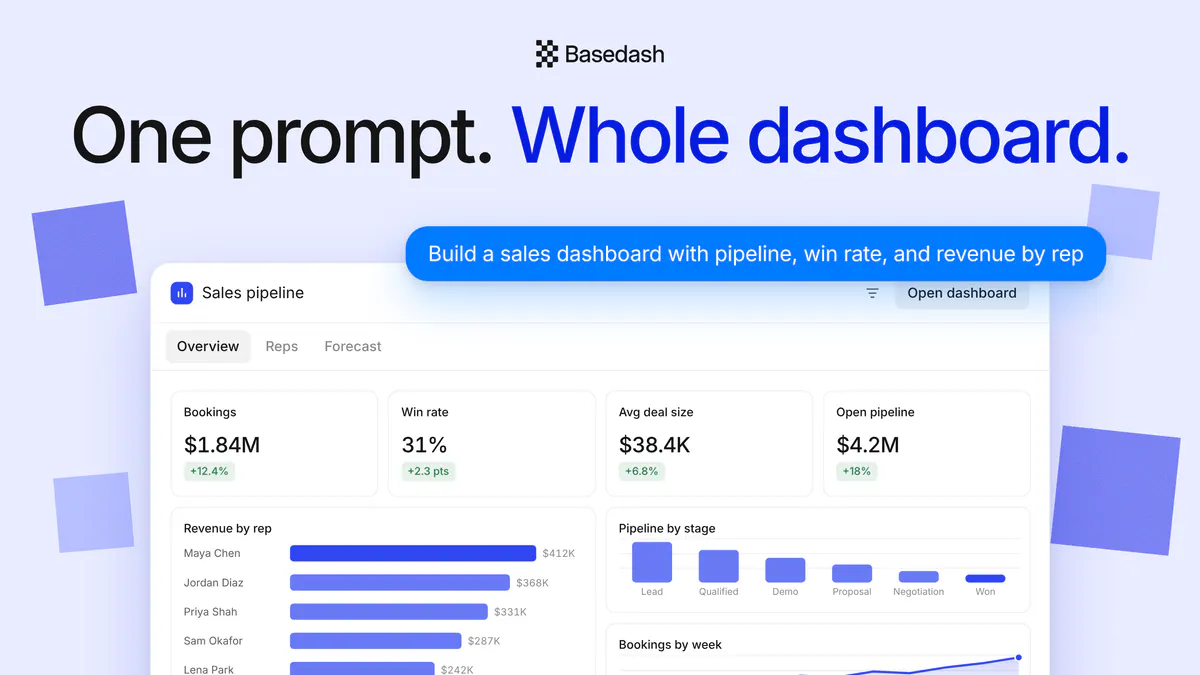
Type one prompt in Basedash chat and get a whole dashboard back, previewed live in the conversation: KPIs, charts, tables, filters, and tabs you can use before you open it.
Max MusingFounder and CEO of Basedash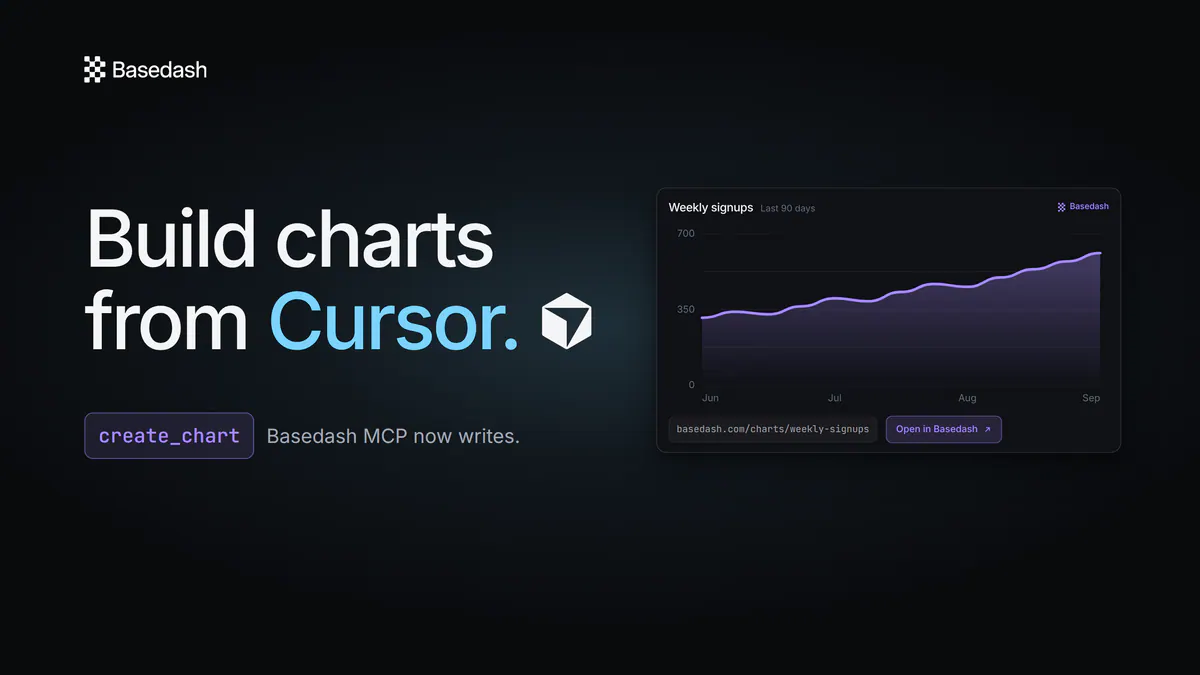
The Basedash MCP server can now write, not just read. From Cursor, Claude, or any MCP client, ask for a chart or a whole dashboard and get back a real Basedash artifact with a durable link and a rendered image.
Max MusingFounder and CEO of Basedash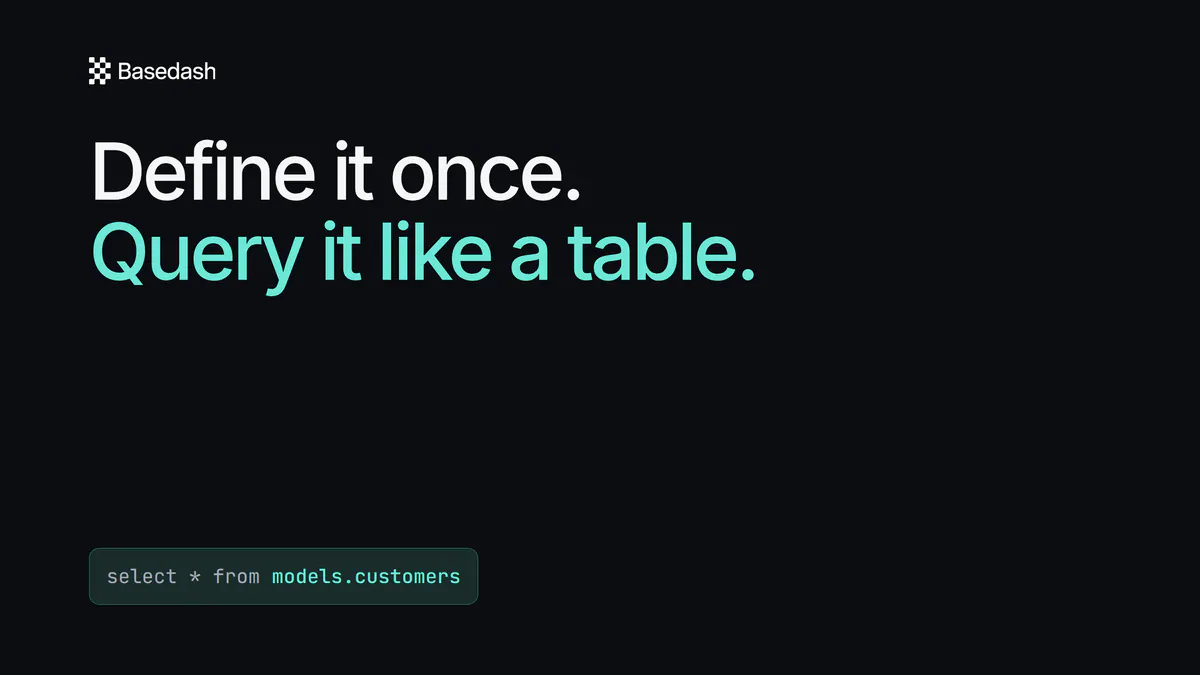
Definitions grew into a semantic workspace of reusable, governed SQL. Query a model like a table, and the assistant reads its measures, segments, and relationships.
Max MusingFounder and CEO of Basedash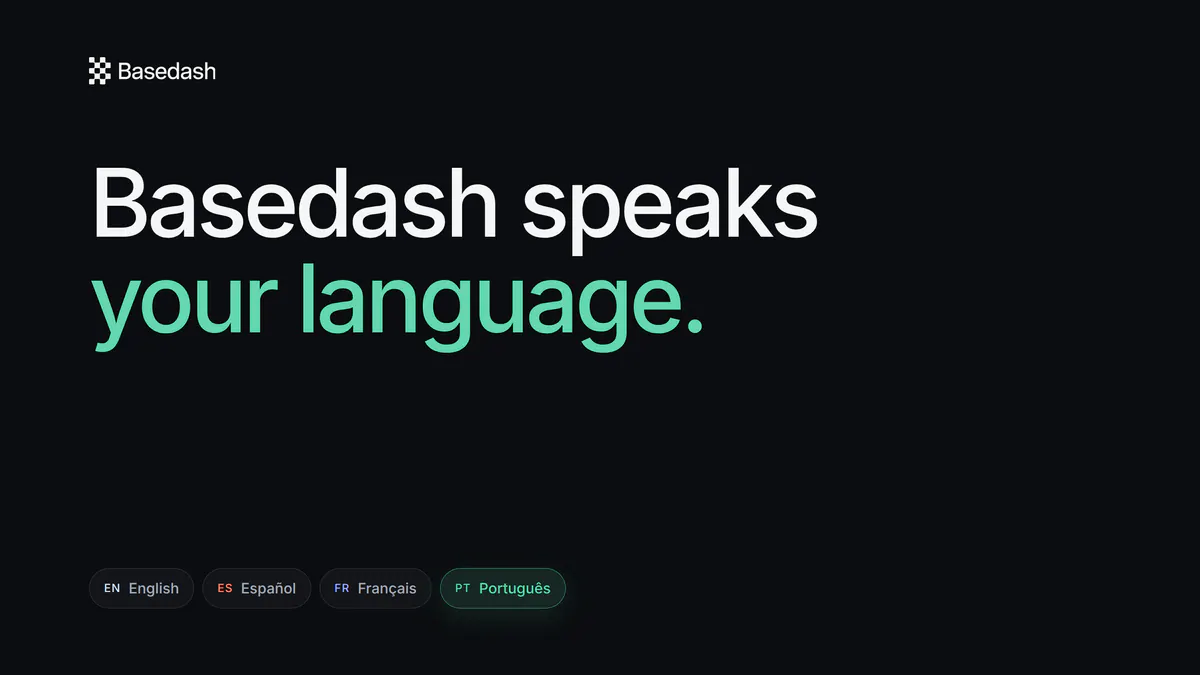
Choose English, Español, Français, or Português in profile settings and the Basedash interface switches instantly, with no page reload.
Max MusingFounder and CEO of Basedash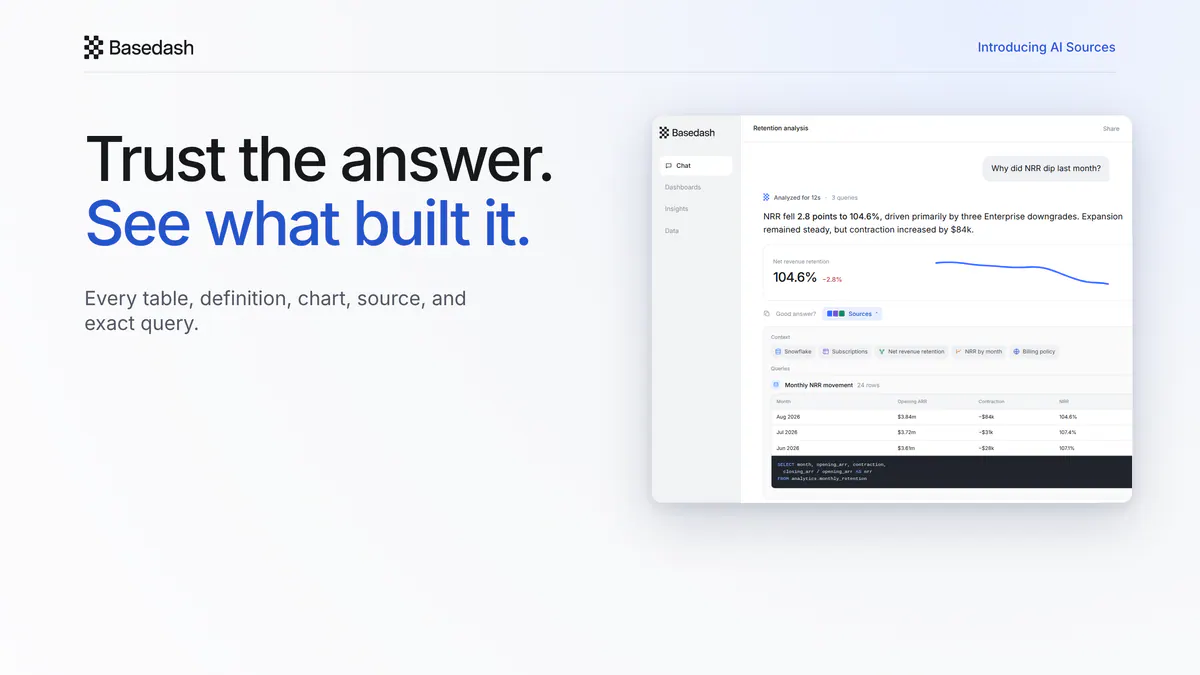
Inspect the tables, definitions, charts, connections, web pages, SQL, and returned rows behind every AI answer in Basedash.
Max MusingFounder and CEO of Basedash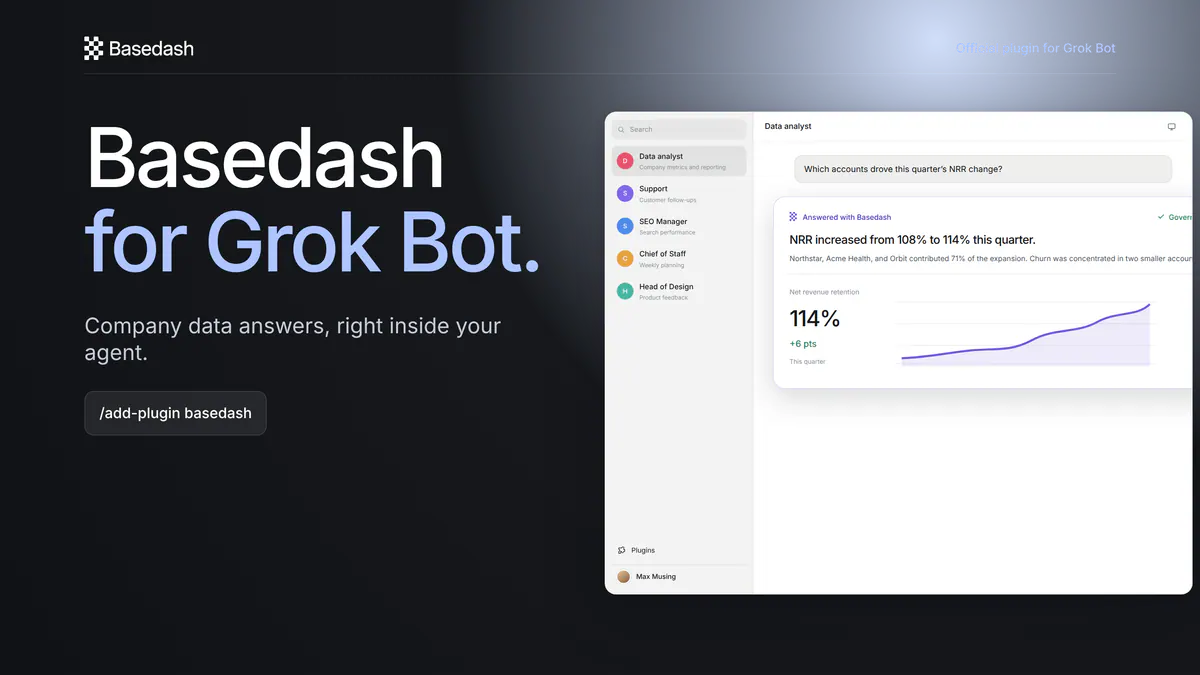
Install the official Basedash plugin in Grok Bot to ask questions of governed company data and list the connected sources available to you.
Max MusingFounder and CEO of Basedash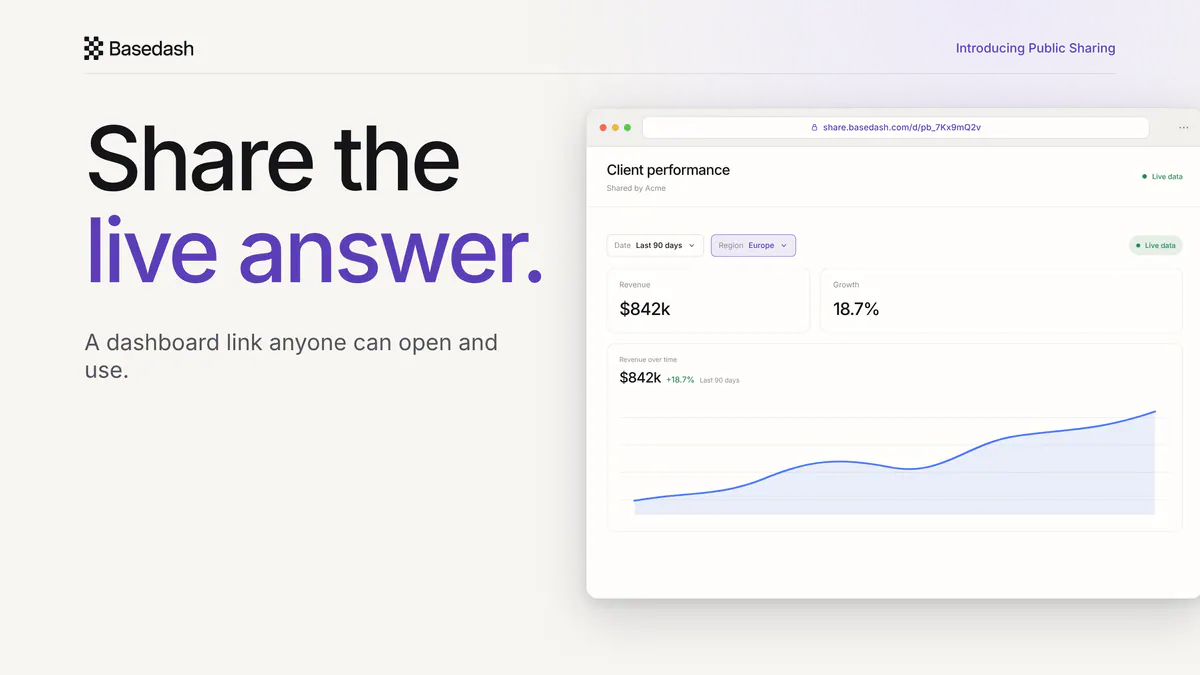
Send a live Basedash dashboard or chart to a client, investor, leader, or contractor with one link. They can open, filter, and sort it without a Basedash account.
Max MusingFounder and CEO of Basedash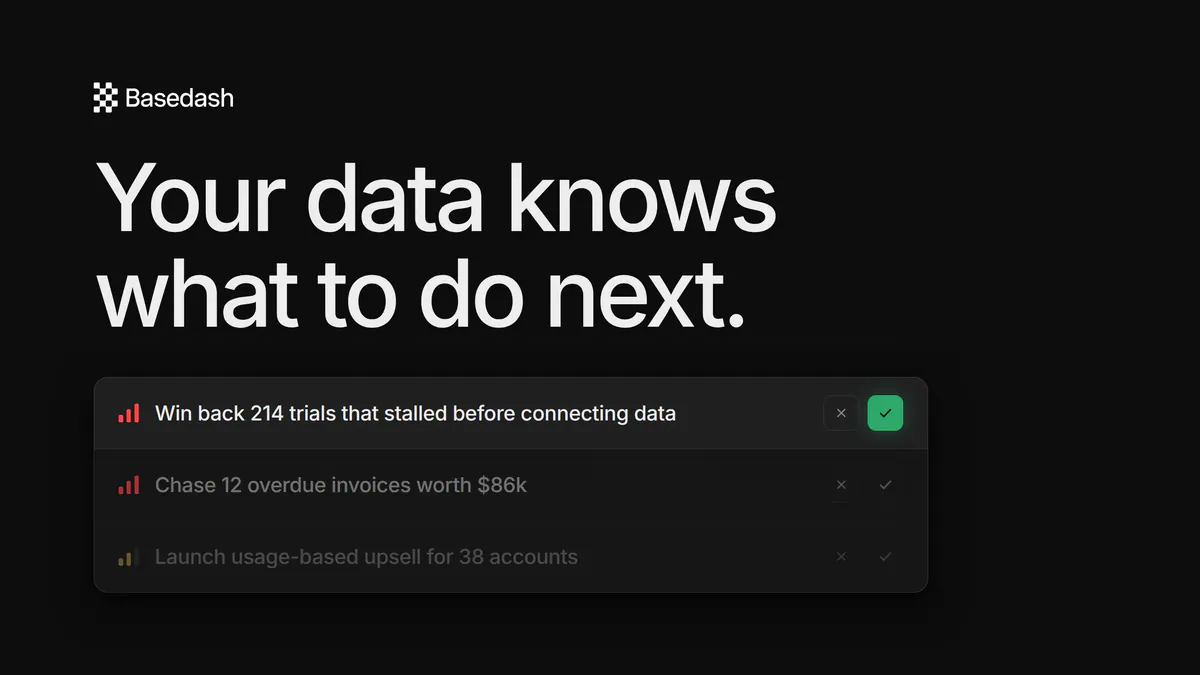
Tasks is AI that reads your company's real data and turns it into a prioritized to-do list — specific, actionable work with a why-now, an expected outcome, and instructions. Ship a task, and Basedash tracks how your metrics move and learns. Now in research preview.
Max MusingFounder and CEO of Basedash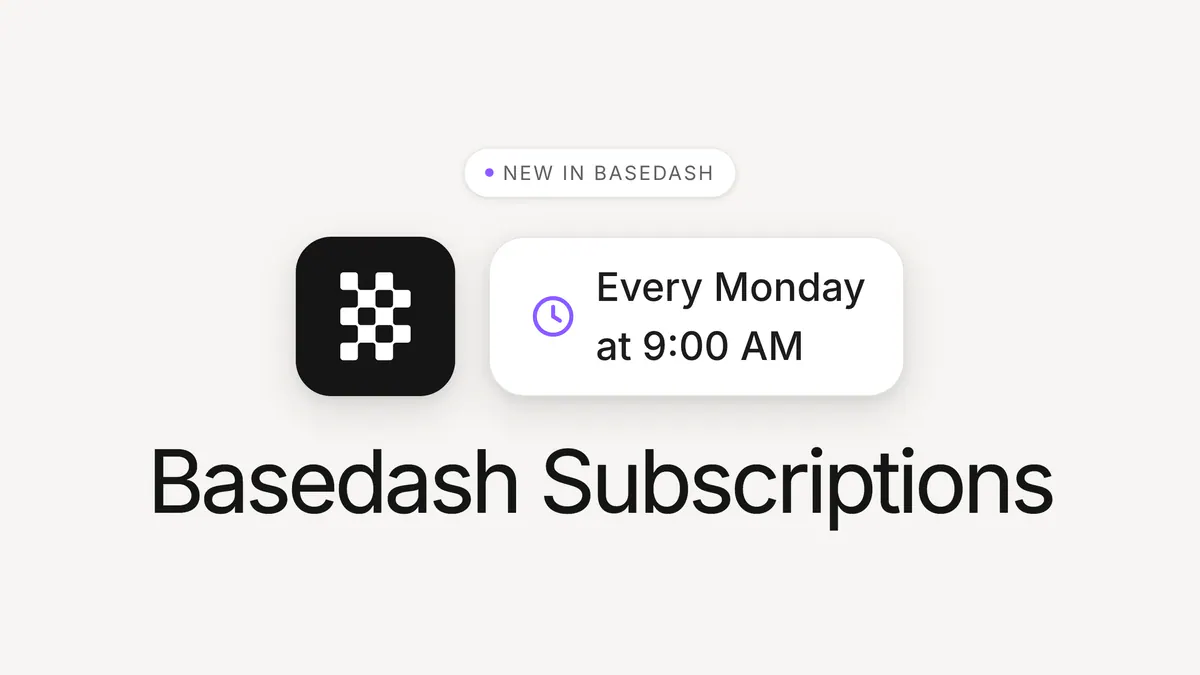
Subscribe to any dashboard or chart in Basedash and get a fresh snapshot delivered on a schedule — to your inbox or a Slack channel. Pick a cadence like every Monday at 9am, choose who receives it, and the report just shows up. Reports that come to you.
Max MusingFounder and CEO of Basedash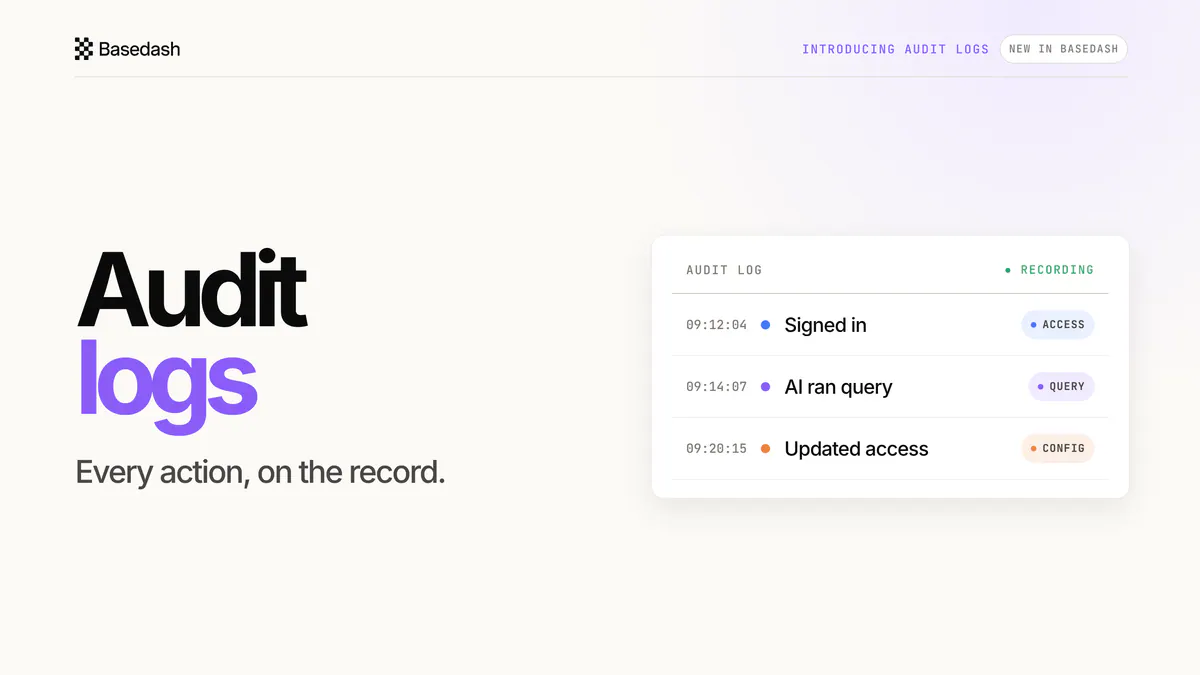
Native audit logs record access, queries, and configuration changes across Basedash — including every query the AI runs — with export, retention controls, and API access.
Max MusingFounder and CEO of Basedash